Why does my iPad not receive the same text messages as my iPhone?
When I receive a text message on my iPhone, it doesn’t come across on my iPad. How can I correct that?
When I receive a text message on my iPhone, it doesn’t come across on my iPad. How can I correct that?
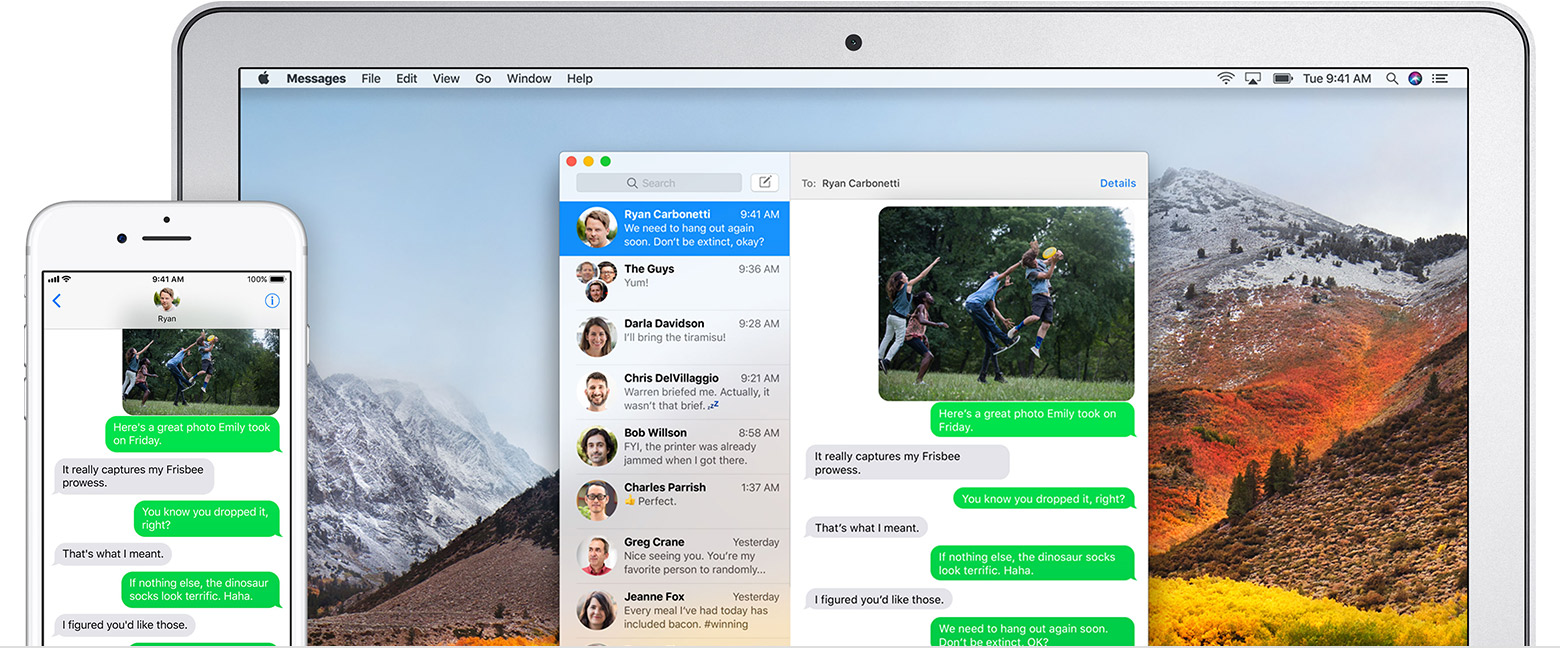
If you have an iPhone, the text messages that you send and receive on your iPhone can appear on your Mac, iPad, and iPod touch as well. You can then continue the conversation from whichever device is closest to you.
Set up SMS and MMS messaging
Use this feature with any Mac, iPhone, iPad, or iPod touch that meets the Continuity system requirements. Make sure that your devices are set up as follows:
- Each device is signed in to iCloud with the same Apple ID.
- On iPhone, go to Settings > Messages > Send & Receive. Make sure that the Apple ID at the top of the screen is the same Apple ID that you're using for iMessage on your other devices. Add a check to your phone number and email address, so that you can be reached by iMessage at both. Do the same on your iPad or iPod touch.
- On iPhone, go to Settings > Messages > Text Message Forwarding, then choose which devices to allow to send and receive text messages from this iPhone. If you're using two-factor authentication for your Apple ID, a verification code appears on each of your other devices: enter that code on your iPhone.
- On Mac, open Messages, then choose Messages > Preferences. Click Accounts, then select your iMessage account. Make sure that the Apple ID shown here is the same Apple ID that you're using on your other devices. Add a check to your phone number and email address.
Use SMS and MMS messaging
To use this feature, just start conversations as normal in the Messages app on any of your devices. You can also start a conversation by clicking a phone number in Safari, Contacts, Calendar, or other apps that detect phone numbers. All of your incoming and outgoing messages appear on all of your devices.
Why does my iPad not receive the same text messages as my iPhone?