Unauthorized transaction
Iv had 2 charges to my paypal from itunes
Iv had 2 charges to my paypal from itunes
Hey, hannahfromwalsall.
I see that you're finding a couple of unauthorized transactions to your PayPal account for items purchased in iTunes. I'm happy to help.
Get help with an item purchased from the App Store, iTunes Store, or iBooks Store -- You can review your purchase history and/or receipts. Then use "Report a problem" to request a refund.
Report a problem
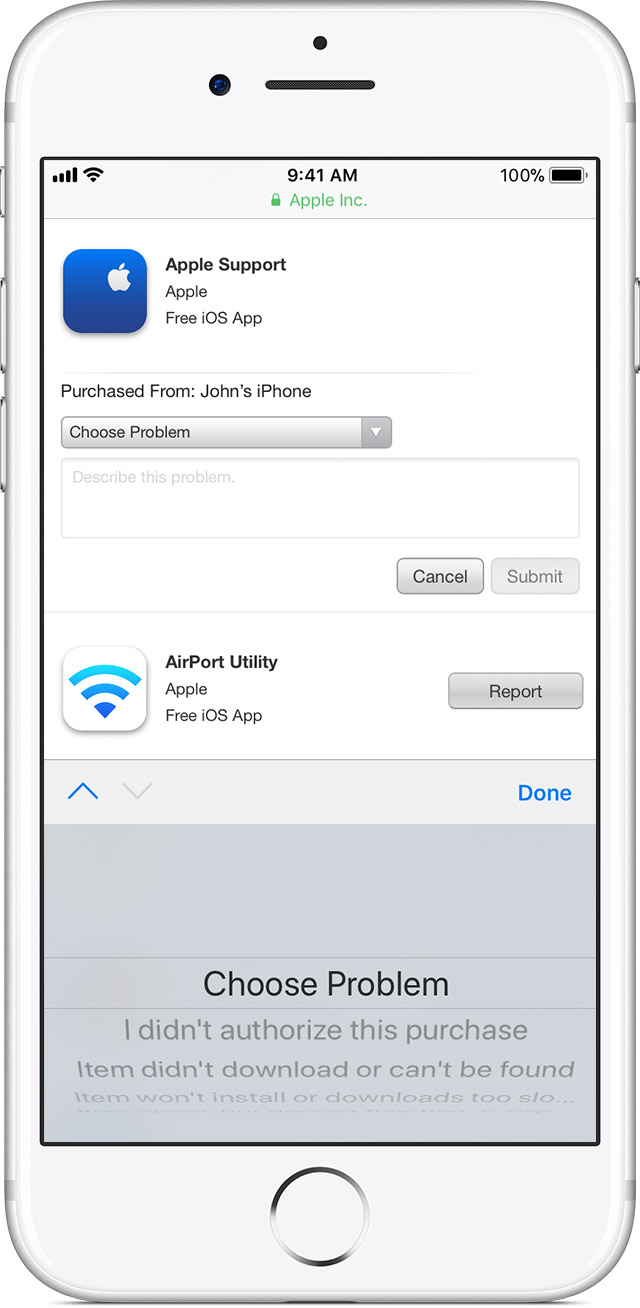
You can report a problem with any purchase that you've made in the last 90 days. Find the purchase that you need help with, then click Report a Problem and follow the onscreen steps. You might need to send us more information, contact the app developer, or download the item again.
If the purchases that you're trying to get help with don't appear in Report a Problem, or you aren't sure which Apple ID these charges were made with, check to make sure your email address has an Apple ID associated with it, then contact Apple Support.
If you use Family Sharing and need help with a shared item, ask the family member who initiated the purchase to complete these steps.
Avoid phishing emails, fake ‘virus‘ alerts, phony support calls, and other scams -- Review the information in this article to avoid scams.
If you think your Apple ID has been compromised -- If you believe that your Apple ID may have been compromised, follow the steps provided in this article.
Take care!
Hey, hannahfromwalsall.
I see that you're finding a couple of unauthorized transactions to your PayPal account for items purchased in iTunes. I'm happy to help.
Get help with an item purchased from the App Store, iTunes Store, or iBooks Store -- You can review your purchase history and/or receipts. Then use "Report a problem" to request a refund.
Report a problem
You can report a problem with any purchase that you've made in the last 90 days. Find the purchase that you need help with, then click Report a Problem and follow the onscreen steps. You might need to send us more information, contact the app developer, or download the item again.
If the purchases that you're trying to get help with don't appear in Report a Problem, or you aren't sure which Apple ID these charges were made with, check to make sure your email address has an Apple ID associated with it, then contact Apple Support.
If you use Family Sharing and need help with a shared item, ask the family member who initiated the purchase to complete these steps.
Avoid phishing emails, fake ‘virus‘ alerts, phony support calls, and other scams -- Review the information in this article to avoid scams.
If you think your Apple ID has been compromised -- If you believe that your Apple ID may have been compromised, follow the steps provided in this article.
Take care!
Unauthorized transaction