Ineedhelpeople wrote:
whenever i select photos from the icloud setting it doesn’t give me anything..
i mean there isn’t even thumbnails or rectangles
its just white
unfortunately i dont have a working pc
how can I fix this? And how can i check my uploaded photos on icloud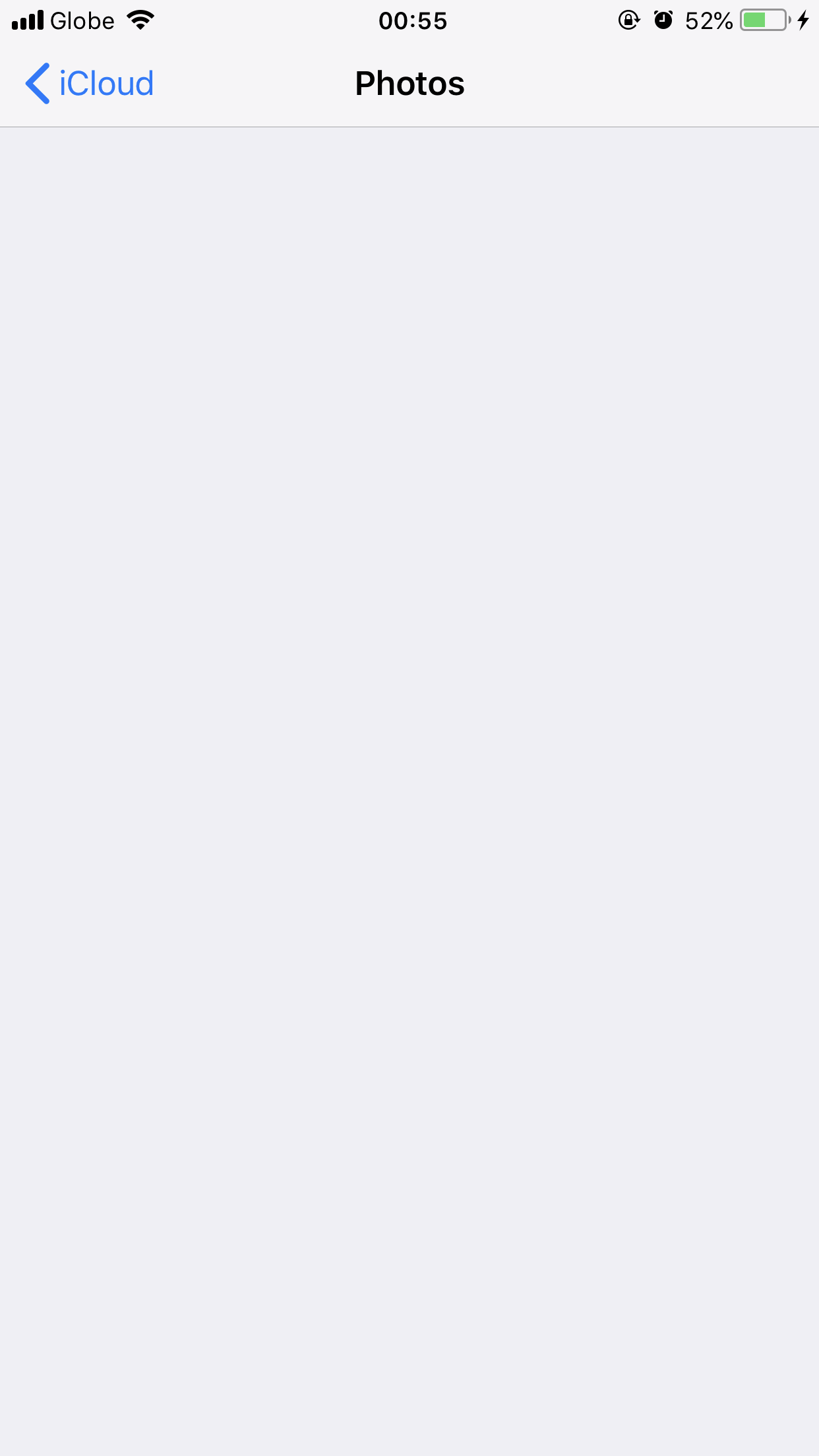
The screenshot you have posted above is the Settings screen for Photos in iCloud, not the Photos app. This is what you should see on that screen:

If you are not seeing that screen, then you should try closing the Settings app by pressing the Home button twice and then swiping up on the Settings thumbnail, then try to access the screen again. If it still isn't displaying, then try resetting your device:
- On an iPhone X, iPhone 8, or iPhone 8 Plus: Press and quickly release the Volume Up button. Press and quickly release the Volume Down button. Then, press and hold the Side button until you see the Apple logo.
- On an iPhone 7 or iPhone 7 Plus: Press and hold both the Side and Volume Down buttons for at least 10 seconds, until you see the Apple logo.
- On an iPhone 6s and earlier, iPad, or iPod touch: Press and hold both the Home and the Top (or Side) buttons for at least 10 seconds, until you see the Apple logo.
Once the Lock screen displays, try accessing the Settings screen again.
You would access the iCloud Photos themselves by opening the Photos app. If you see an "All Photos" album, those are the photos that are in iCloud. If you do not see an album called "All Photos", then you have do not have iCloud Photo Library turned on, and there are no photos in iCloud.
Best,
GB


