Why don’t the front/selfie flash work on my iPhone X?
The front flash on my iPhone X isn’t working:/
Your flash isn't working
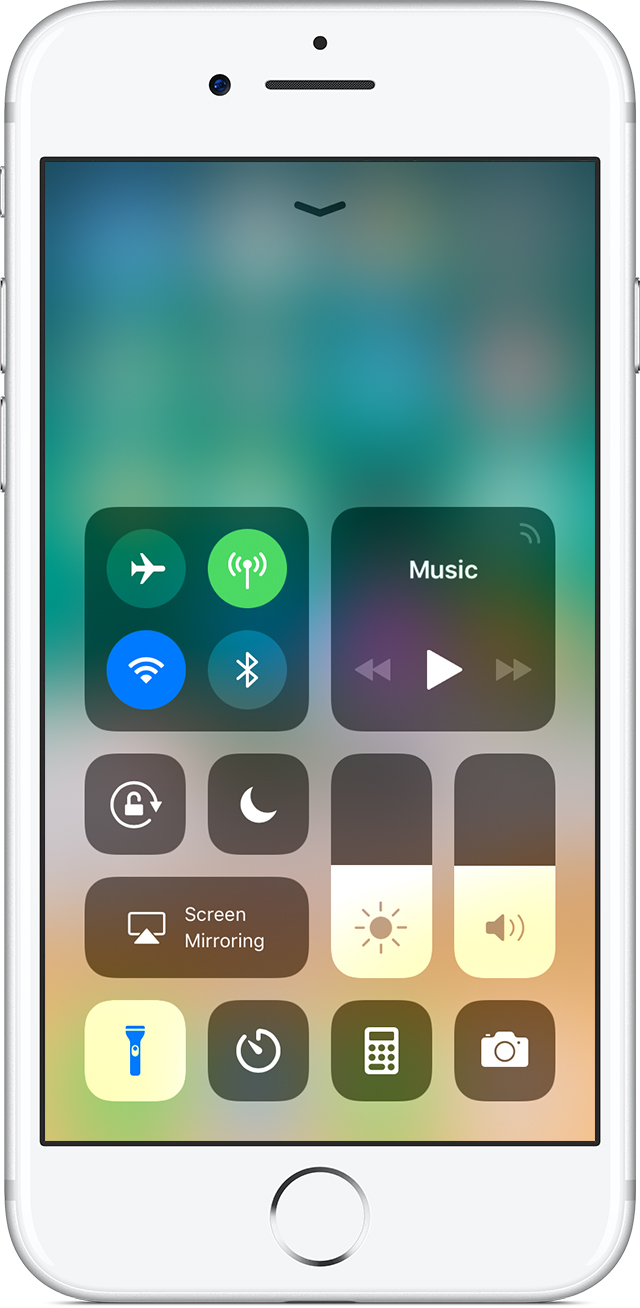
Use Control Center to test the LED flash. Turn the flashlight off and on. If the LED flash doesn't work as a flashlight, contact Apple Support.
If the flash isn’t working, or it goes off every time you take a photo, check your flash settings. Tap
in the upper left of the screen to choose a different setting.
If you take extended video with the flash on, or you’re using the device in a very warm environment, you might see a message that says the flash is disabled. The message remains until your device cools down.
Why don’t the front/selfie flash work on my iPhone X?