Hello and welcome to Apple Support Communities, lauraanne12131717.
If I understand your post correctly, some of your messages say sent as text and take longer to be send. I'm happy to help.
This guide will show you the different ways messages can send:
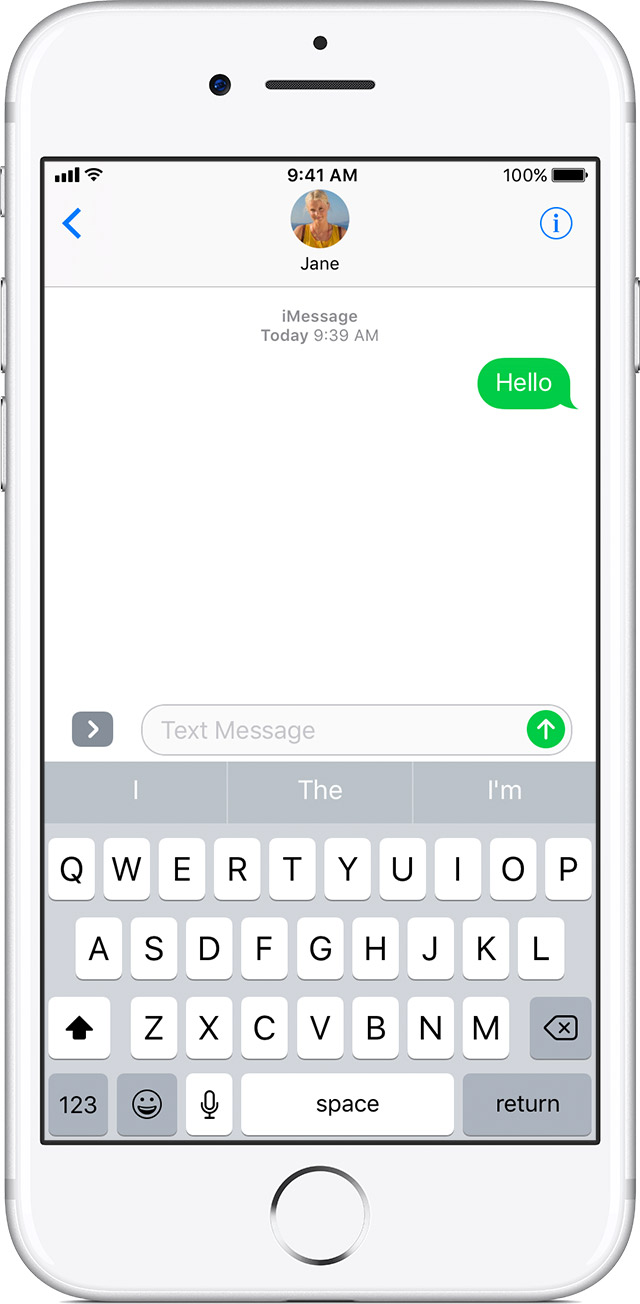
If you see a green message bubble instead of a blue one, then that message was sent using MMS/SMS instead of iMessage. There are several reasons for this:
- The person that you sent the message to doesn't have an Apple device.
- iMessage is turned off on your device or on your recipient’s device. To check if iMessage is turned on for your device, go to Settings > Messages > iMessage.
- iMessage is temporarily unavailable on your device or on your recipient’s device.
Learn the difference between iMessage and MMS/SMS messages.
See the full article here:
If you can't send or receive messages on your iPhone, iPad, or iPod touch
Let us know if that resolves this issue for you.
Thanks for using the Apple Support Communities. Take care.


