How do I change my billing information?
ive been trying to used a different depit card to do a Netflix payment and it kept getting declined and now it’s telling me to speak with iTunes.
ive been trying to used a different depit card to do a Netflix payment and it kept getting declined and now it’s telling me to speak with iTunes.
Have a look at this useful article: If your payment method is declined, or you have a billing issue in the App Store or iTunes Store
Before you can resolve a billing issue, you might need to update your billing information or pay an unpaid balance.
If you have an unpaid balance in the App Store or iTunes Store, you might see one of these messages1:
- "There is a billing problem with a previous purchase. Please edit your billing info to correct the problem."
- "There is a billing problem with a previous purchase. Click Purchase History to view and correct the problem. If you cancel you will not be able to buy until this billing issue has been resolved."
Payment authorization happens when you make a purchase, but the actual charge for the purchase might not go through your financial institution until several days later. If your financial institution declines the charge or there is an issue with your payment method, your order will become unpaid.
To fix the issue, update your billing information and pay any unpaid bills.
Update your billing information
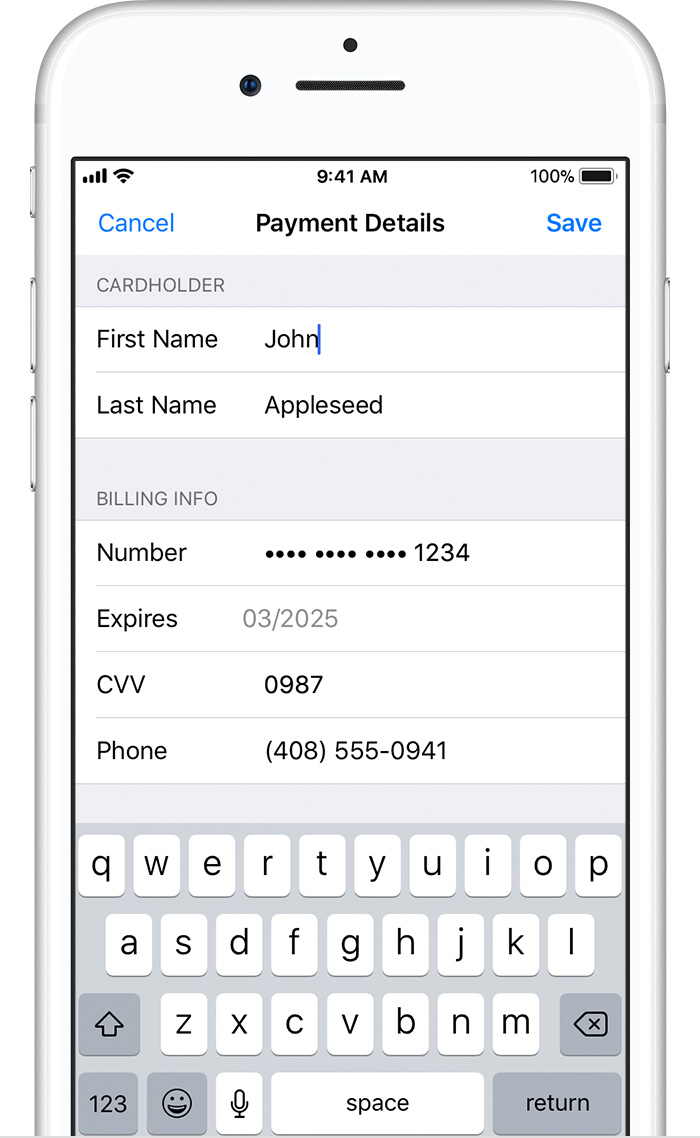
You can update your billing information in Settings on your iPhone, iPad, or iPod touch, or in iTunes on your Mac or PC. When you update your information, use any of these payment methods. You can't select None when you have an unpaid balance or payment due.
After you update your billing information, the App Store or iTunes Store automatically attempts to charge any outstanding orders to your updated payment method.
Pay an unpaid bill
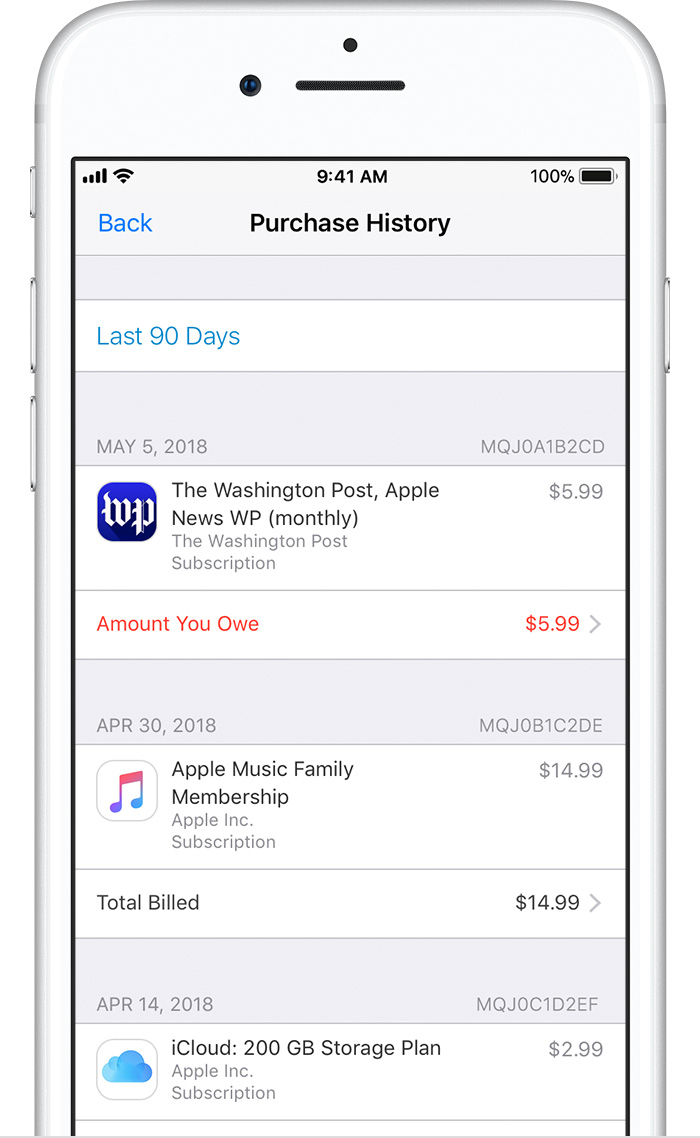
On your iOS device: Go to Settings > [your name] > iTunes & App Store, then tap your Apple ID. Tap View Apple ID and sign in with your Apple ID, then tap Purchase History. (You can also view your purchase history in iTunes on a Mac or PC.)
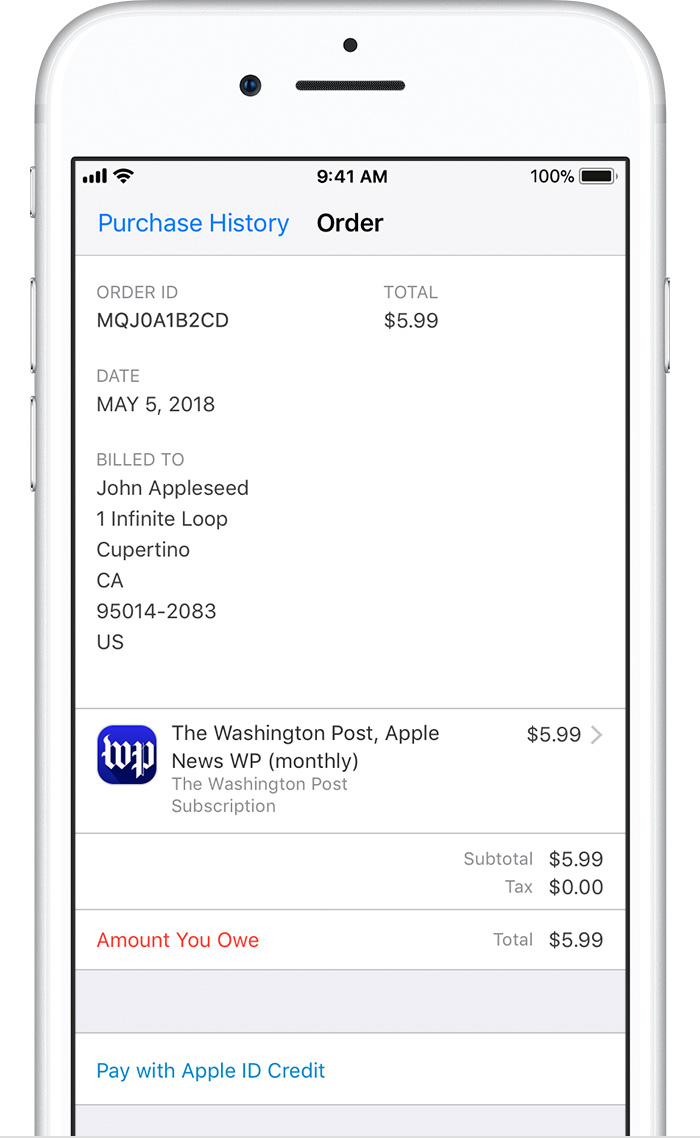
Find the unpaid purchase, which is likely at the top of the list, and tap it, then change your payment method.
Add funds to your Apple ID
When you try to pay an unpaid bill, you might see the option to pay with Apple ID credit if you have a credit balance.
If you don’t have a credit balance, you can redeem App Store & iTunes Gift Cards or add funds to your Apple ID2, then use the credit to pay an unpaid bill.
If you were billed unexpectedly
After you pay for the purchase, you can Report a Problem if you still have an issue with the purchase. You can also cancel a subscription if you don't want to continue it.
If a child or minor has access to your device, you can set up parental controls and restrict their in-app purchases. If the child or minor has their own device, you can also set up Family Sharing to control what they buy on their device.
Get more help
If you still need help, contact Apple Support.
How do I change my billing information?