
Watch won’t swipe up or down

I installed the latest update 5.0.1 onto my Watch (series 2) this morning. I went to charge it tonight and now that I put it back on, it won’t swipe up or down. Everything else is functional, including swiping right/left. Any ideas?

Posted on Oct 3, 2018 11:36 PM

Reply
Question marked as Top-ranking reply

Posted on Oct 5, 2018 8:07 AM

Hey Thewillards4,

I understand you're unable to swipe up and down using your Apple Watch after updating to watchOS 5.0.1. I'd be happy to help out.

In this situation, I'd suggest force restarting the device with the steps in this article:

How to restart your Apple Watch

User uploaded file

Force restart your Apple Watch

Don’t force restart your Apple Watch if you're updating watchOS. After you see the Apple logo and progress wheel on your Apple Watch, leave your Apple Watch alone until the update finishes.

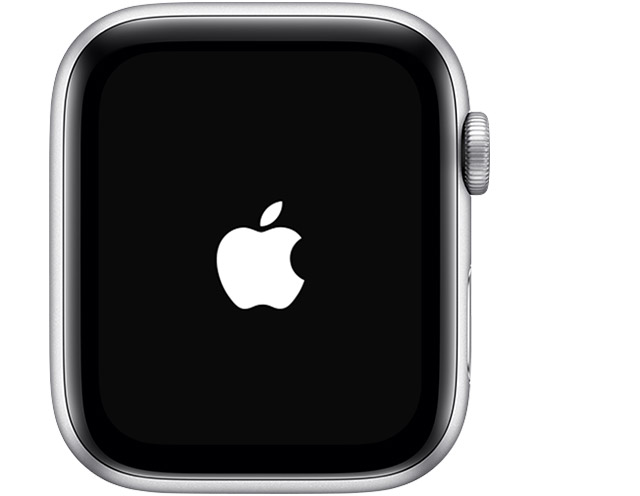
You should force restart your device as a last resort and only if it's not responding. To force restart your Apple Watch, press and hold both the side button and Digital Crown for at least 10 seconds, then release both buttons when you see the Apple logo.


If that does not resolve the issue then try unpairing the Apple Watch and pairing again to test:

Unpair and erase your Apple Watch - Apple Support


Cheers!
1 reply
Question marked as Top-ranking reply

Oct 5, 2018 8:07 AM in response to Thewillards4

Hey Thewillards4,

I understand you're unable to swipe up and down using your Apple Watch after updating to watchOS 5.0.1. I'd be happy to help out.

In this situation, I'd suggest force restarting the device with the steps in this article:

How to restart your Apple Watch

User uploaded file

Force restart your Apple Watch

Don’t force restart your Apple Watch if you're updating watchOS. After you see the Apple logo and progress wheel on your Apple Watch, leave your Apple Watch alone until the update finishes.

You should force restart your device as a last resort and only if it's not responding. To force restart your Apple Watch, press and hold both the side button and Digital Crown for at least 10 seconds, then release both buttons when you see the Apple logo.


If that does not resolve the issue then try unpairing the Apple Watch and pairing again to test:

Unpair and erase your Apple Watch - Apple Support


Cheers!

This thread has been closed by the system or the community team. You may vote for any posts you find helpful, or search the Community for additional answers.

Watch won’t swipe up or down

Welcome to Apple Support Community
A forum where Apple customers help each other with their products. Get started with your Apple Account.