
Where is volume
Where is volumn setting
iPhone 6, iOS 12.0.1
Where is volumn setting
iPhone 6, iOS 12.0.1
On left side of your iP6 there should be two buttons Volume up and Volume down.
In Settings>Sound & Haptic there is a slider to turn on ringer sounds. Below, enable also "Change with buttons".
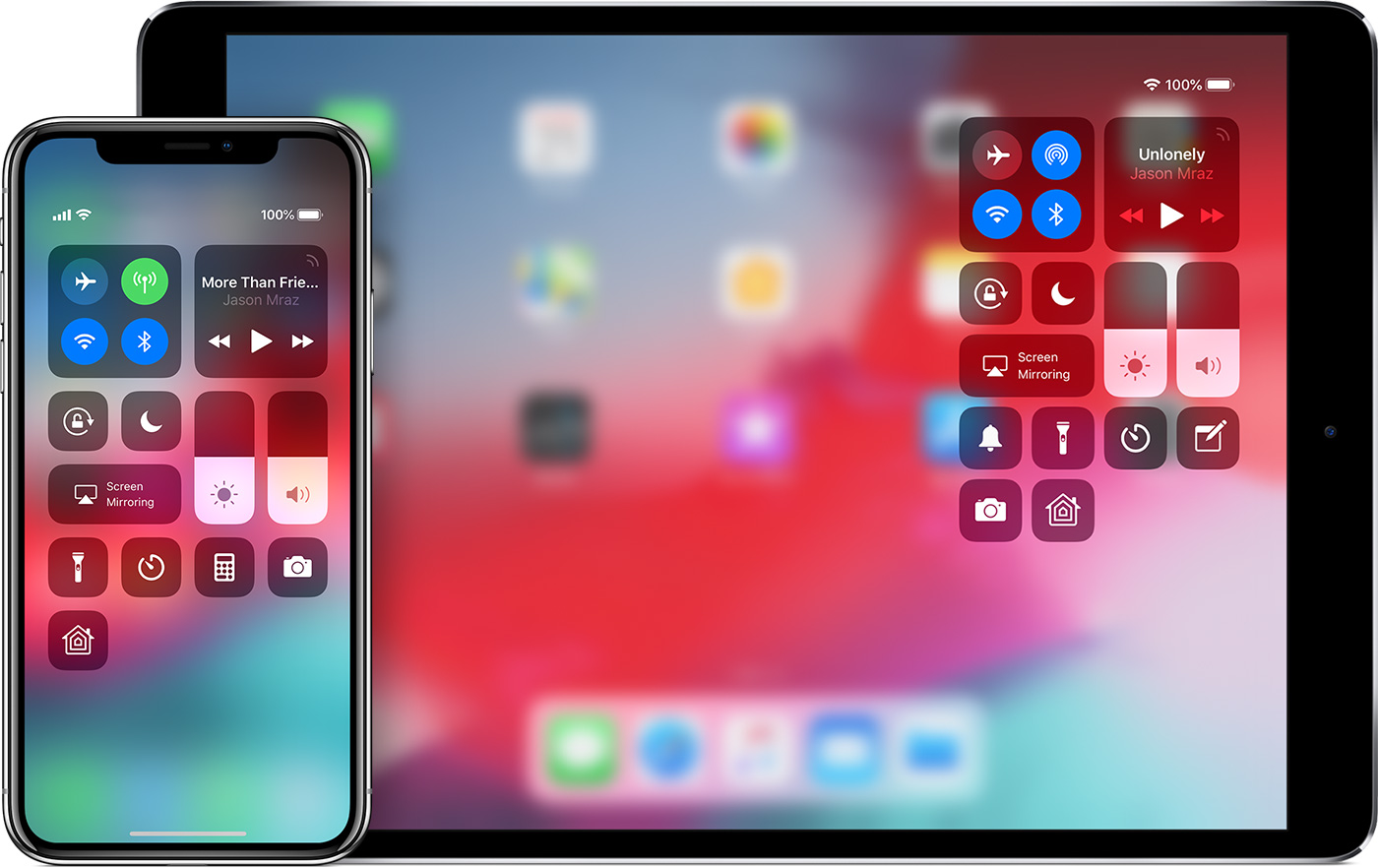
Volume can be adjusted also using Control Center.
Regards
Giulio
On left side of your iP6 there should be two buttons Volume up and Volume down.
In Settings>Sound & Haptic there is a slider to turn on ringer sounds. Below, enable also "Change with buttons".
Volume can be adjusted also using Control Center.
Regards
Giulio
The Volume buttons are context sensitive. If you are not playing any media, they will control the ringer.
Play something from the Music App, or Youtube for example, and the buttons will control the actual media volume.
Otherwise, use the bar in Control Center.
The 2 buttons on the side of the iPhone are volume buttons.
You can also adjust volume from control center:
avonjimmy wrote:
I use these buttons but show Ringer as a display
You need to open an app that makes music (i.e. youtube), then adjust the volume while you're there.
Giulio
Oops, sorry, Phil, didn't see your replies in time 😕.
Giulio
I use these buttons but show Ringer as a display
No worries.
Where is volume

