Warning: inode_val: object Disk First Aid

Hello,


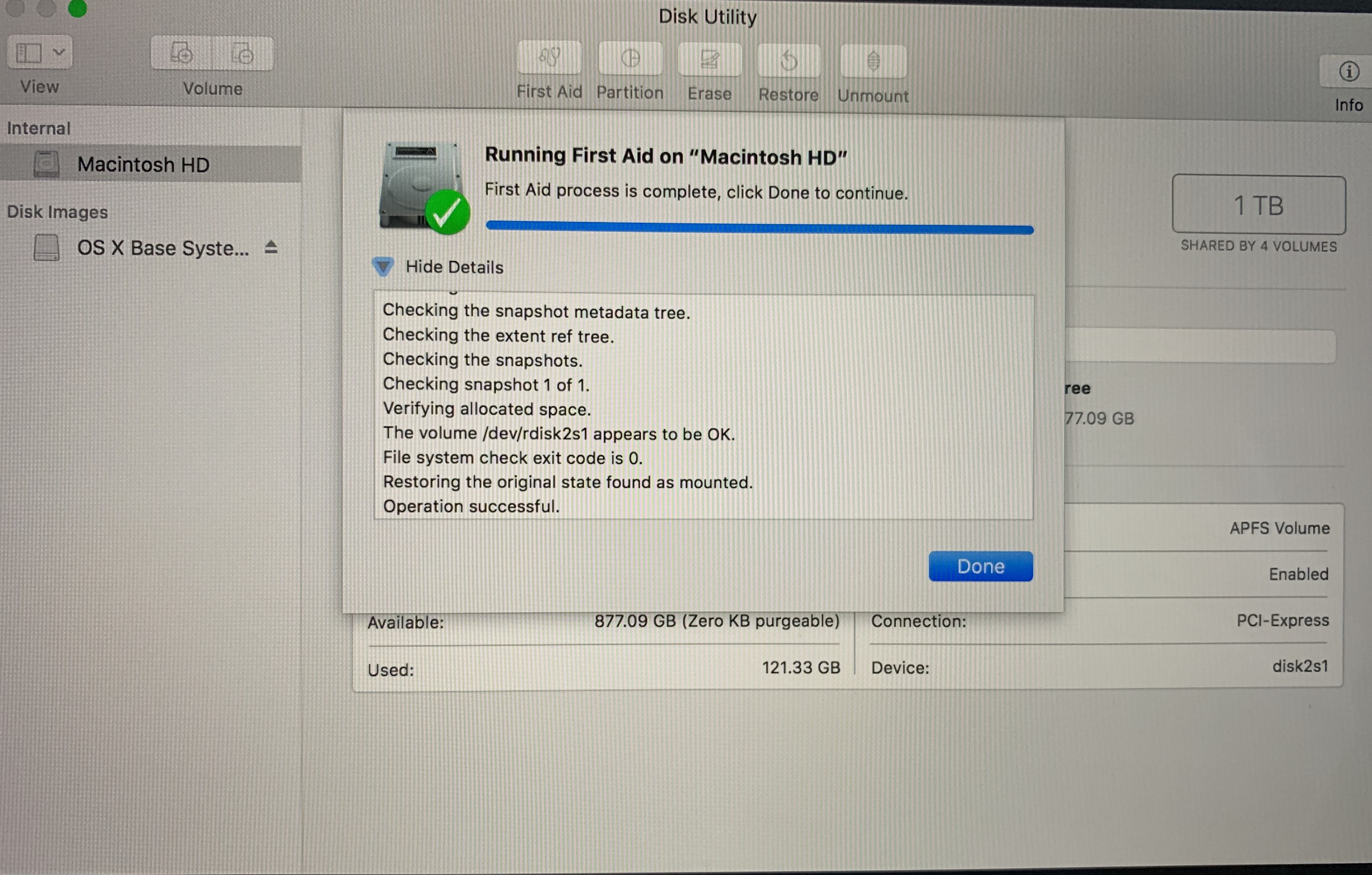
every time i run Disk First Aid i get these warnings in section "FsRoot Tree" and in "Snapshot" if there is one, or more:

User uploaded file

User uploaded file


My IMacPro is running smoothly, no problems to boot, no errors so far i can see.

But nevertheless, should i have to worry about these warnings ?


Thanks ...


Klaus

iMac Pro, macOS Mojave (10.14.1)

Posted on Nov 3, 2018 10:08 PM

Reply
5 replies

Dec 17, 2018 1:22 PM in response to klausfromlimburgerhof

Try to see if is onedrive as i explain in the following onedrive feedback post:


https://onedrive.uservoice.com/forums/913525-onedrive-on-mac/suggestions/36302779-remove-warning-inode-val-object-invalid-bsd-fl


And please vote positive if you consider is also your issue.


Basically find the file is causing the issue:


find / -inum 2010127 2>/dev/null (where 2010127 is "1eac0F" in decimal.)

Dec 24, 2018 1:12 PM in response to JuanmiDuran

I have a similar warning, which shows the following error. Your suggestion is spot on!


warning: inode_val: object (oid 0x2a6975): invalid bsd_flags (0x10)


I converted 0x2a6975 into decimal and ran "ls -I Filename" command on my home directory (~\Users). It seems the file name returned is OneDrive which has the inode number 2779509 (0x2a6975). Because "OneDrive" is badly named due to not having a space between two words, hence it is showing that error on APFS file system.


Good to know it is nothing to do with HDD rather than error in naming a folder.


System Specifications:

MacBook Pro 15 Inch Late 2018

Processor: Intel 8th Generation i9 2.9 GHz

RAM: 32 GB

GPU: Radeon Pro Vega 20 4GB

Hard Drive: 1 TB SSD

Jan 27, 2019 1:32 PM in response to klausfromlimburgerhof

OK, I figured out a solution to the dreaded "Warning: inode_val:....." fiasco. This same issue has been plaguing my 2018 MB Pro for several months now, until now I finally had the time to dive it into the issue and created a resolution, I hope the below works for you all as well. Apple and Microsoft really need to get their acts together to create a patch for this problem, such a PITA complete loss users of data, information and time troubleshooting.


For starters, I am not certain what set this off to begin with but it appears to be 2 things possibly, some type of file or file name corruption within OneDrive which is also connected to drive imagery backup solutions such as TimeMachine and Carbon Copy, which I use all three, OneDrive, TimeMachine and Carbon Copy. When running Disk Utility from "Command-R" I would get the "Warning: inode_val:......" and also noticed that my 1 TB ssd was nearly maxed out with over 500 GB compromised by System Data, the highest System Data tapped out one day at 650 GB (See Below Screenshot).


My Troubleshooting: After multiple attempts and several variations of completely wiping my ssd and OS, starting with a clean install these were my results:

First Attempt: Command-R | wipe ssd and attempted back up from TimeMachine partition resulted in a completely failed restoration process, all TimeMachine back-ups were corrupted and would not work.


Second Attempt: Command-R | wipe ssd and attempted backup from Carbon Copy partition completed restored my device and all files but cloned the same corrupted files over from OneDrive resulting in the same "Warning: inode_val:....." error when running Disk Utility.


Third Attempt: Command-R | wipe ssd and this time did not connect and external Thunderbolt 3 devices, and conducted a fresh install of OS Mojave from the Apple Server. Presto! Warning: inode_val: problem solved, after booting up the the fresh OS install, I installed OneDrive waited for all files download, then restarted the machine, Command-R to run Disk Utility and boom no more errors. So in short, Do Not try and restore you machine from previous corrupted backup sources as this will bring the same corrupted files back to your new install. With the new installed I also recovered 75% of my compromised ssd storage. One final note, I am completely abandoning the use of TimeMachine, this is no longer a reliable or stable solution for file or system restoration.(See Final Screenshots)


Jan 17, 2019 10:25 PM in response to JuanmiDuran

Hi, Thank you for posting the info. I got the error message but I can't validate that it's the OneDrive folder.

I tried to run your command - using the directory number returned via my First Aid check.


This was my hex code: 214e94

find/ -inum 2182804 2>/dev/null


It returns empty.


I just removed the OneDrive App from my system but the OneDrive folder is still installed. Should I remove the folder as well?

Thanks!


This thread has been closed by the system or the community team. You may vote for any posts you find helpful, or search the Community for additional answers.

Warning: inode_val: object Disk First Aid

Welcome to Apple Support Community
A forum where Apple customers help each other with their products. Get started with your Apple Account.