
Error Code 39
I'm trying to update to iOS 12, but keep getting error code 39. What is error code 39 and how do I fix it?
iPhone 6s Plus, iOS 9.3.5
I'm trying to update to iOS 12, but keep getting error code 39. What is error code 39 and how do I fix it?
iPhone 6s Plus, iOS 9.3.5
If you see an error when you update or restore your iPhone, iPad, or iPod - Apple Support
If you see an error when you update or restore your iPhone, iPad, or iPod
Learn what to do if see an error code or alert when you use iTunes to update or restore your device.
Update iTunes
Get the latest version of iTunes for your computer.

Update your computer
Install updates for your Mac. If you have a PC, get updates from Microsoft.
Plug directly into your computer
Plug your iOS device directly into your computer's USB port (not into an attached keyboard or USB hub).
Restart
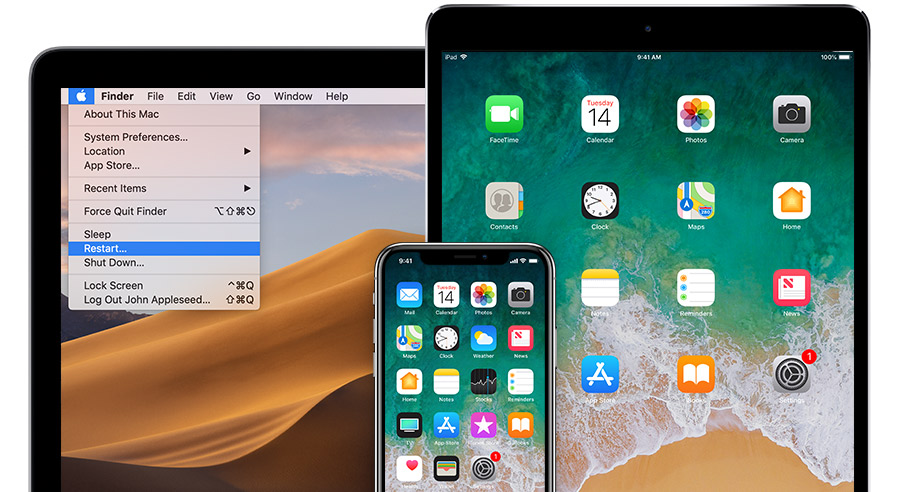
Turn off your computer and your device. Then turn them on again.
Check your computer’s security software
You might need to update, change, or uninstall software that could be interfering with your computer's connection with iTunes.

Try again
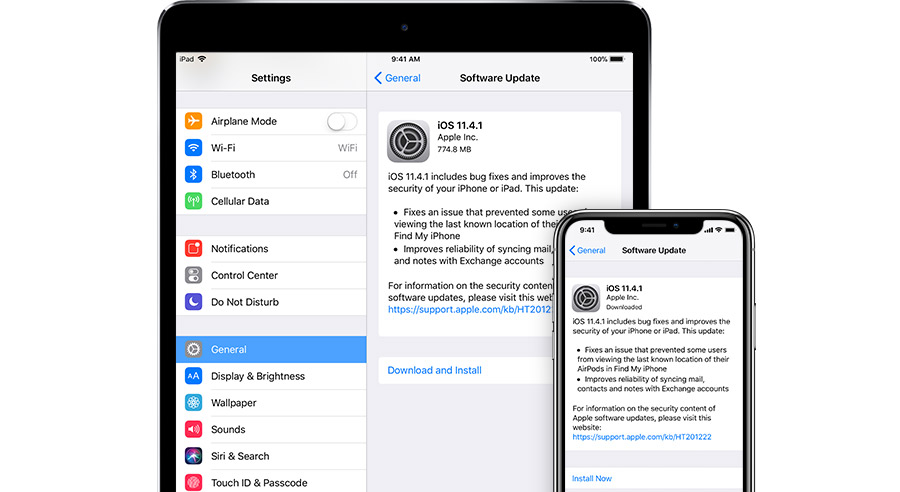
Update or restore your device again.
Get more help
If you tried these steps and saw the error again, follow the steps for your error code.
Error Code 39

