
how can I remove someone from a group text
How can I remove someone from a group text on the iPhone XR and I need to know why I don't get audio with navigation on the iPhone XR.
iphone xr
How can I remove someone from a group text on the iPhone XR and I need to know why I don't get audio with navigation on the iPhone XR.
iphone xr
Hello,
Add or remove someone from a group conversation
Anyone in a group iMessage can add or remove someone from the conversation. You can remove a person from a group iMessage that has at least three other people. You can’t add or remove people from group MMS messages or group SMS messages.
Remove a person
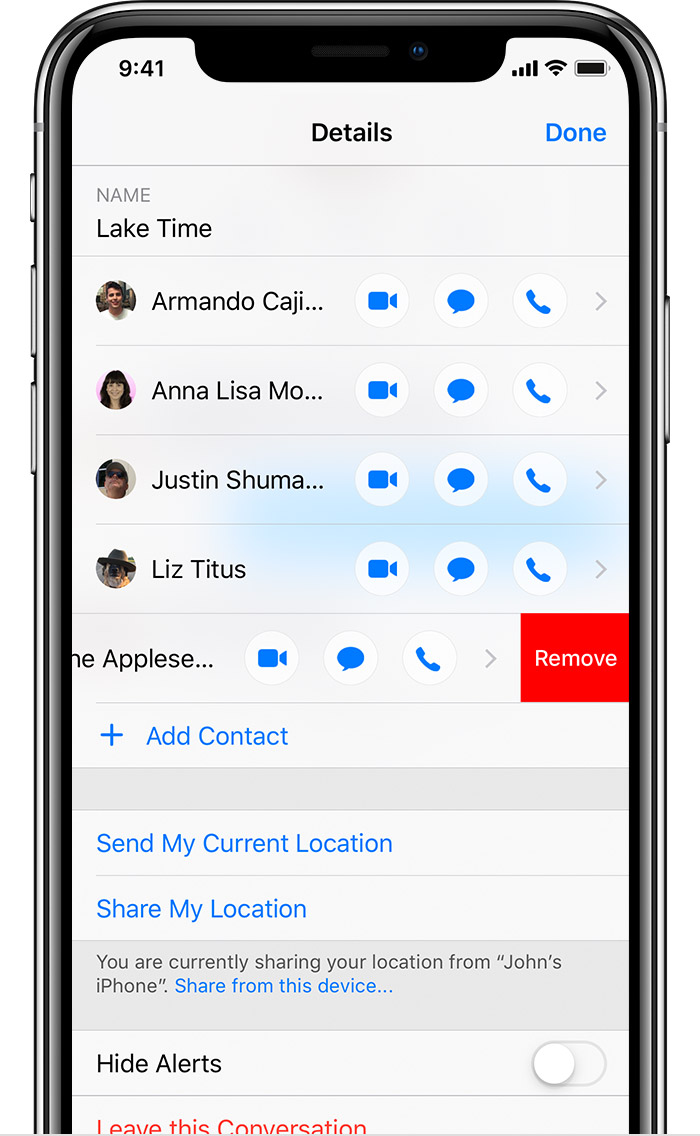
 , then swipe left over the name of the person you want to remove.
From:
Send a group message on your iPhone, iPad, or iPod touch - Apple Support
how can I remove someone from a group text
