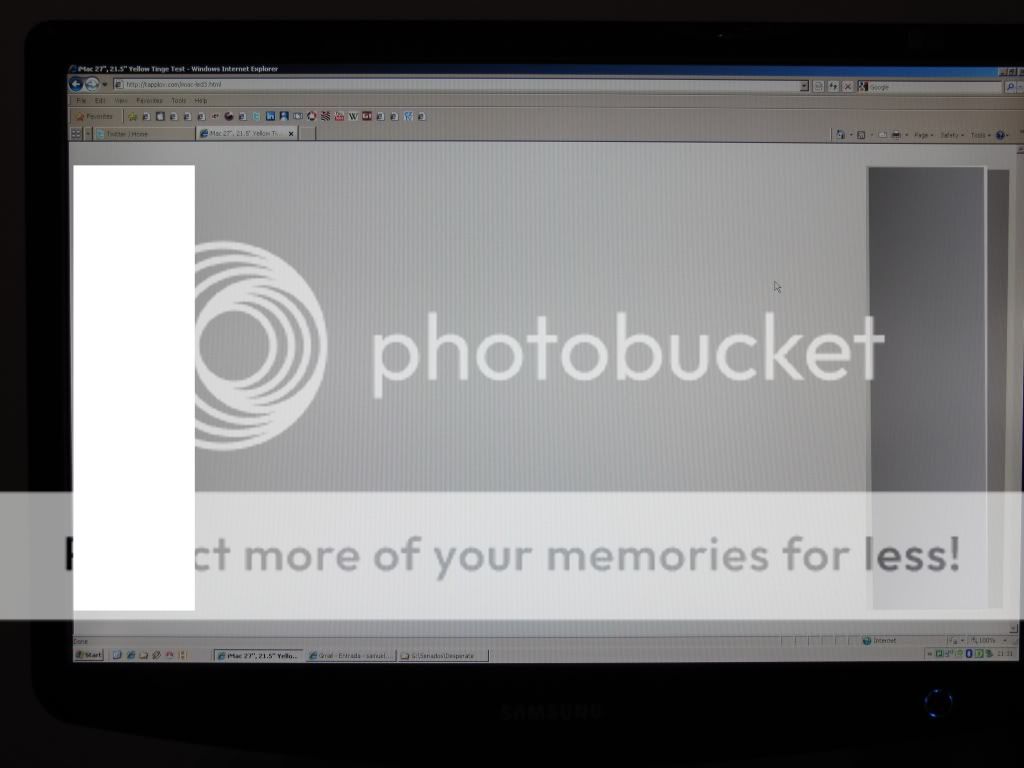
Yellow tinge from bottom to top of the screen, 27" iMac

My 27" is showing a yellow tinge when viewing on the bottom of the screen compared to the top?
This makes color corrections on my photos impossible. Anyone else has this problem? You can easily
see it on white or grey background (even in finder windows)

iMac 27" 3.06 GHz Intel Core 2 Duo, Mac OS X (10.6.1)

Posted on Nov 1, 2009 2:29 AM

Reply
2,429 replies

Mar 16, 2010 6:53 PM in response to lexvo

lexvo wrote:
Can you point out some of those HDTV-threads for us? TIA.


Absolutely...

http://www.avsforum.com/avs-vb/forumdisplay.php?f=166&order=desc

Search on "yellow tinge". You'll find literally hundreds of posts about different brands and models. And you'll also find the same obsessive comments you see here.

And that's just the LCD section. There's a Plasma section and other LCD topics. All sorts of issues from dark spots to light leakage to yellow tinge to god-knows-what.

Message was edited by: lkrupp

Mar 16, 2010 6:59 PM in response to lkrupp

Yes, but when reading those forums you find for many users the tinting is UNIFORM over then ENTIRE display, something that can be tweaked around with. This cannot be done with the iMacs as it is a non-uniform yellow tint.

It would be acceptable if the former was occurring, but it isn't, so it's not reasonable to have to accept this defect when it hasn't occurred with previous gen-iMacs.

Mar 17, 2010 3:08 AM in response to soehn

Update:
I received my replacement yesterday.
There is a slight color-invariance over the screen, but it is much better than the first one. I would say it is acceptable.
The sad thing is, the airport card is not functional. So I will probably need another replacement 😟
Photos of both machines can be seen here:
[http://gallery.me.com/soehn]

Mar 17, 2010 4:20 AM in response to You2Mac

You2Mac wrote:
Thank you very much.
You just gave the proof there is no perfect screen out there.
Even a 30" cinema display that cost 1800$ is not totally uniform.
See the well known Dino test here below.

[IMG] http://imgur.com/jLAIN.jpg[/IMG]

Message was edited by: You2Mac


This case is very disturbing.
If the panel was calibrated with Spyder 3 and if wessew sees uniformity in colors, then I wonder if there could be a vignetting or chromatic aberration on the picture (what cam?).
wessew could you confirm your Spyder data for the grey?
I remember when I took pics of my screen with my cheap (nevertheless 300€ Panasonic Lumix) cam, I could not recognize the picture.
My eyes just did not see what the cam captured.

BTW and *to my knowledge*, the technology for the 30-inch Cinema Displays is and remains the cold cathode lamp-based backlighting (CCFL).
All other new panels (24" ACD ...) are LED backlit.

Mar 17, 2010 4:20 AM in response to Jacques LAPORTE

Well this is very interesting. My 30" ACD is CCFL technology not LED backlit and it is about dthree years old. The camera I used was a late model Canon Rebel T1i with a high quality L lense attached. Now as I sit before the screen with the browser in full screen mode or with an open full width finder window in column mode I cannot actually see the color dislocation. So despite what the camera "sees" it does not jibe with what me eyes detect. The only thing I do notice is that the screen has a slightly backward tilt to it and I probably took the shot horizontally. That would have the effect of placing the lower edge of the screen closer to the camera lense by around 2 inches. Any way, I am still very happen with the screen image despite the gray bar test.

Mar 17, 2010 4:37 AM in response to wessew

wessew wrote:
Well this is very interesting. My 30" ACD is CCFL technology not LED backlit and it is about dthree years old. The camera I used was a late model Canon Rebel T1i with a high quality L lense attached. Now as I sit before the screen with the browser in full screen mode or with an open full width finder window in column mode I cannot actually see the color dislocation. So despite what the camera "sees" it does not jibe with what me eyes detect. The only thing I do notice is that the screen has a slightly backward tilt to it and I probably took the shot horizontally. That would have the effect of placing the lower edge of the screen closer to the camera lense by around 2 inches. Any way, I am still very happen with the screen image despite the gray bar test.


Yes, quite interesting, I will investigate on this.
In your case there is no LED backlighting, as far as I know.
Maybe the lens must be strictly parallel to the screen (a tripod maybe).
What are the optimal light conditions (f number, shutter speed, autofocus) ?

Is there a good photographer around here?

Mar 17, 2010 5:01 AM in response to Jacques LAPORTE

Hello from Brazil!

I've been following this thread for 3 months now... Hoping for a solution before buying my 27" i7 Imac. Well, on march 3rd I decided to buy it via Apple Store Brazil (online).

I am not afraid anymore. It is very clear now that the yellow tinge is not as bad as before. And I realized that all LCD (or LCD with LED backlight) has a level of color uniformity problem.

Now that someone mentioned that other equipment has the yellow tinge, I am more relaxed. I used "Dino's Test" with my "old" 22" LCD Samsung monitor and there it was, the color difference (which I have never noticed before). The picture was taken with my Cannon SX200IS with no flash, in natural light. ISO 100.

If I could live with this monitor for two years without even being bothered by this matter, I think I am ready to receive my brand new iMac 27"... my first iMac!

So, tell me what you think about...

http://i590.photobucket.com/albums/ss347/sgrecco/IMG_0335.jpg
http://i590.photobucket.com/albums/ss347/sgrecco/IMG_0336.jpg

Mar 17, 2010 5:35 AM in response to sgrecco

sgrecco wrote:
Hello from Brazil!

Now that someone mentioned that other equipment has the yellow tinge, I am more relaxed. I used "Dino's Test" with my "old" 22" LCD Samsung monitor and there it was, the color difference (which I have never noticed before). The picture was taken with my Cannon SX200IS with no flash, in natural light. ISO 100.


Hi sgrecco,
Yes I see on your photo a variation in color, but the question is what do you see on your screen with a white page (safari top to bottom).
What is the model of this LCD Samsung monitor ? There is probably a CCFL backlight.
Did you remark this issue before reading about it?

Cheers.

Mar 17, 2010 5:58 AM in response to Jacques LAPORTE

Hi!

My monitor is 2232bw.

http://reviews.cnet.com/lcd-monitors/samsung-2232bw-lcd-monitor/1707-3174_7-3263 1891.html

In this review they say: "Only downside is again, the colour shifts between the top and bottom, almost as though it emits more light at the bottom."

That's the point. I have NEVER seen the color variation while in full screen (except when the image was black - a very known problem with LCDs). Another point that we MUST consider is the viewing angle. While in the iMac it is huge (178 degrees), in the common LCDs it is shorter; and the camera may be sensitive to it (the same way a camcorder can capture the refresh rate of a monitor and the human eye can't).

I ONLY performed the "Dinos' Test" with my monitor becuase I've been reading this thread for so long.

Bottom line is: a little bit of color difference is acceptable. And if you can't see with your own eyes, then it is normal, as someone said before...

Mar 17, 2010 9:41 AM in response to You2Mac

You2Mac wrote:
Thank you very much.
You just gave the proof there is no perfect screen out there.
Even a 30" cinema display that cost 1800$ is not totally uniform.
See the well known Dino test here below.

[IMG] http://imgur.com/jLAIN.jpg[/IMG]

Message was edited by: You2Mac


I didn't need the Dino test to see the color difference in that picture.

If this screen is good in real life, then maybe the camera wasn't perfect straight towards the screen. Some LCD screens show color and/or brightness variation when viewed from an angle. The solution is to take a picture from the screen with:
1) the camera straight towards the screen as good as possible
2) with the camera further away from the screen (and zooming in): this will lessen the angle the screen is viewed from

Hope this helps.

Oh, and thanks for posting this. I'm also curious about the color uniformity of other screens.

Message was edited by: lexvo

This thread has been closed by the system or the community team. You may vote for any posts you find helpful, or search the Community for additional answers.

Yellow tinge from bottom to top of the screen, 27" iMac

Welcome to Apple Support Community
A forum where Apple customers help each other with their products. Get started with your Apple Account.