MacBook Pro will not recognize usb adaptor
My MacBook Pro is not recognizing a digital recorder I have connected to a USB adaptor connected to the mac
My MacBook Pro is not recognizing a digital recorder I have connected to a USB adaptor connected to the mac
Hello Gary,
Thank you for using Apple Support Communities.
I understand that your MacBook Pro is not recognizing a digital recorder connected via a USB adapter. How are you determining it isn't being recognized? I would suggest following these steps:
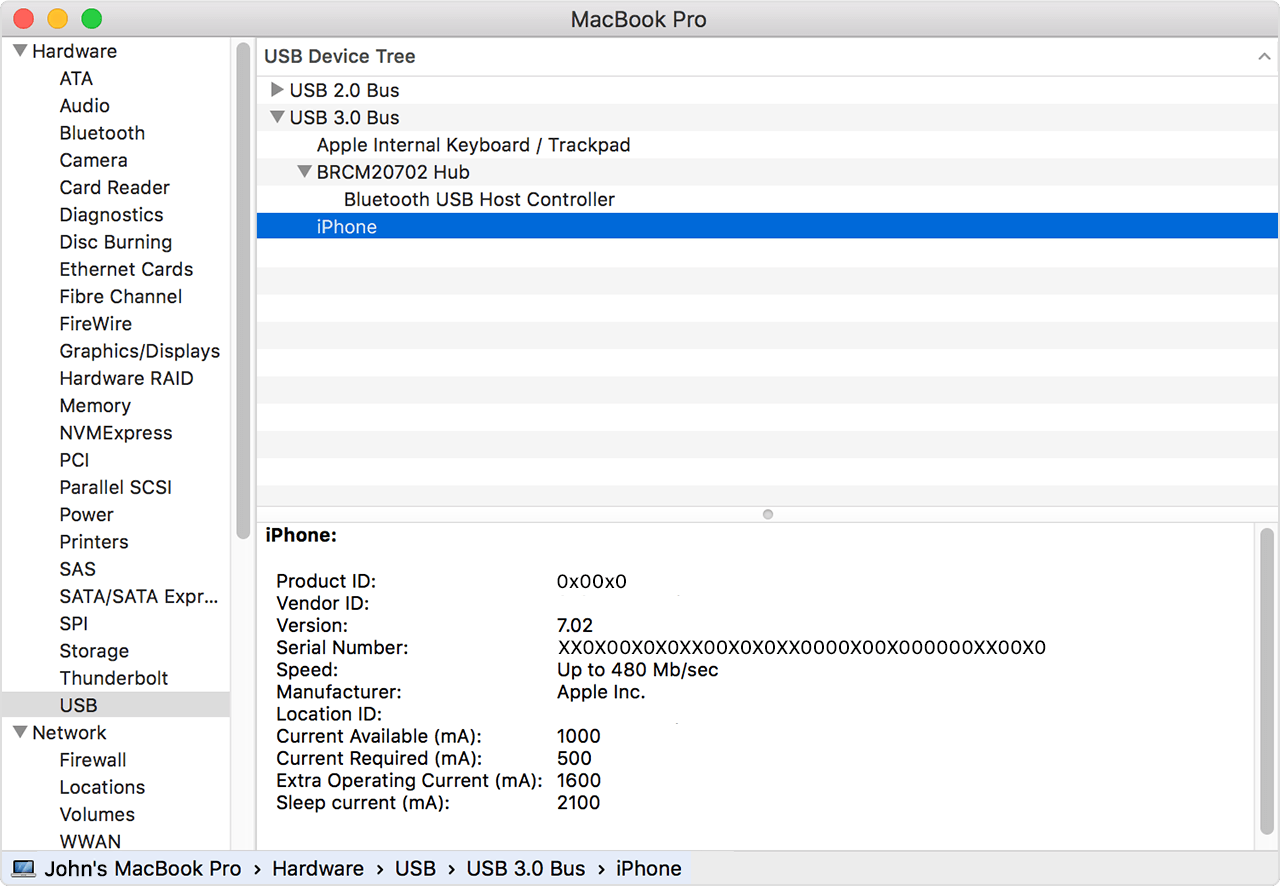
Use the System Information utility:
From the Apple () menu, choose About This Mac.
Click System Report.
Under the Hardware heading on the left side of the System Information window, click USB.
Using USB devices with your Mac
If the USB adapter or the digital recorder is showing up on the USB list, then I would recommend resetting the SMC and NVRAM on your MacBook Pro. These support articles will walk you through those resets.
How to reset the System Management Controller (SMC) on your Mac
Reset NVRAM or PRAM on your Mac
If the USB adapter and/or the digital recorder is still not showing up, you may want to check with the manufacturers to see if they are compatible with your computer and macOS.
Best regards.
If the USB port isn’t showing up under the menu you showed above, is there known issues for the USB port itself to be faulty? I have a 2016 Mac Book Pro 13in.
The right side USB port won’t recognize anything I plug in.
MacBook Pro will not recognize usb adaptor