
Apple Watch - No Apps grid showing
I have sync my watch with my iphone x however, the grid layout is not showing up on my home screen. I can't see any apps themselves on the watch only on the iphone
I have sync my watch with my iphone x however, the grid layout is not showing up on my home screen. I can't see any apps themselves on the watch only on the iphone
When you press the crown in what do you see? If you see a list of apps force press the screen and you will have an option to change it to grid or list view. Ta
When you press the crown in what do you see? If you see a list of apps force press the screen and you will have an option to change it to grid or list view. Ta
Ok I see. Press the crown on the side of the watch? The round button. Now what do you see? Ta
Thank you. I scrolled all the way down and tried every step and nothing. Then I thought I will turn it off and back on again and it worked. I have all my apps in the grid layout and everything is working. Just like an iphone I guess when its not cooperating. Thanks for all your help :)
How to use your Apple Watch
Learn how to use the Digital Crown, side button, and gestures.
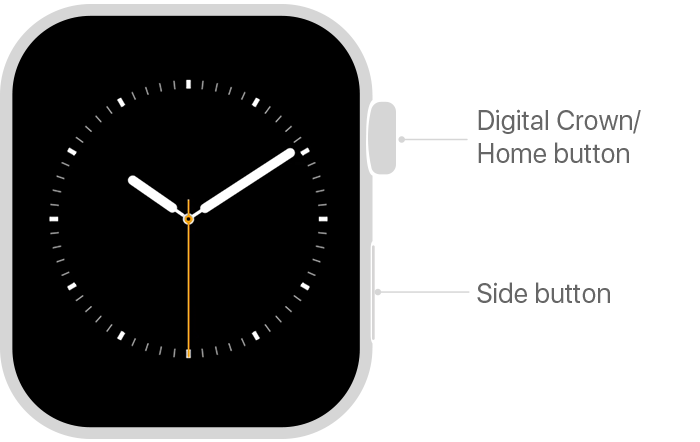
Press or rotate the Digital Crown
Press the side button

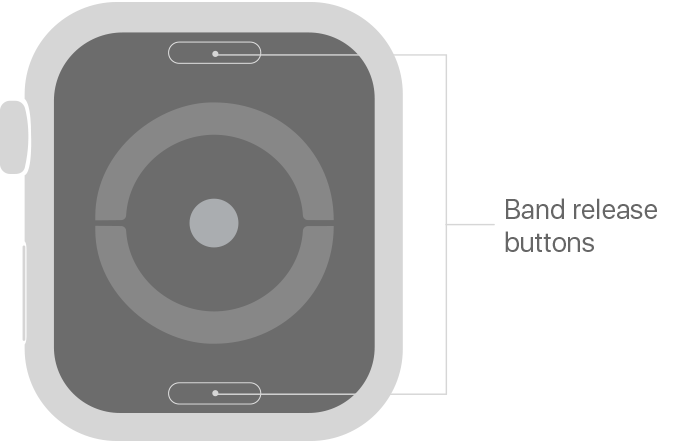
Remove your Apple Watch band
You can find the band release buttons on the back of your watch.
Learn how to remove your Apple Watch band.
Peek at your Apple Watch screen
With Apple Watch Series 2 or later, you can gradually wake your screen to keep its brightness low. For example, you might want to glance at the screen in a movie theater.
Turn the Digital Crown slowly to gradually wake the screen, then turn it the other way to put the screen back to sleep.
Use gestures
You can use several gestures to interact with your Apple Watch. When you touch the screen, your watch uses Force Touch technology to sense how hard you press.
Press
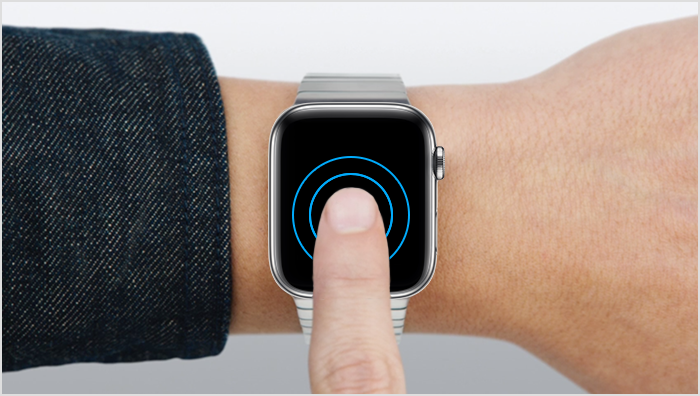
Firmly press the screen to change the watch face, see options in an app, and more.
Tap
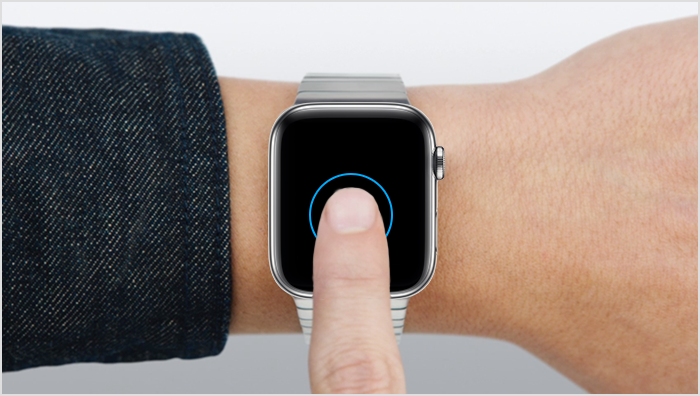
Tap the screen to select a button or item.

Drag
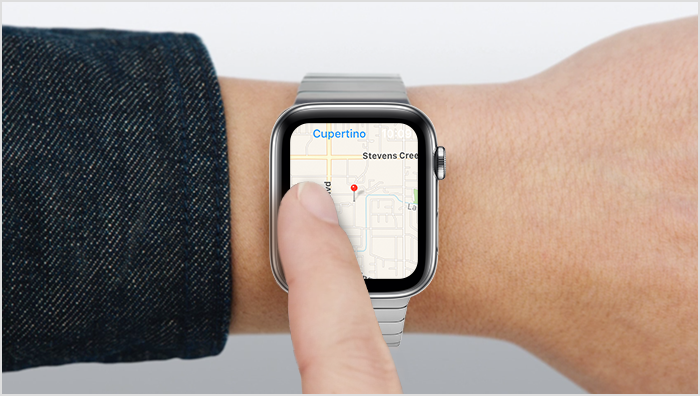
Drag your finger across the screen to scroll or adjust a slider.
Swipe
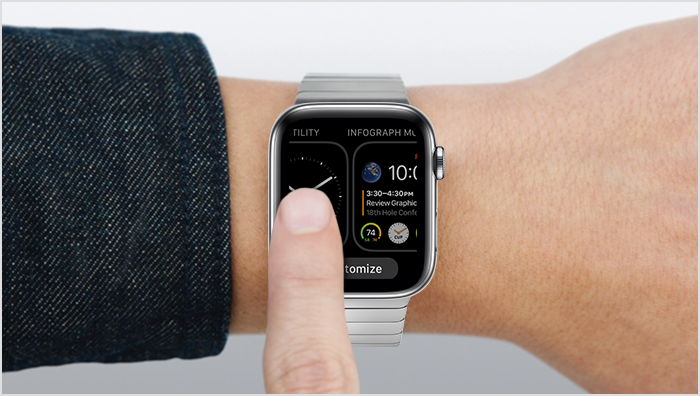
Swipe up, down, left, or right to see different screens.
* Available on Apple Watch Series 2 or later only. Apple Watch Series 1 and Apple Watch (1st generation) aren't suitable for swimming. Learn about water resistance on your Apple Watch.
Check on your phone watch app that the apps are show on phone. Ta
When I press down all I get is my watch face and a customise tab but that doesn't do anything when I click it.
Nothing changes, just the watch face that I have set
Which way to I get into that?
I have the grids now on my home screen so its all working well now.
Glad you are back up and running! Ta
Thanks again
Apple Watch - No Apps grid showing
