If you forgot the passcode for your iPhone, iPad, or iPod touch, or your device is disabled
If you forgot your passcode, or if a message says that your device is disabled, follow these steps to remove your passcode. Data on the device will no longer be available, and you'll need to erase your device.
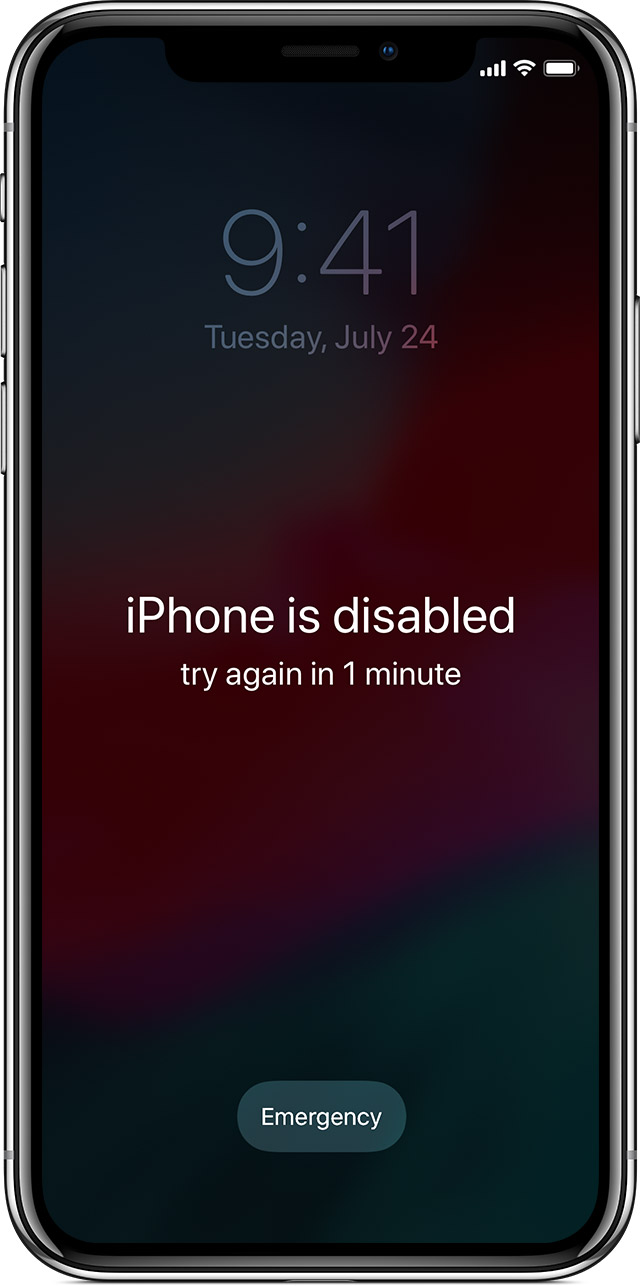
If you enter the wrong passcode on an iOS device too many times, you'll be locked out and a message will say that your device is disabled. At this point, the data on your device has been erased. To recover the use of your device, you'll need to remove your passcode by performing a restore.

Remove your passcode
If you backed up your device, you can restore your data and settings after restoring your device. If you never backed up your device before you forgot your passcode, you won't be able to save your device's data.
- If you don't have iTunes, download and install iTunes on your Mac or PC. If you don't have a computer, borrow one from a friend, or go to an Apple Retail Store or Apple Authorized Service Provider.
- Connect your iOS device to your computer and open iTunes.
- While your device is connected, force restart it:
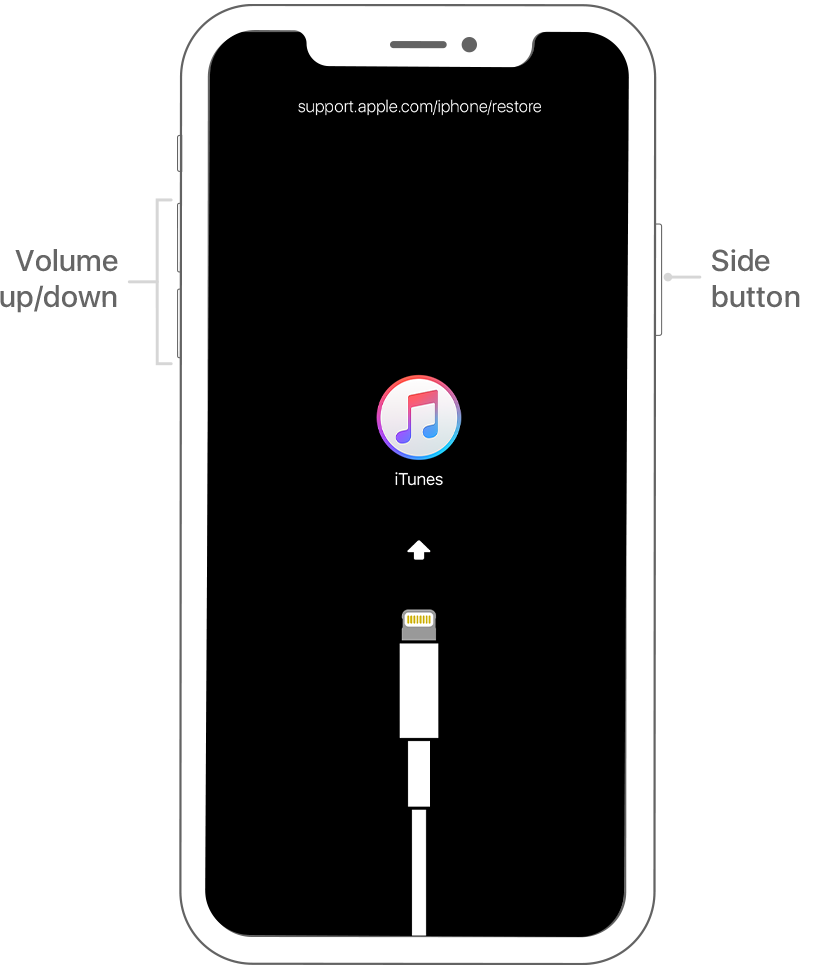
- On an iPhone X or later, or iPhone 8 or later: Press and quickly release the Volume Up button. Press and quickly release the Volume Down button. Then, press and hold the Side button until you see the recovery-mode screen.
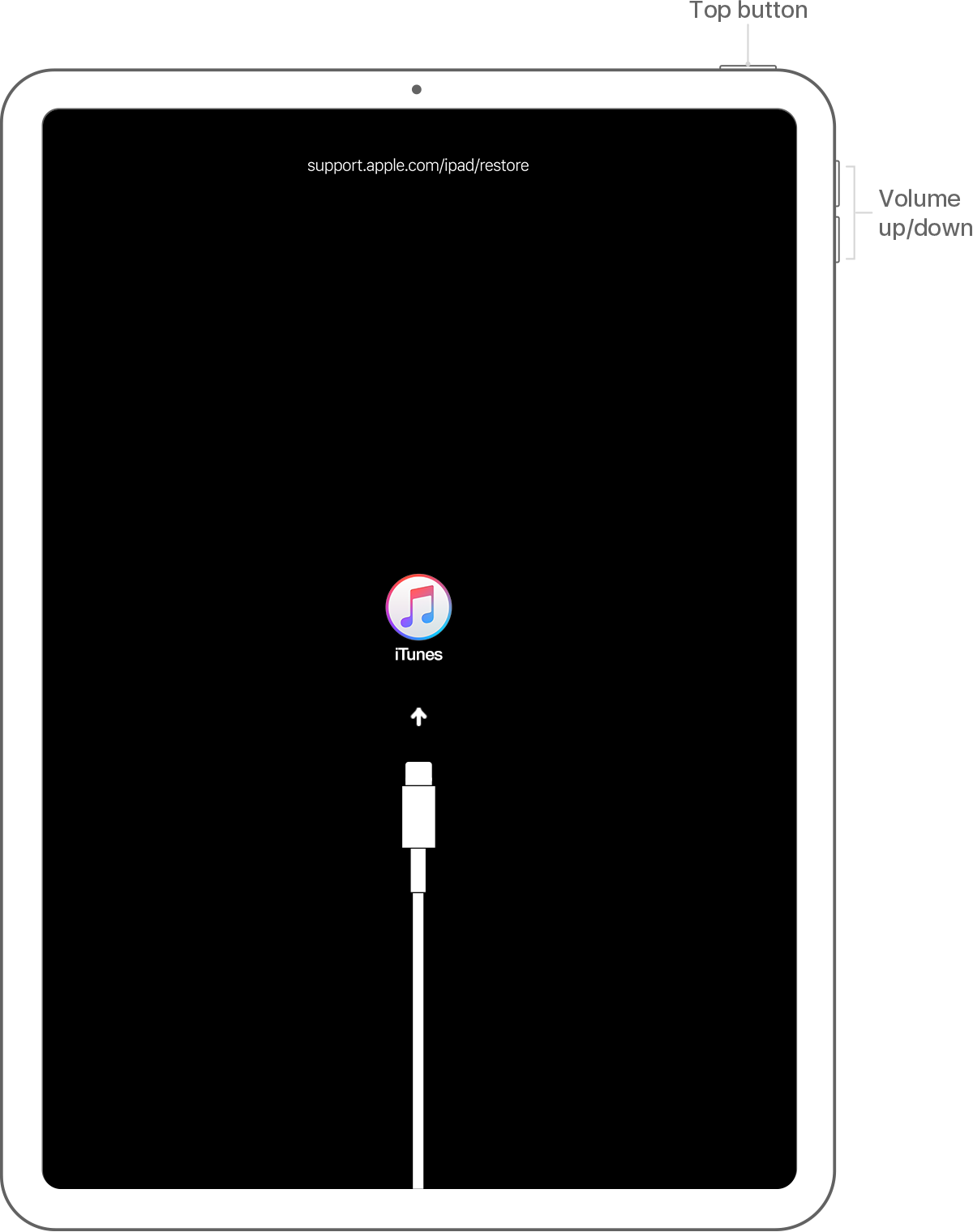
- On an iPad with Face ID: Press and quickly release the Volume Up button. Press and quickly release the Volume Down button. Then, press and hold the Top button until you see the recovery-mode screen.
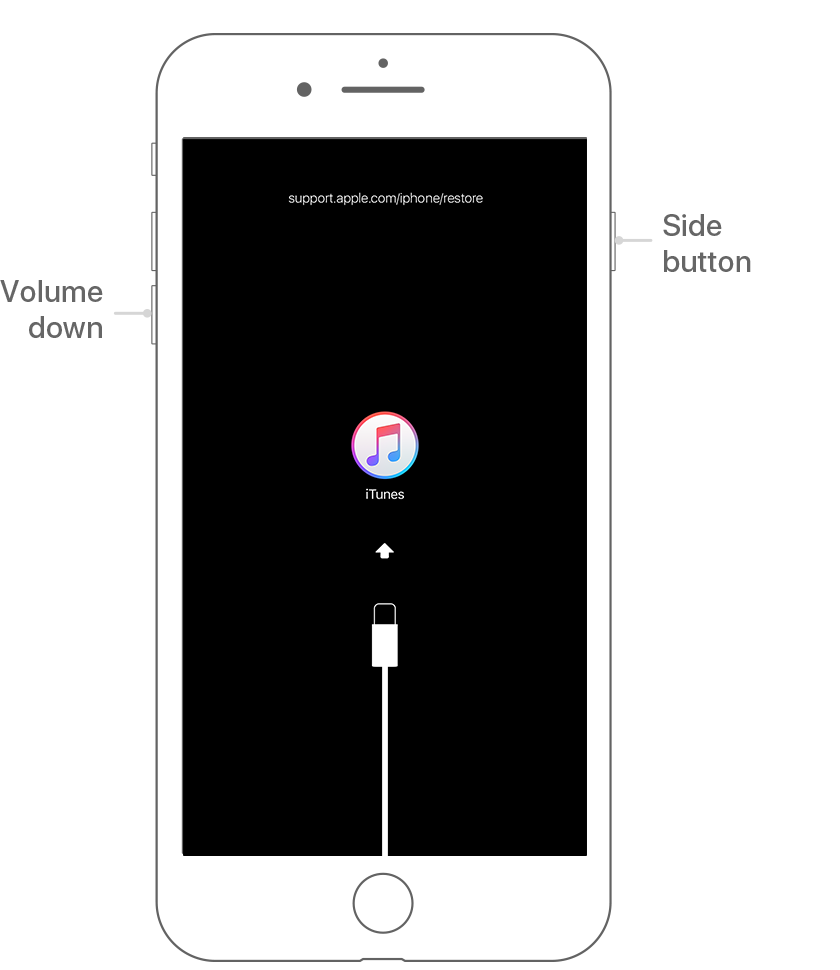
- On an iPhone 7 or iPhone 7 Plus: Press and hold both the Side and Volume Down buttons at the same time. Keep holding them until you see the recovery-mode screen.
- On an iPhone 6s and earlier, iPad with a Home button, or iPod touch: Press and hold both the Home and the Top (or Side) buttons at the same time. Keep holding them until you see the recovery-mode screen.
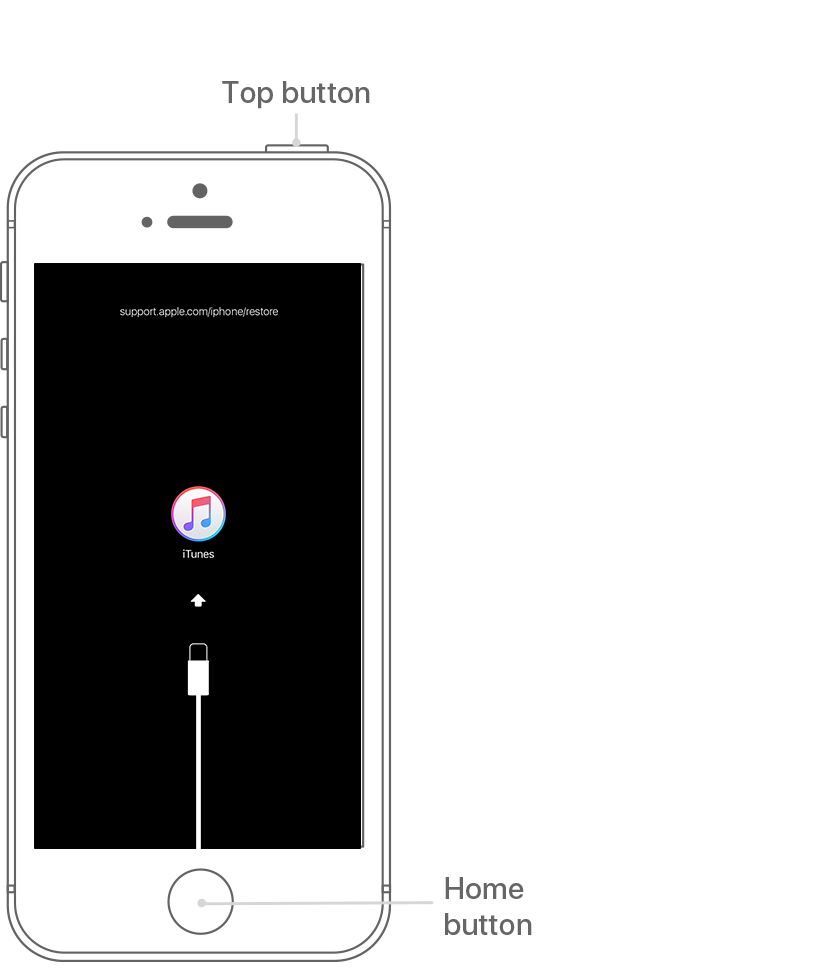
- When you see the option to Restore or Update, choose Restore.
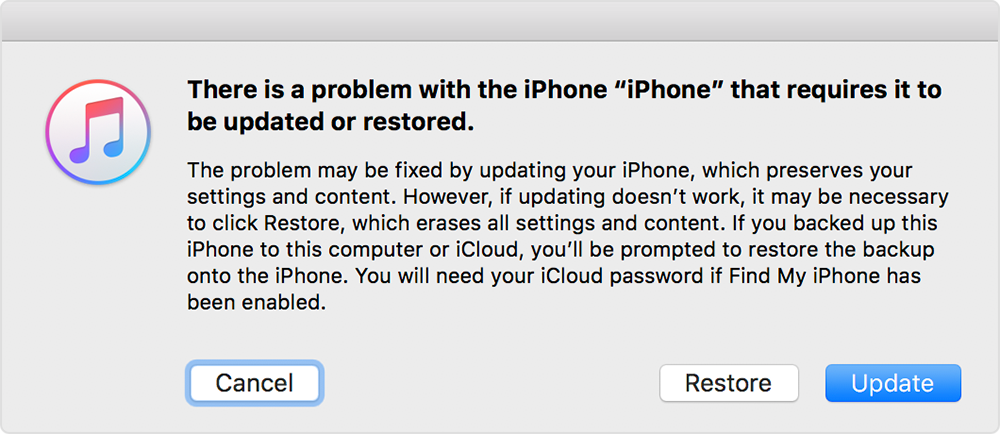
- iTunes will download software for your device. If it takes more than 15 minutes, your device will exit recovery mode and you'll need to repeat steps 2 and 3.
- Wait for the process to finish. Then you can set up and use your device.
And if you forgot your Apple ID password:
Email, password, and security questions
- Go to your Apple ID account page and click "Forgot Apple ID or password."
- Enter your Apple ID. Did you forget your Apple ID?
- Select the option to reset your password, then choose Continue.
- Choose how to reset your password:


