
My screen time on kids phones don’t work and it doesn’t shut their phones down at all when I set it
screen time features do not work I’ve tried resetting and everything
iPhone 5, iOS 10
screen time features do not work I’ve tried resetting and everything
iPhone 5, iOS 10
Use Screen Time on your iPhone, iPad, or iPod touch
With Screen Time, you can access real-time reports about how much time you spend on your iPhone, iPad, or iPod touch, and set limits for what you want to manage.
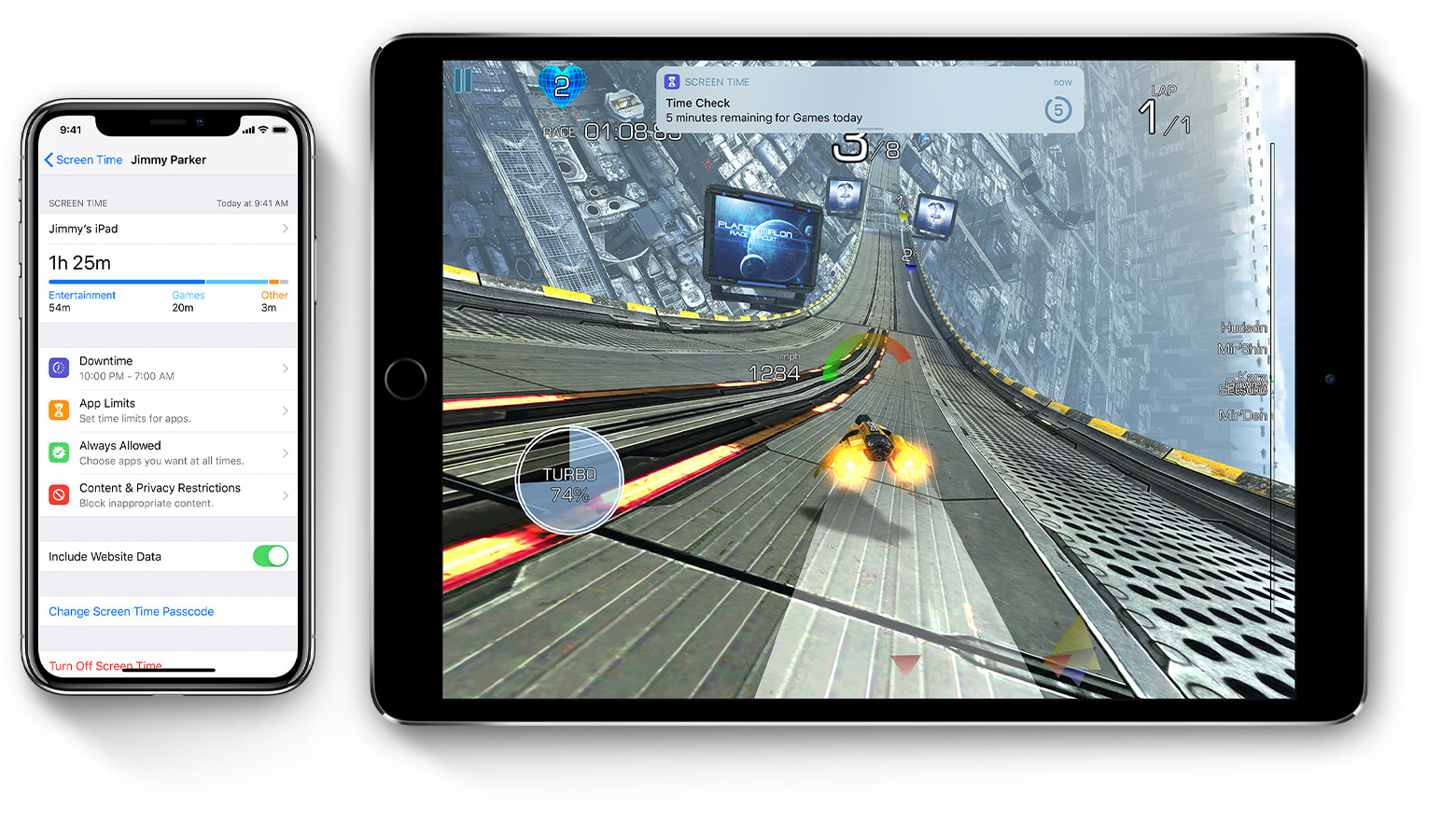

Screen Time — a new feature of iOS 12 — lets you know how much time you and your kids spend on apps, websites, and more. This way, you can make more informed decisions about how you use your devices, and set limits if you'd like to. Read on to learn how to turn on Screen Time, view your report and set limits, and manage a child's device.
Turn on Screen Time
You can now get a report about how you use your device, apps, and websites, any time you want.
If it's your child's device, you can set up Screen Time and create settings right on their device or you can use Family Sharing to configure your child’s device from your own device. After you set up your child’s device, you can also use Family Sharing to view reports and adjust settings any time, right from your own device.
With Screen Time you can also create a dedicated passcode to secure settings, so only you can extend time or make changes.
Make sure to choose a passcode that's different from the passcode you use to unlock your device. To change or turn off the passcode on your child's device, tap Settings > Screen Time > [your child's name]. Then tap Change Screen Time Passcode or Turn Off Screen Time Passcode, and authenticate the change with Face ID, Touch ID, or your device passcode.
Use Screen Time on your iPhone, iPad, or iPod touch - Apple Support
I am having the same problem. The functionality used to work, but now it doesn’t. I have erased the limits and set them up again. I have turned off screen time and turned it back on. The apps that are beyond time even show an hour glass next to them in the screen time app, but they still work.
I mentioned I’ve done everything I needed to, it does not work
My screen time on kids phones don’t work and it doesn’t shut their phones down at all when I set it

