Freeze when adding passes to Apple Wallet

Hi everyone,


Having a bit of an issue with Apple Wallet lately.


Every time I try to add a pass to Wallet, no matter the app (this happened with 3 different apps), my screen freezes and turns to white, and no pass gets added.


Anyone else this happens to?


This happens on my iPhone 8 Plus, iOS 12.3.


Thanks!

iPhone 8 Plus, iOS 12

Posted on May 24, 2019 12:34 AM

Reply
Question marked as Top-ranking reply

Posted on May 25, 2019 2:38 AM

For this with the same issue, this seems to fix it: go to language and region in general settings, change to another region and back to initial one.


Did the trick for me!

3 replies

May 24, 2019 12:45 AM in response to michaël48

Use Wallet on your iPhone or iPod touch

With Wallet, you can keep your credit, debit, and prepaid cards, store cards, boarding passes, movie tickets, coupons, rewards cards, student ID cards, and more in one place.
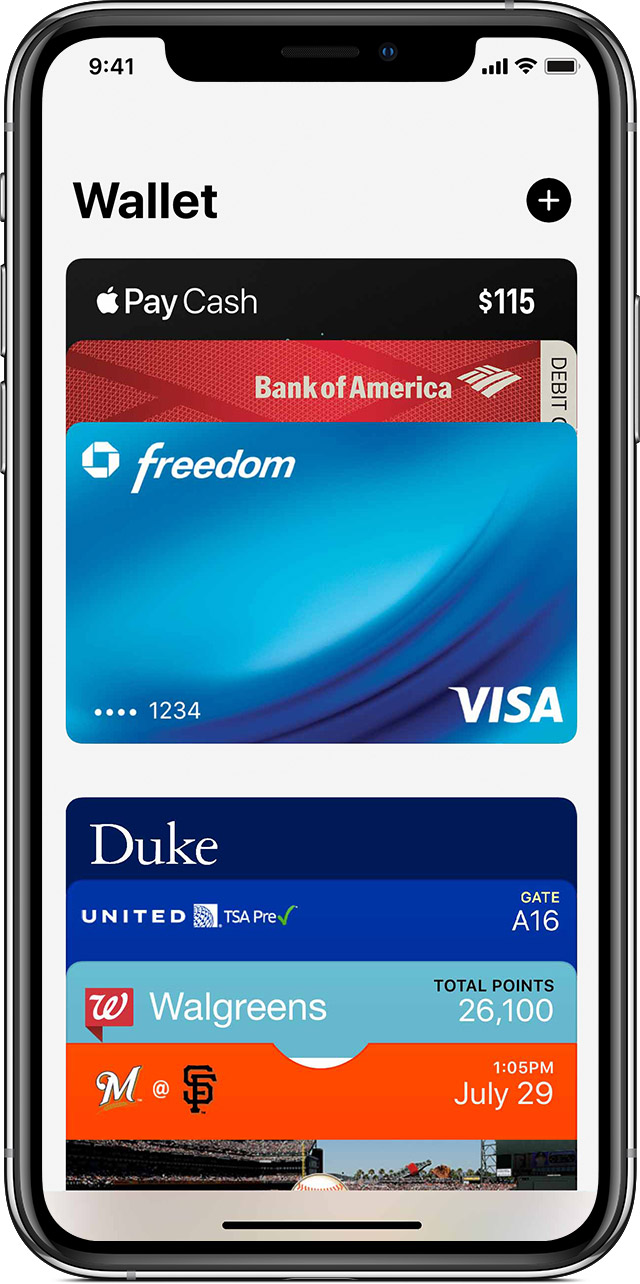

Open the Wallet app on your iPhone . You can also use Search to find it.
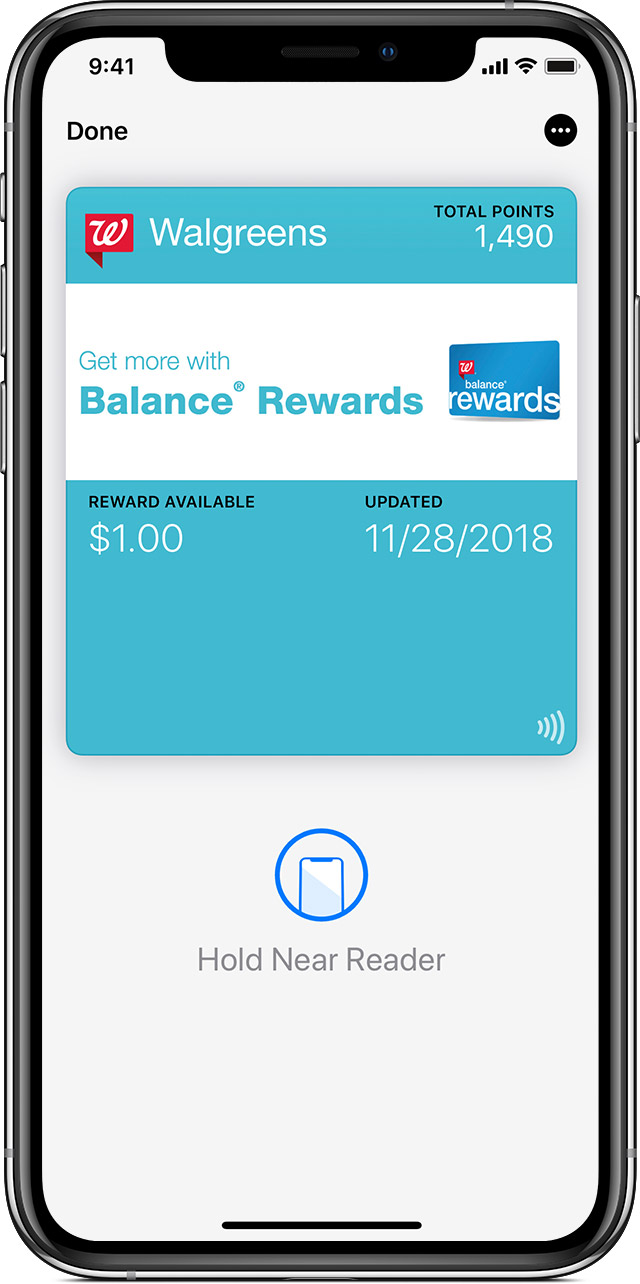
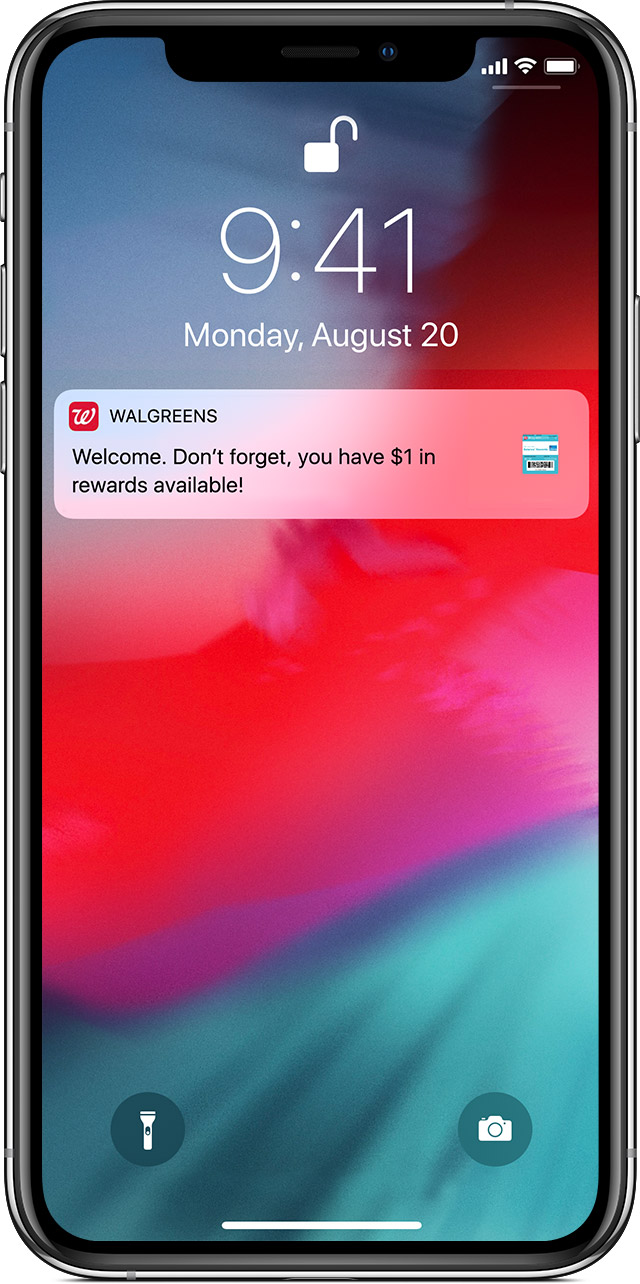
With Wallet, you can use passes on your iPhone to check in for flights, get and redeem rewards, get in to movies, or redeem coupons. Passes can include useful information like the balance on your coffee card, your coupon’s expiration date, your seat number for a concert, and more. At some schools in the United States you might be able to use your student ID cards on iPhone and Apple Watch.

If you want to add payment cards to Wallet, learn how to set up Apple Pay.

Add passes
You can add passes to Wallet in several ways:

If you don't see the option to add a card, ticket, or other service to Wallet, contact the merchant to make sure that they support Wallet passes.

You may need to tap Add to Apple Wallet and then tap Add in the upper right corner of the pass. Or you may see a popup with an Add button you can tap to add your pass to Wallet.

 

Remove passes

To remove a pass:

  1. Scroll down in Wallet, then tap Edit Passes. 
  2. Tap the arrow button.
  3. Tap Delete.

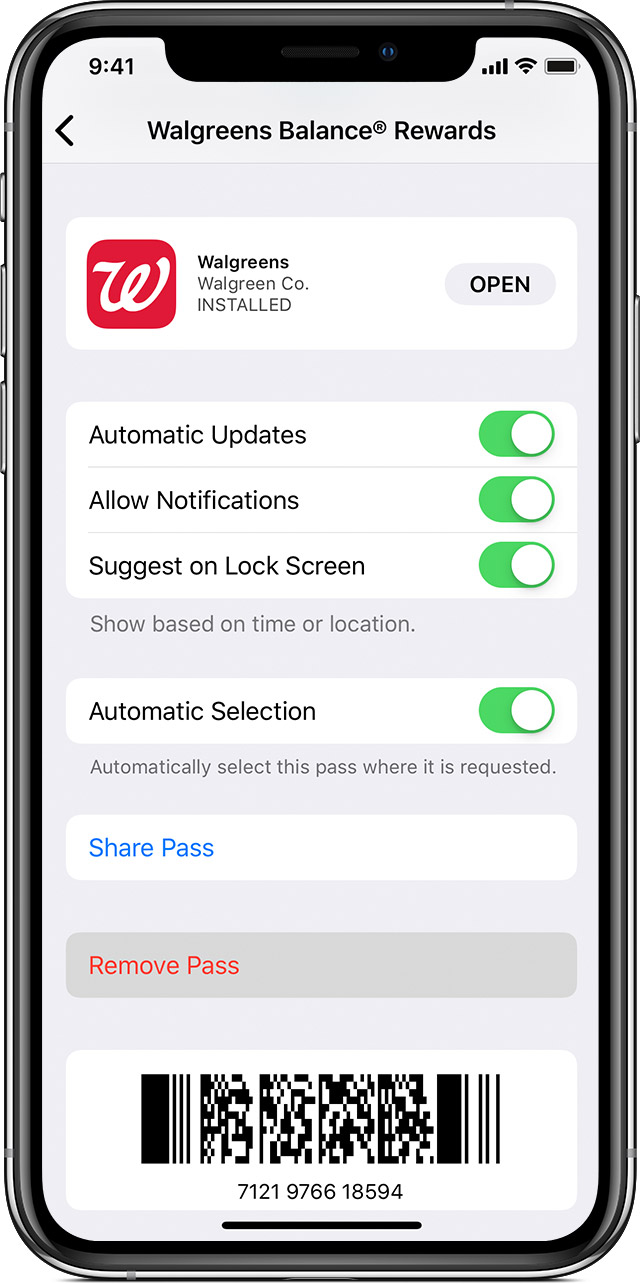
Or tap the pass that you want to remove, tap , scroll down, and tap Remove Pass.

To remove multiple passes at once:

  1. Scroll down in Wallet, then tap Edit Passes. 
  2. Tap  next to the pass that you want to Delete. 
  3. Tap Delete.


Use Wallet on your iPhone or iPod touch - Apple Support

https://support.apple.com/en-in/HT204003

May 24, 2019 12:46 AM in response to michaël48

Add and manage passes in Wallet on iPhone

Use the Wallet app  to keep boarding passes, movie and event tickets, coupons, reward cards, student ID cards, and more in one place for easy access. Passes can include useful information, such as the balance on your coffee card, a coupon’s expiration date, or your seat number for a concert.

(The Apple Cash card is available only in the U.S.)

Add a pass

You may be asked to add a pass within an app after you perform an action such as purchasing a ticket. Or, you can tap Add to Apple Wallet when you see it from the following:

  • Wallet-enabled apps
  • Mail or Messages
  • Web browser such as Safari
  • AirDrop sharing
  • Wallet notification after you use Apple Pay at a supported merchant
  • QR code or barcode
  • To scan the code, open the Camera app , then position iPhone so that the code appears on the screen.

Rearrange your passes

  1. In the Wallet stack, touch and hold the pass you want to move.
  2. Drag the pass to a new place in the stack.
  3. The pass order is updated on all your devices where you’re signed in to iCloud with the same Apple ID.


Add and manage passes in Wallet on iPhone - Apple Support

https://support.apple.com/en-in/guide/iphone/add-and-manage-passes.../ios


This thread has been closed by the system or the community team. You may vote for any posts you find helpful, or search the Community for additional answers.

Freeze when adding passes to Apple Wallet

Welcome to Apple Support Community
A forum where Apple customers help each other with their products. Get started with your Apple Account.