
Keychain
Why keychain not working with me, I did it and they send me a code and it didn’t work??
Why keychain not working with me, I did it and they send me a code and it didn’t work??
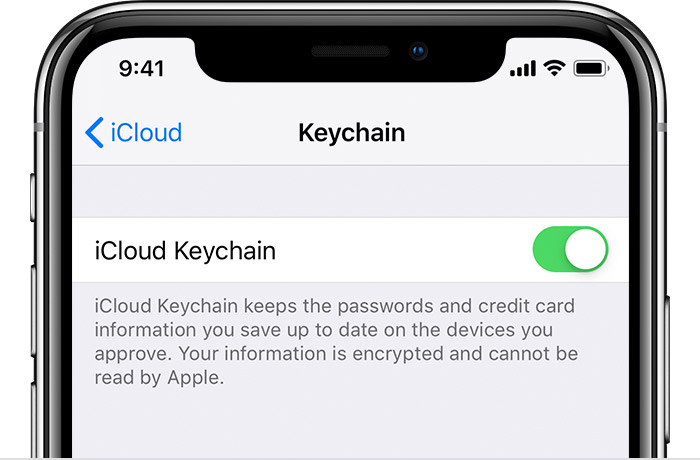
Set up iCloud Keychain
With iCloud Keychain, you can keep your passwords and other secure information updated across your devices.

Get started
To use iCloud Keychain, you need iOS 7.0.3 or later on your iPhone, iPad, or iPod touch, and OS X Mavericks 10.9 or later on your Mac. Learn about availability by country or region.
When you update your iPhone, iPad, or iPod touch to the latest iOS, the setup assistant asks you to set up iCloud Keychain. Instructions vary based on whether you're using two-factor authentication or another type of security, like your email, password, or security questions.
If you're using two-factor authentication
With two-factor authentication, your device is trusted when you sign in with your Apple ID, so in most cases you don't need to re-approve it.
On your iPhone, iPad, or iPod touch:
Watch this GIF below to get verification code
Keychain
