Hi, Manfred34,
I think I know what you mean. When an update was available, there’d be that little ‘red 1’, and it’d ask me if I wanted to update that evening. I saw, too, those notices weren’t happening, like before, and when I looked, I’d discovered an update was available, but just sitting there.
Inquiring here, as I had updates set to automatic — I learned maybe it wasn’t such a good idea, as some updates had glitches, and it might be advisable to wait a couple days? — so I turned updates off. Prior to doing that, though, I’d learned being ‘on’ meant it would download, but I should, still, get notified, as previously, with the little red 1, prior to installing.
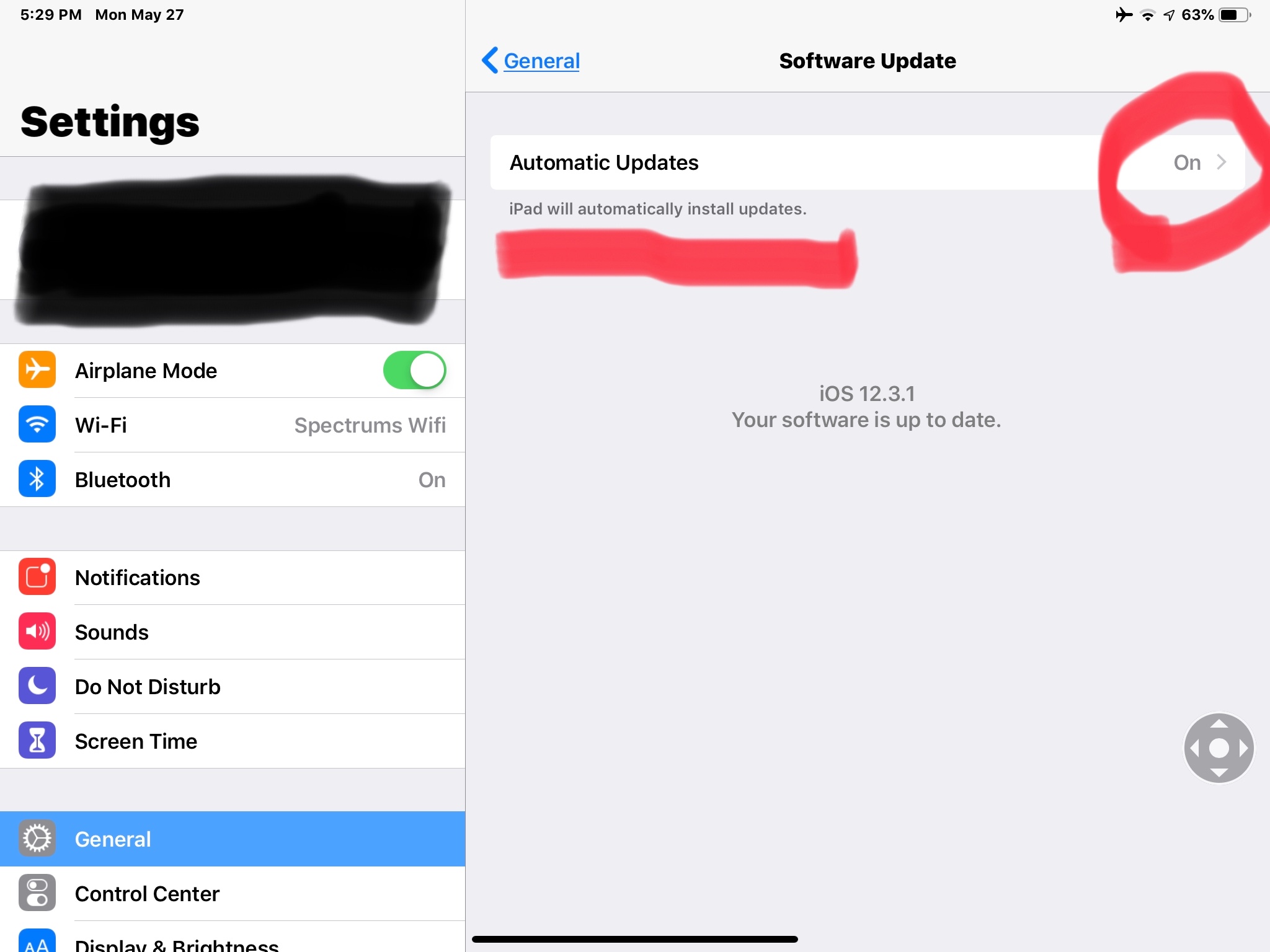
Today — being turned off — I found 12.3.1 was available, so I went ahead and installed it, but not before turning the automatic updates back on. I’ll still get the little red one I’d become accustomed to, but it’ll be before installing, rather than how it worked before or, at least, that’s how I’m understanding it’ll work.
Here’s what you’ll need to set. Here’s Apple’s advice, too: https://support.apple.com/en-us/HT202180
Hope this helps!