
Location issue
How can I make my location to Bangladesh if there is no option to do so? Is there any other alternative to do that because I cannot put my phone number into the app “imo HD” without having the proper location. Please help.
How can I make my location to Bangladesh if there is no option to do so? Is there any other alternative to do that because I cannot put my phone number into the app “imo HD” without having the proper location. Please help.
Which Region and Country you have on App Store / Apple ID?
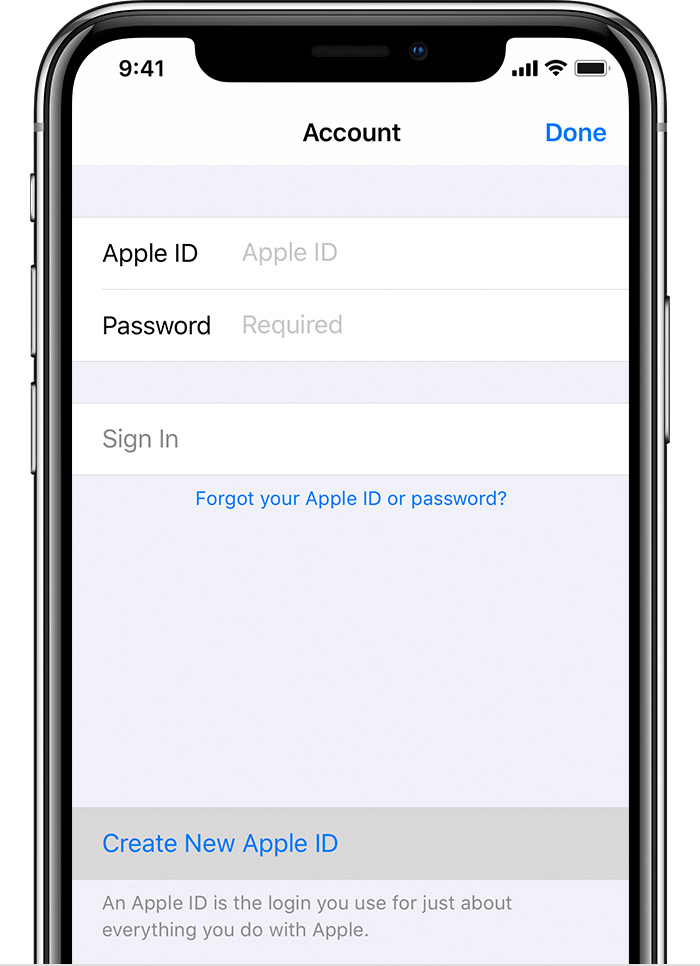
An Apple ID is the account you use to access Apple services like iCloud, the App Store, the iTunes Store, Apple Music, and more. It includes the email address and password that you use to sign in, and all the contact, payment, and security details that you'll use across Apple services.
No matter where you create your Apple ID, just remember to use the same one to sign in to every Apple service. That way, you can access and manage everything with a single account and password.
Use the App Store on your iPhone, iPad, or iPod touch
 .
.
Location issue
