
My iPhone is showing “No Service”
My iPhone is showing “No Service” in upper left corner. Can not receive or make calls, no texting either. Have tried updating but still... “No Service”. Any advice?
[Re-Titled by Moderator]
My iPhone is showing “No Service” in upper left corner. Can not receive or make calls, no texting either. Have tried updating but still... “No Service”. Any advice?
[Re-Titled by Moderator]
Downgrading is not supported by Apple. As I said, if the steps in the support document do not work, then you need to contact your carrier and if necessary, Apple Support.
Contact your carrier
Issues with your carrier or account might affect your service. Contact your carrier to:
Only your wireless carrier can access and manage details about your account. If you need help finding your wireless carrier's service page, use the Apple carrier-support article or an online search engine.

Get more help
If your carrier confirms that there's no issue with your account or network, but you still can't connect to a cellular network, contact Apple Support.
If you see an alert next to No Service, learn what you can do.
If your carrier said there is no problem, then you need to contact Apple. No one here can help you any more if you have followed the steps in the support document. This is a user to user support forum, and Apple does not participate here.
See that last section titled Get More Help
The support document provided above your posts added by SravanKrA gives troubleshooting steps for No Service, or contact your carrier.
If you see No Service or Searching on your iPhone or iPad
If you see No Service or Searching on your iPhone or iPad (Wi-Fi + Cellular), or can't connect to a cellular network or cellular data, follow these steps:
Check your coverage area
Make sure that you're in an area with cellular network coverage. Then follow these steps:
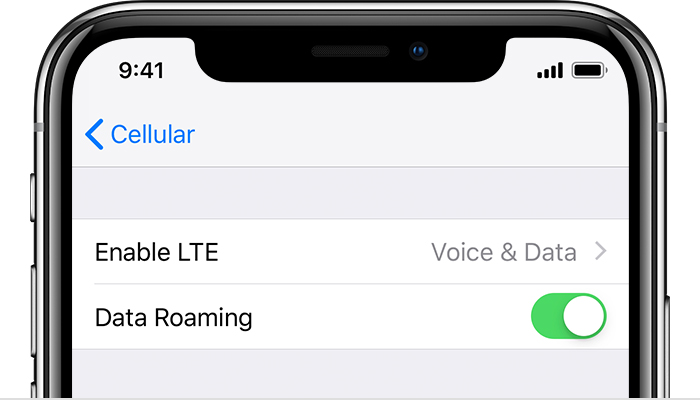
Restart your iPhone or iPad
Restart your device. If you're not sure how to do this, follow these steps.
Check for a Carrier Settings update
To manually check for and install a carrier settings update:
If you insert a new SIM card into your iPhone or iPad, you need to download the carrier settings for your new carrier.
Take out the SIM card
After removing the SIM card, put it back in. You might need to contact your carrier:
Learn more about removing your SIM card.
Reset your Network Settings.
Go to Settings > General > Reset > Reset Network Settings. This also resets Wi-Fi networks and passwords, cellular settings, and VPN and APN settings that you've used before.
Update your iPhone or iPad
Update your iPhone or iPad to the latest version of iOS.
Contact your carrier
Issues with your carrier or account might affect your service. Contact your carrier to:
Only your wireless carrier can access and manage details about your account. If you need help finding your wireless carrier's service page, use the Apple carrier-support article or an online search engine.
Get more help
If your carrier confirms that there's no issue with your account or network, but you still can't connect to a cellular network, contact Apple Support.
If you see an alert next to No Service, learn what you can do.
If you see No Service or Searching on your iPhone or iPad - Apple ...
when did your problem occur? Is it on iOS 12.3.1 or on iOS 12.4?
I also got the same problem, ios error 12.3.1 then I updated to 12.4. still no service
I've tried various ways, nothing works.
I think this problem is due to iOS bugs
What version of iPhone are you using?
iPhone 6s now with ios 12.4
hi chris, I have tried all the methods above and also downgrade, restore etc. nothing works.
because a few months ago I experienced this with iOS 12.1.4
thanks for your help chris, but I've contacted them and they said the network is fine
My iPhone is showing “No Service”

