
My keyboard has disappeared
Help my keyboard has disappeared what do I do
Https://share.icloud.com/photos/0QW6Pt961HFoD6FpRBWYL40OA
[Re-Titled by Moderator]
iPhone 6s
Help my keyboard has disappeared what do I do
Https://share.icloud.com/photos/0QW6Pt961HFoD6FpRBWYL40OA
[Re-Titled by Moderator]
iPhone 6s
Restart iPhone
Follow the steps to restart your device.
How to restart
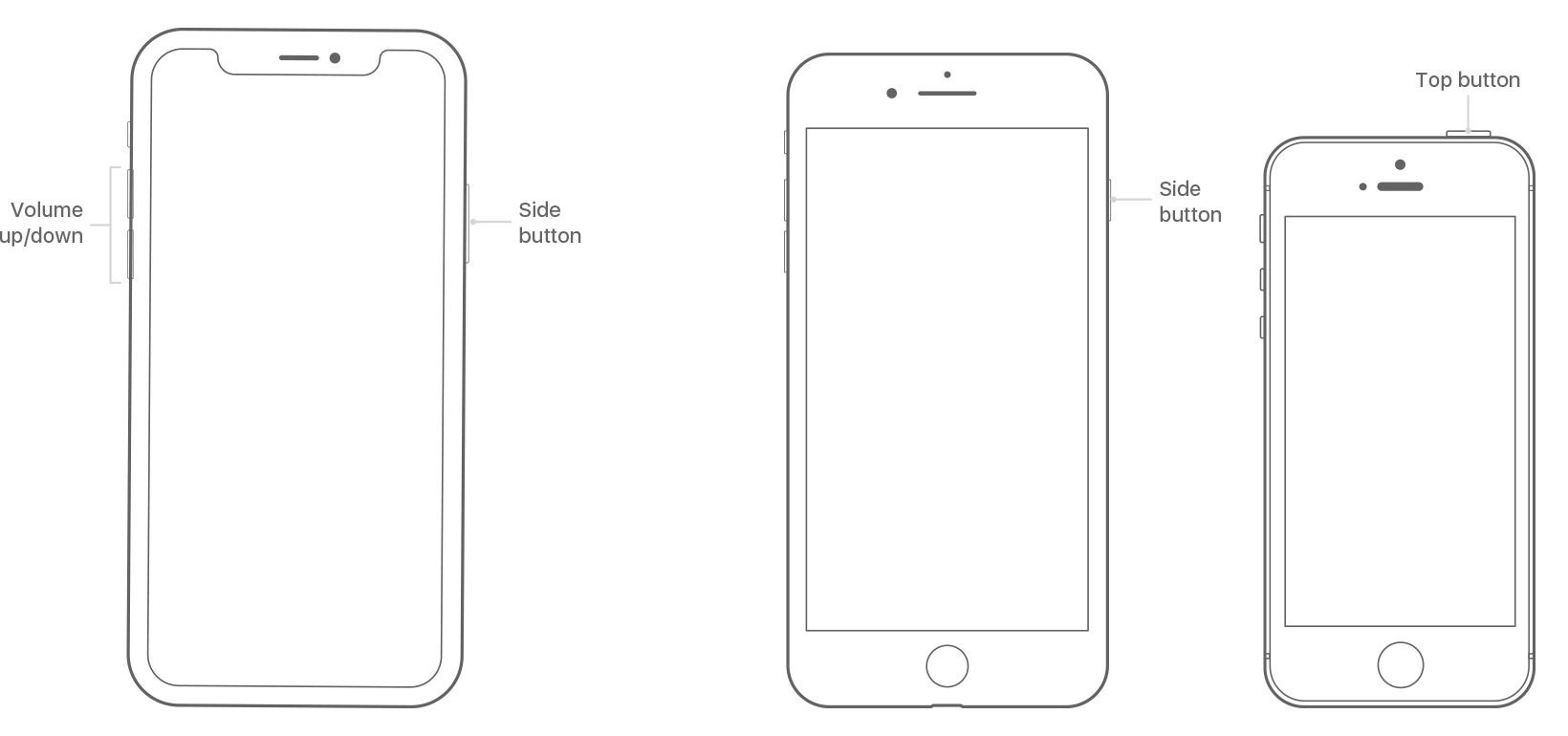
Restart your iPhone 8 or earlier or iPod touch

* With iOS 11 or later, you can turn off your device by going to Settings > General> Shut Down.
If that does not solve problem
Settings > General > Keyboard > Keyboard [Remove all Keyboards and Add again]
My keyboard has disappeared
