Hi nateb20,
Thanks for posting. I see you have a question about a third-party app and single sign-on.
To start, I have a resource with a few steps that might help you, titled Use single sign-on with your iOS device or Apple TV:
You can sign in with only one TV provider at a time. Here's how:
- Make sure that you have the latest version of iOS.
- Go to Settings > TV Provider.
- Search for your TV provider* and select it.
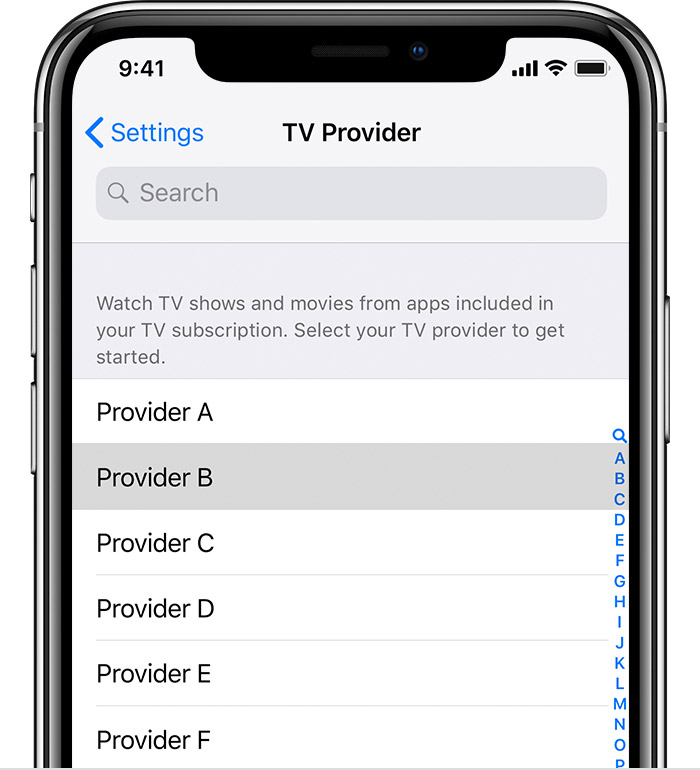
- Enter your TV provider account information. If you aren’t sure, tap Forgot ID | Forgot Password.
- After you enter your TV provider account information, tap Sign In.
*If your TV provider supports single sign-on, then you'll be prompted to enter your username and password for your TV provider. If your TV provider doesn't support single sign-on, your TV provider is saved so you don’t have to select it again, but you’ll still need to sign in to each app with your TV provider account information."
I hope these steps help you! Take care.


