From the Function Browser article on COUNTA:
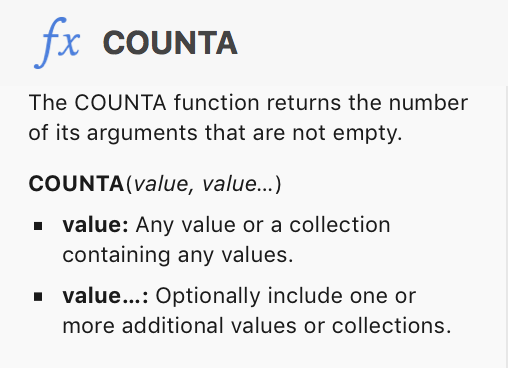
A null string is a text value with zero length, meaning a cell containing a null string does 'contain a value,' and will be counted by COUNTA
IF the values in the cells that are to be included the count are Numbers, numeric expressions, or date and time values. consider using COUNT.
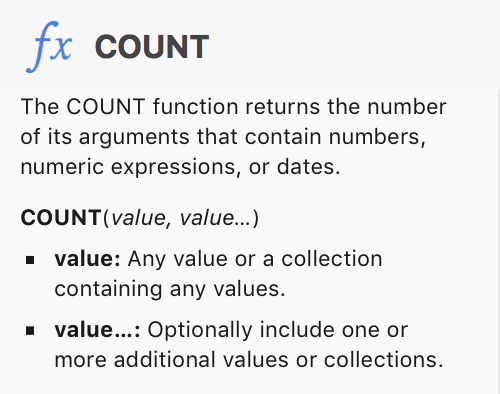
COUNT ignores text values, including null strings. t includes zeros, provided the zero value is expressed as a numeral or 'numeric expression.'
COUNTIF, and COUNTIFS count cells containing values that meet a secified condition (COUNTIF) or all conditions in a set of more than one condition (COUNTIFS).
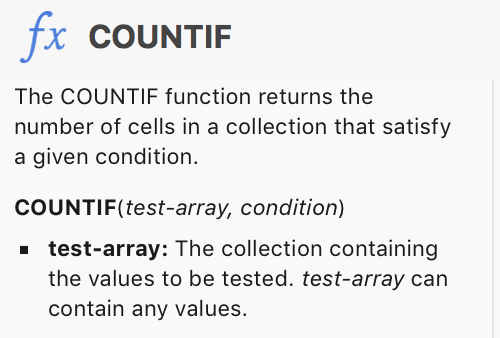
In SGIII's example above, COUNTIF counts all of the cells in the named range (column D, not including the header row or the footer row),meeting the condition that their content is not equal to ( "<>" ) a null string ( "" ).
Given the description in the initial question, SG's take seems to be the best available solution.
Note in the image below that SG's formula omits the cells containing a null string (yellow fill) and omits cells that are empty (grey fill) but does include cells containing the numeral zero (blue-grey fill). Zero is a number, so this is expected behaviour.
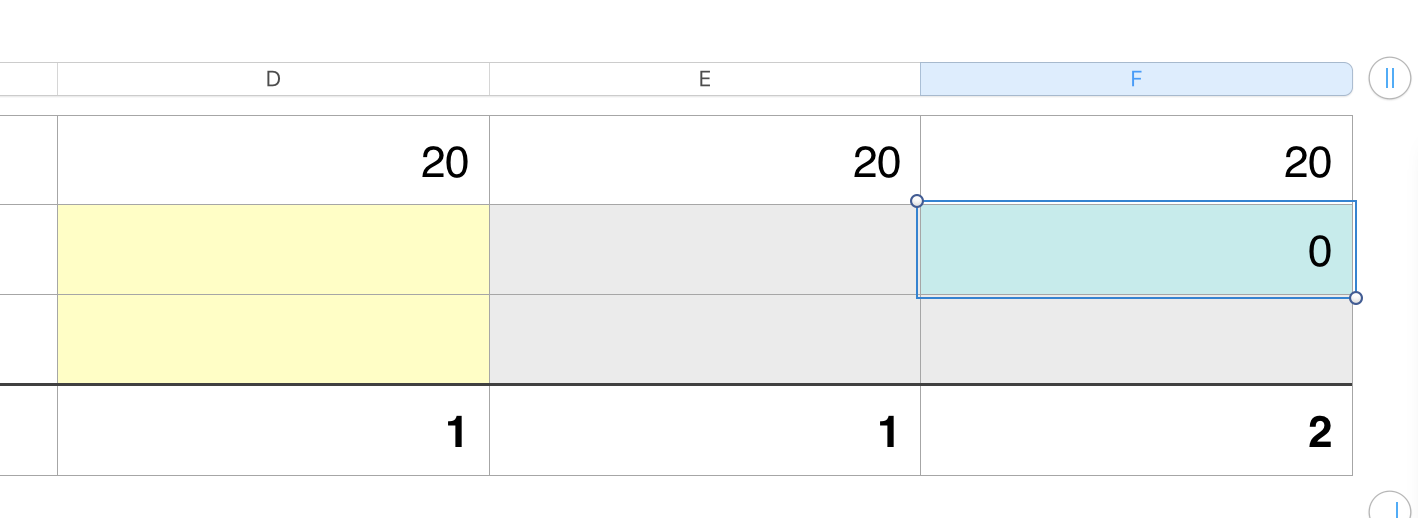
D4: COUNTIF(D,"<>"&"") E4: COUNTIF(E,"<>"&"") F4: COUNTIF(F,"<>"&"")
Regards,
Barry



