
I can’t delete the iOS update
Why is the iOS 13 update stuck on update requested
iPhone 8 Plus
Why is the iOS 13 update stuck on update requested
iPhone 8 Plus
If the download takes a long time
You need an Internet connection to update iOS. The time it takes to download the update varies according to the size of the update and your Internet speed. You can use your device normally while downloading the iOS update, and iOS will notify you when you can install it. To improve the speed of the download, avoid downloading other content and use a Wi-Fi network if you can.

If you can’t reach the update server or can’t verify the update
If you try to update the iOS on your device, you might see one of these messages:
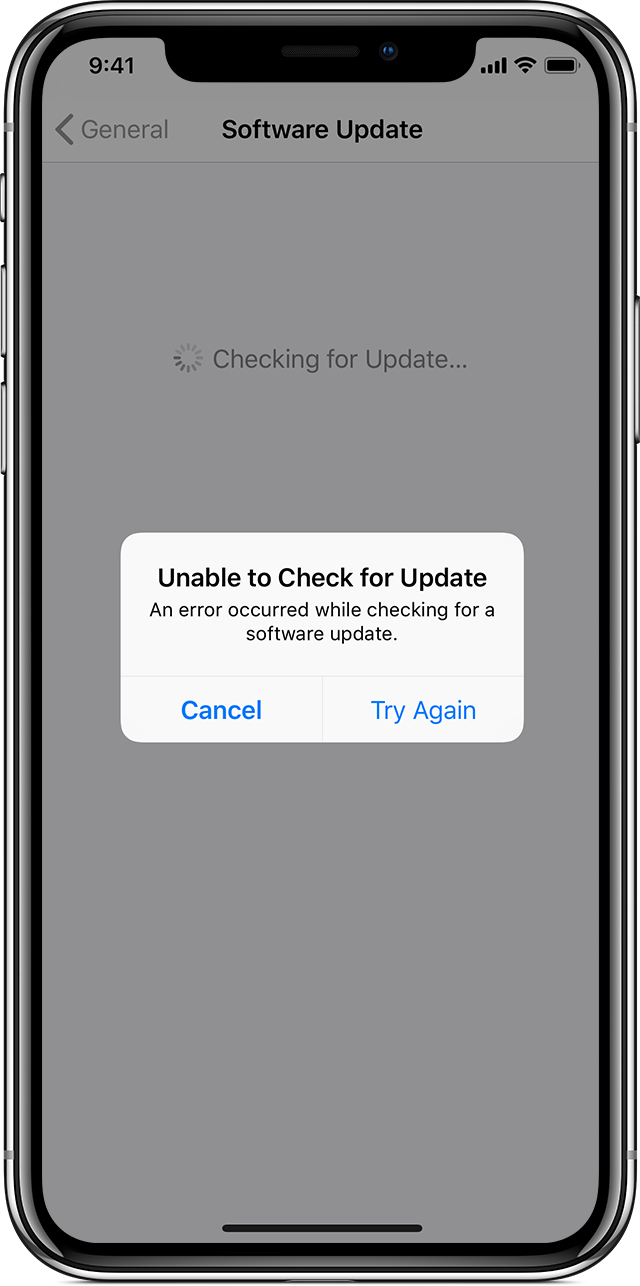
"Unable to Check for Update. An error occurred while checking for a software update."
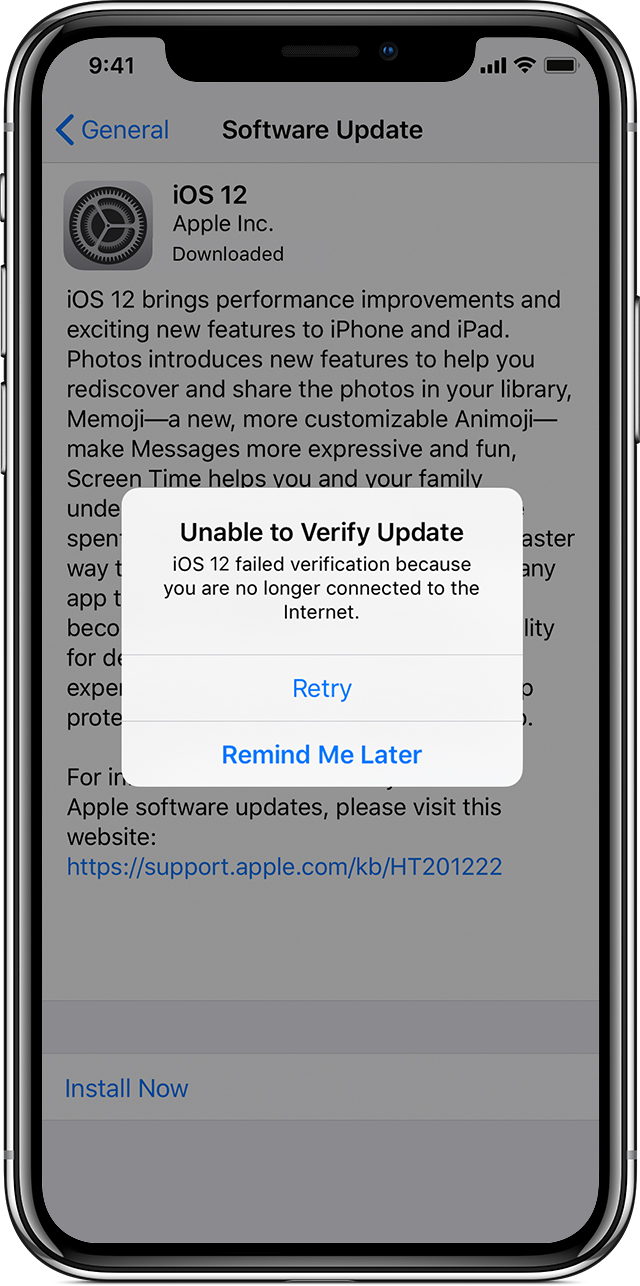
"Unable to Verify Update. iOS failed verification because you are no longer connected to the Internet."
Try updating your device again using the same network. If you still see one of these messages, try updating your device using another network or update your device with iTunes. If the issue happens again after trying to update with multiple networks, remove the update.
Learn more about iOS updates.
If the update doesn't complete
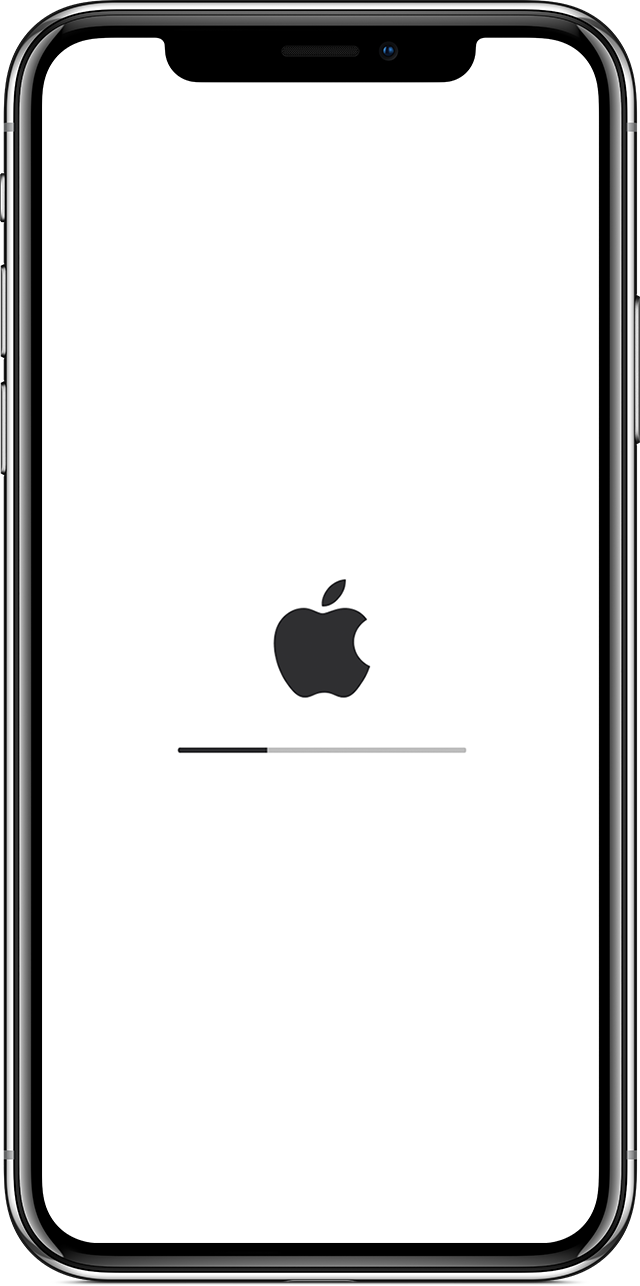
If you're installing the update, the progress bar might appear to move slowly. The time an update takes depends on the size of the update and the number of files on your device.
When you're updating over the air, keep your device connected to a power source. If your device runs out of power, connect it to a power source and turn on the device to let the update or restore complete.
If the update never completes and the progress bar hasn't moved for an extended time, try restarting your device. Learn what to do if your device appears frozen or won't start.
Remove and download the iOS update again
If you still can't install the latest version of iOS, try downloading the update again:
If you don’t see the update in the list of apps or if the issue happens again, you need to update your device with iTunes.
Yeah I know that but it’s stuck at update requested and won’t do anything
I can’t delete the iOS update
