Good afternoon JustYourAverageiPhoneUser,
Welcome to the Apple Support Communities!
I understand you are not seeing the search field in the Settings app. The resource below explains how to use it. I've highlighted some key information here for you. Click the link for complete details.
If you are not able to see the settings field, quit the Settings app and restart your iPhone to refresh it.
iPhone User Guide - iOS 13 - Change common iPhone settings
Use Settings

(located on the Home screen) to configure and customize your iPhone settings. You can set your language and region, change the name of your iPhone, choose different sounds for notifications, and much more.
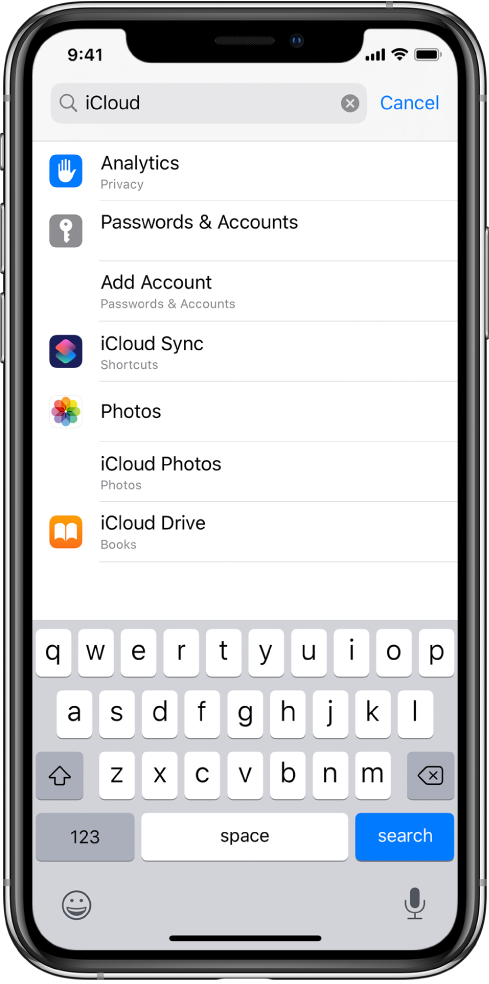
"Find settings:
Go to Settings
Swipe down to reveal the search field, enter a term—“iCloud,” for example—then tap a setting."
How to force an app to close on your iPhone, iPad, or iPod touch
Restart your iPhone, iPad, or iPod touch
Enjoy your day!



