Hello and welcome to Apple Support Communities, tse187!
I understand you're seeing Music Creation consuming too much storage on your MacBook Pro. I'd be happy to provide information to help you address this.
Use the following steps to determine what the files are and to remove them: How to free up storage space on your Mac
"Reduce Clutter
Reduce Clutter helps you to identify large files and files you might no longer need. Click the Review Files button, then choose any of the file categories in the sidebar, such as Applications, Documents, Music Creation, or Trash.
You can delete the files in some categories directly from this window. Other categories show the total storage space used by the files in each app. You can then open the app and decide whether to delete files from within it.
Learn how to redownload apps, music, movies, TV shows, and books.
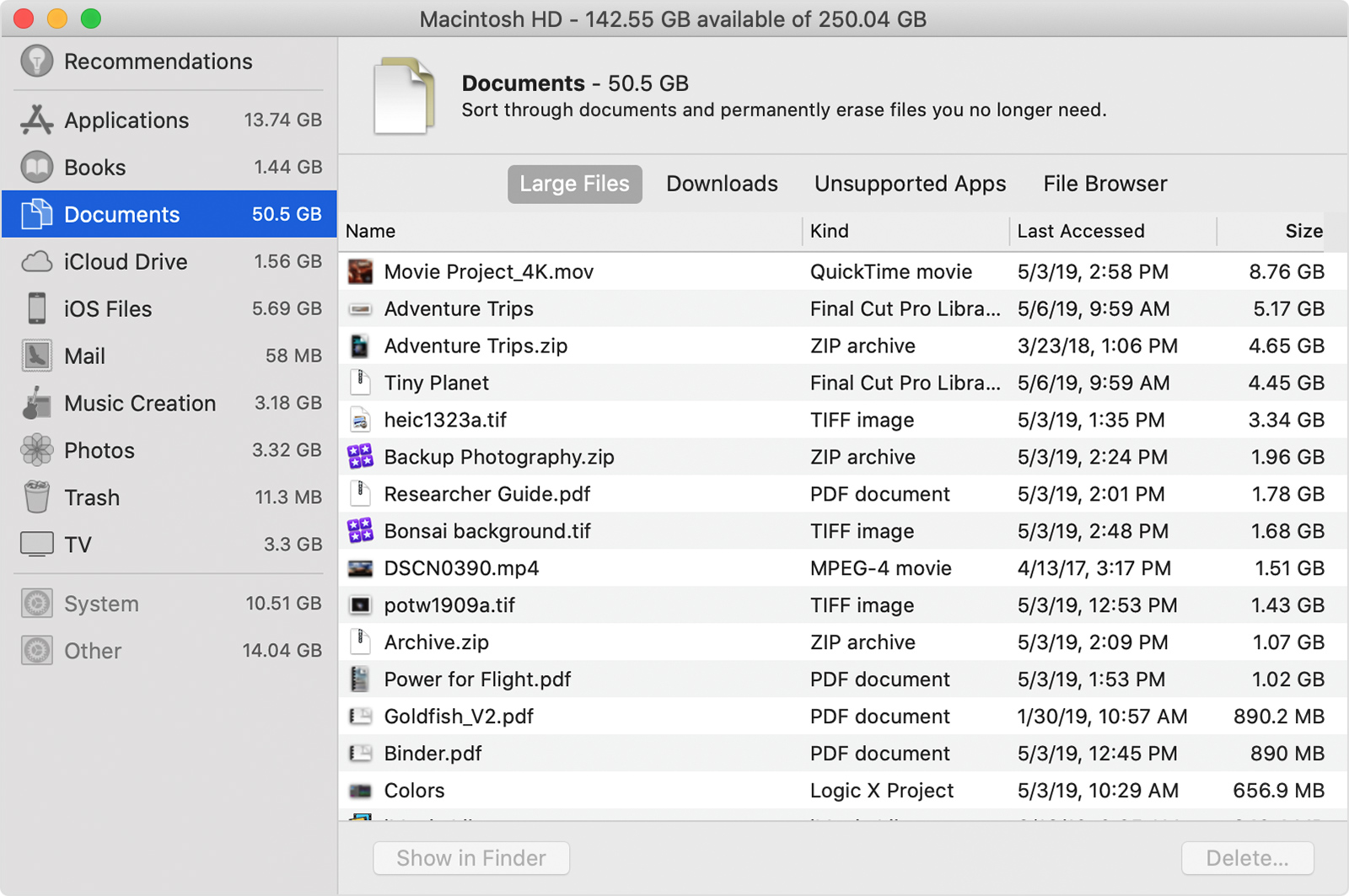 "
"
Thank you for using Apple Support Communities.
Enjoy your day!

