
How to change the iTunes Media Folder path in the XML file if I have the files on network storage?
I need to change the location of my music files on a network storage folder A to folder B.
MacBook Pro 16", macOS 10.15
I need to change the location of my music files on a network storage folder A to folder B.
MacBook Pro 16", macOS 10.15
Hello and welcome to Apple Support Communities, GillisKnew!
I understand you want to know how to change the location of your music files to a network storage location. I'd be happy to provide information on how you may possibly do this.
You'll want to change the media location with the settings shown here: Back up and restore your iTunes library on your PC
"Find the iTunes Media folder
By default, your iTunes Media folder is in your iTunes folder. To find it, go to User > Music > iTunes > iTunes Media.
If you don't see your iTunes Media folder in the above location, here's how to find it:
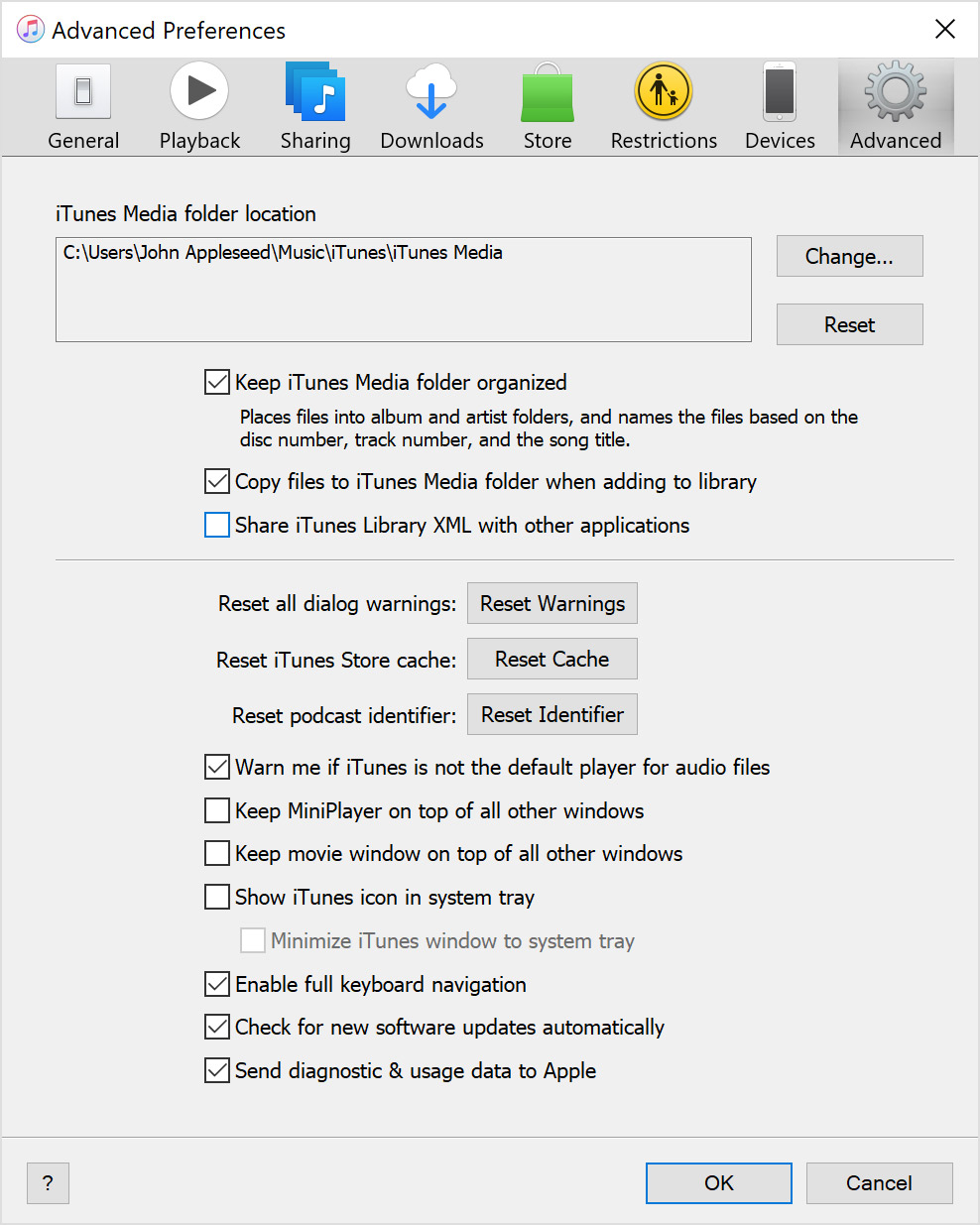
"
I hope this helps.
Enjoy your day!
How to change the iTunes Media Folder path in the XML file if I have the files on network storage?

