Hello, AshleyCraig1987!
Thank you for using the Apple Support Communities!
If I'm understanding your post correctly, you want to hide purchased music from the iTunes store on your iPhone that you don't already have saved to your iPhone.
Take a look at this article called Hide and unhide music, movies, TV shows, audiobooks, and books and follow these steps:
- On your computer, open the Apple Music app, Apple TV app, or iTunes.
- In the menu bar at the top of your computer screen or at the top of the iTunes window, click Account, then click Purchased. (If you use Family Sharing, you might see Family Purchases instead of Purchased.)
- Depending on what you want to hide, click Music, Movies, or TV Shows at the top of the window, then click All. All of your purchased items appear.
- Find the item that you want to hide. Hold your pointer over the item until the hide purchase button
 appears. Click the hide purchase button ."
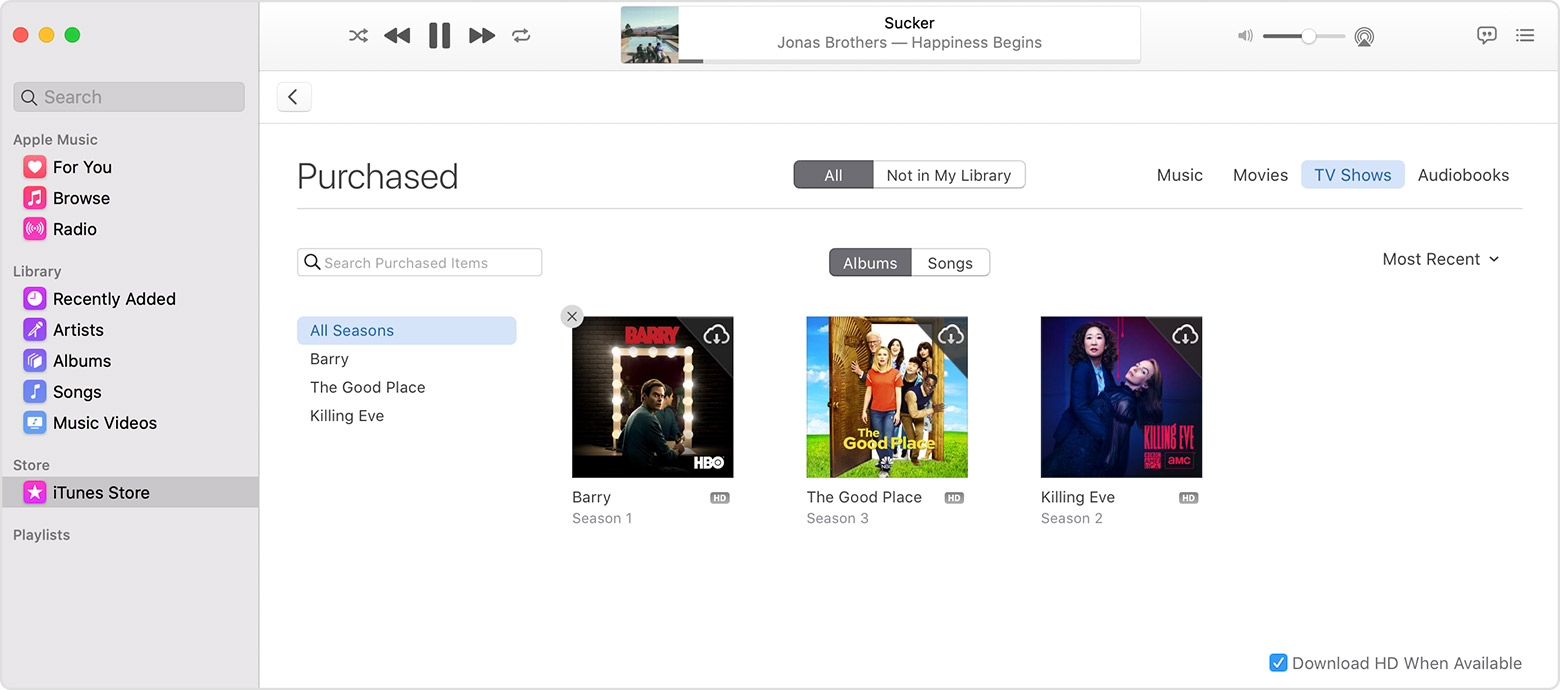
I hope this information helps you!
Cheers!



