
Moving iTunes Library to New Computer - Split Library
I'm looking to move my iTunes library to Windows 10, but I'm nervous about it going wrong because I have a split library: my iTunes Media Folder in a different location to the default Music > iTunes folder where the iTunes Library.itl file is kept.
My library is in [G:\Users\Name\Everything\Music]
And the .itl file is in [G:\Users\Name\My Music\iTunes]
In iTunes, it reads [G:\Users\Name\Everything\Music] as the Media Folder, so I don't know why it hasn't put the itl file there?
Can someone tell me how the following Step 10 is going to work in the restore process (from https://support.apple.com/en-au/HT201625) if the .itl file isn't in the same folder as the library? Can I just copy it in there? I am intending on setting up my new computer in the same manner, so the folder system should be the same as it currently is.
- Quit iTunes.
- Go to "This Computer," then click your external drive.
- Select your iTunes folder, then right-click and choose Copy.
- Go to the location on your computer where you want your iTunes library, then right-click and choose Paste.
- Hold down the Shift key while opening iTunes.
- When you see a message that asks you to Choose iTunes Library, click Choose Library.
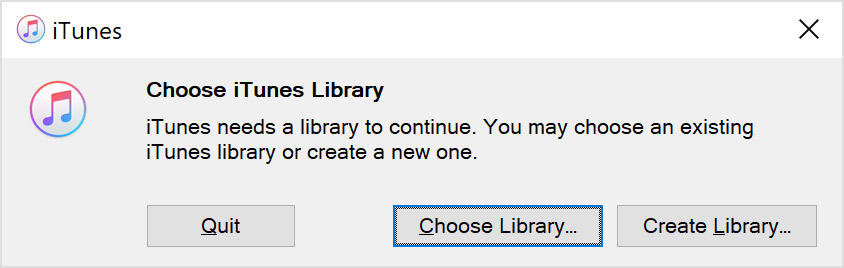
- Choose the location where you copied your iTunes folder.
- Click Open.
- Choose the iTunes Library.itl file inside.
Thank you
Windows, Windows 6


