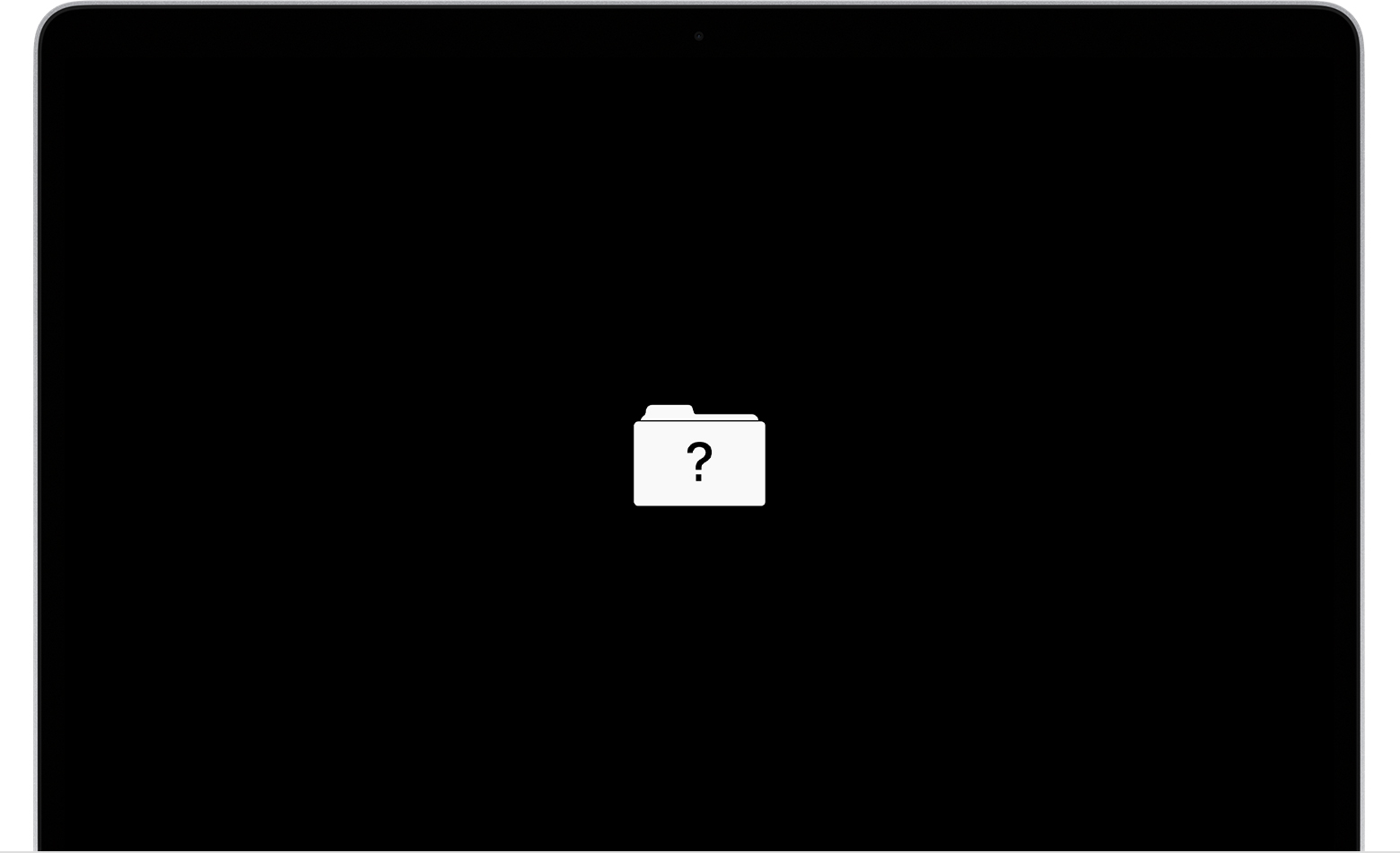
Question mark folder flashing
this is really freaked me out and try to figure out how did this happen in first place?
Did someone went thought my laptop and stolen my data and damaged the hard drive?
I live in share house and yesterday evening when I returned home from work
I saw my room door not shut properly, it was like someone entered my room!?
So, my Mac was fine on Tuesday evening and yesterday evening when I returned home from work, I’ve turned on my Mac at first I’ve entered password and is just freeze!
I thought it might need a restart and all gonna be fine, until I saw a question mark and followed few instructions as I saw on YouTube
I get to utility and I clicked disk utility but can’t see internal option on the left hand side
All I see is Apple disk image
OS X base system
When I click reinstall, I get error message Installer information on the recovery server is damaged!!
Spoken with apple on the phone, they suggested hardware issue or loose wire and I must take it to apple technician to look at it and fix it!!!
Many thanks for help info advice
MacBook Air 13", macOS 10.15