Here is one way to do it.
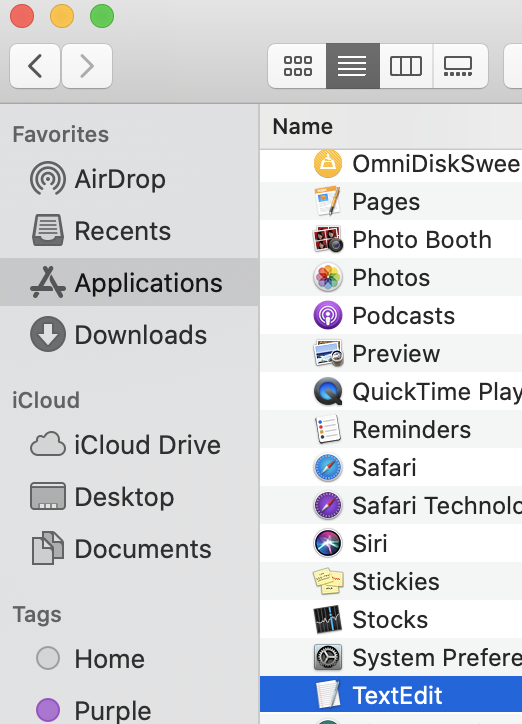
Finder > Applications > TextEdit
Open a new document.
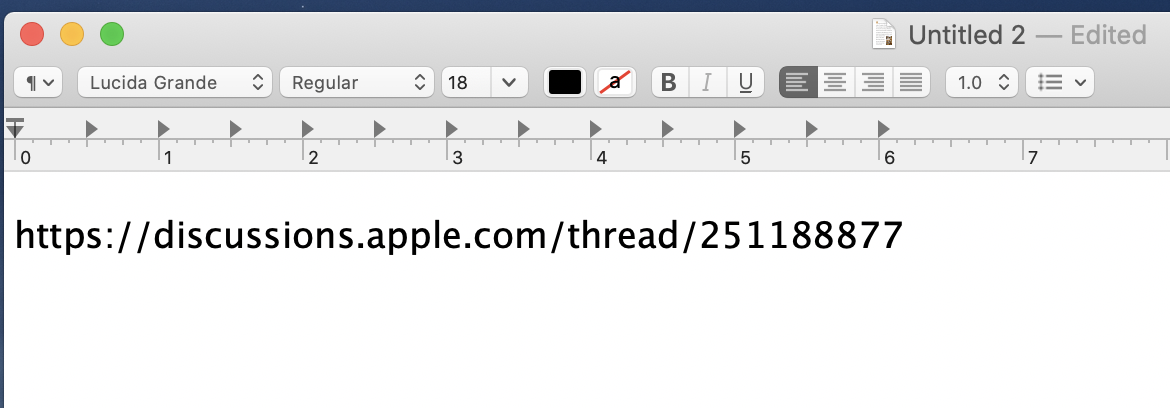
Copy and paste the URL link.
It won't a clickable link.
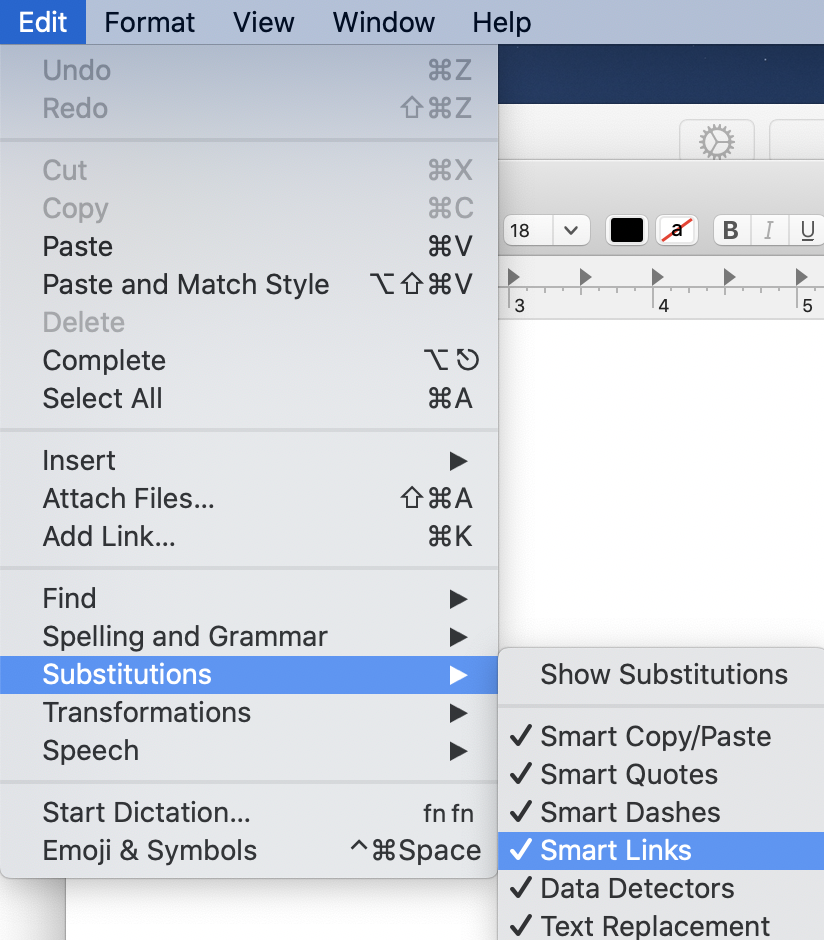
Text Edit > Edit > Substitutions > Smart Links
Enable Smart Links.
Link will turn into a clickable hyperlink.
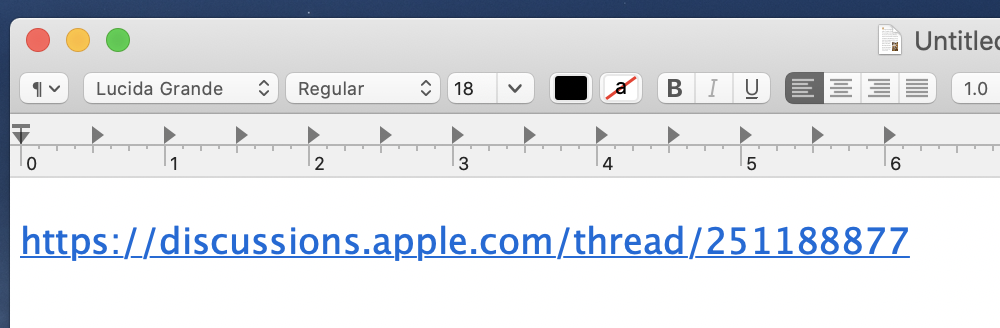
Copy and paste the link anywhere you want.
For details:
Quote:
In an app on your Mac, do any of the following:
- Set an app to always use smart links: In a document, choose Edit > Substitutions, then choose Smart Links (a checkmark shows it’s on).
- To turn it off, choose the command again.
https://support.apple.com/guide/mac-help/replace-text-punctuation-documents-mac-mh35735/mac


