
3D portraits with iphone 11 pro
I cannot get my new iphone 11 pro to allow the 3d portrait function. I have liked facebook 360, and restarted the fb app and the phone. And no 3D option appears when I go to post. Ideas?
iPhone 11 Pro, iOS 13
I cannot get my new iphone 11 pro to allow the 3d portrait function. I have liked facebook 360, and restarted the fb app and the phone. And no 3D option appears when I go to post. Ideas?
iPhone 11 Pro, iOS 13
If this is what you mean by 3D
Adjust Depth Control and Portrait Lighting in Portrait mode photos
Use the Depth Control slider to adjust the level of background blur in your Portrait mode photos, and the Portrait Lighting slider to adjust the intensity of Portrait Lighting effects.
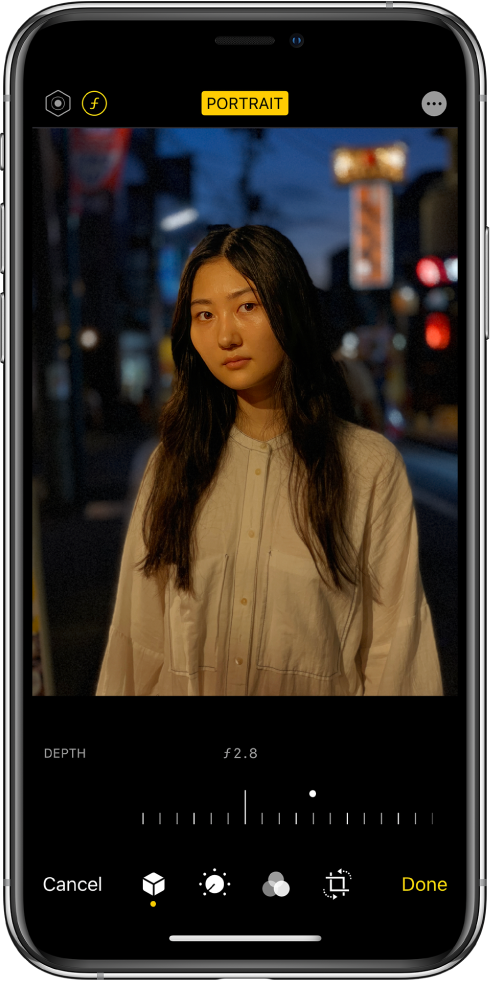
 setting at the top of the screen to adjust Depth Control or
  to adjust Portrait Lighting.
3D portraits with iphone 11 pro
