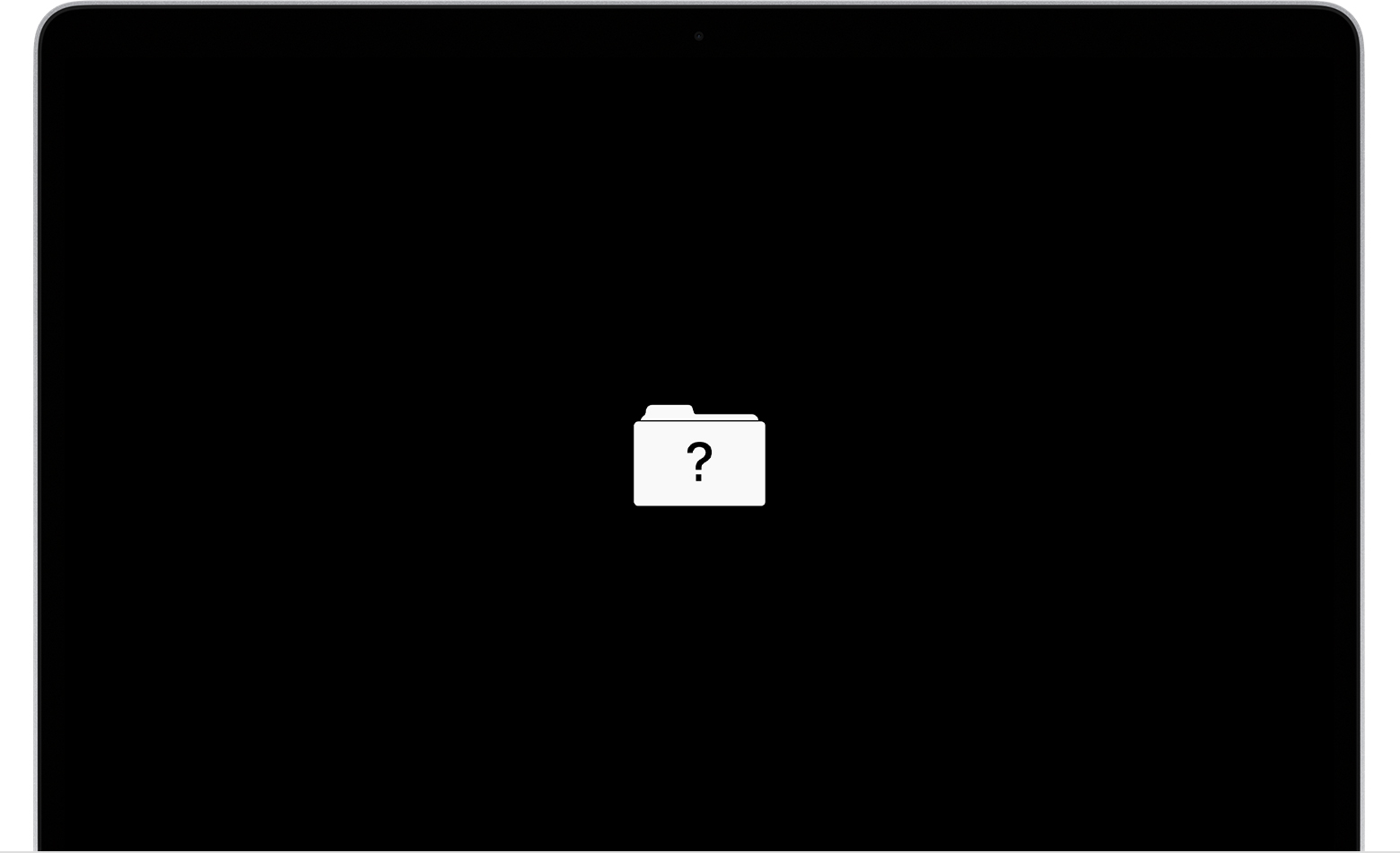
Missing Macintosh HD
I know this question has been thrown around the internet hundreds of times by this point, but this issue seems to be unique. A friend of mine got a little too curious with the hidden files in his hard drive, and has locked himself out of it, possibly due to changing permissions and/or deleting various hidden files. I've tried everything I can find online, and nothing seems to fix the problem. The computer is a [late?] 2013 iMac (no Retina display), containing a 3Tb hard drive (not a CS drive). Upon attempting to boot, all that shows is the ? folder, and no mode can be accessed other than internet recovery. I'll try to briefly state all of the solutions attempted, and their results.
- [Internet] Recovery mode disk utility: hard drive is not visible. Not grayed out - the only drive listed is macOS Base System, even in Terminal. "Macintosh HD" is nowhere to be found, so there's no identifier to reference it.
- USB drive: This comes to the same issue, but with the only visible items being the USB's volumes and macOS Base System. But, if a USB drive is plugged in, we can access...
- Single user boot mode: But, no Macintosh HD! It seems to be nowhere, despite accessing the root directory [as it's only the root directory of the flash drive]. Running fsck just seems to check the flash drive, rather than the actual hard drive. USBs are the only items shown in /Volumes.
I adamantly believe the hard drive's issue is not physical damage. This issue arose after playing with root files and permissions, and seems to have worsened after some rounds of musical OS's on flash drives. I've even dug through system_profiler to try to find some kind of a hint as to how to access the drive.
I've suggested target disk mode from my MacBook Pro, but he seems confident in the possibility to fix it. I guess the Thunderbolt2 to Thunderbolt3 adapter is a last resort for him. Hoping to get some helpful insight here! Thanks in advance.
iMac Line (2012 and Later)