
Freezing
Hi . I tried to rebought the phone with using the left and side buttons. They are are not responding to the messages. It’s been freezing 4 4 times in the last 24 hours
iPhone 11
Hi . I tried to rebought the phone with using the left and side buttons. They are are not responding to the messages. It’s been freezing 4 4 times in the last 24 hours
iPhone 11
Force restart iPhone - Apple Support ⬅︎ try again...
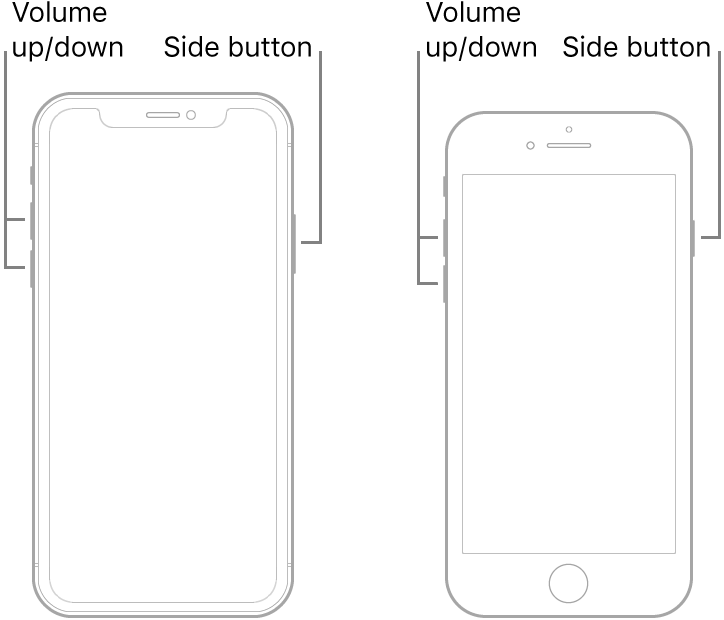
If your iPhone, iPad, or iPod touch won't turn on or is frozen - Apple Support
Force restart iPhone - Apple Support ⬅︎ try again...
If your iPhone, iPad, or iPod touch won't turn on or is frozen - Apple Support
Freezing
