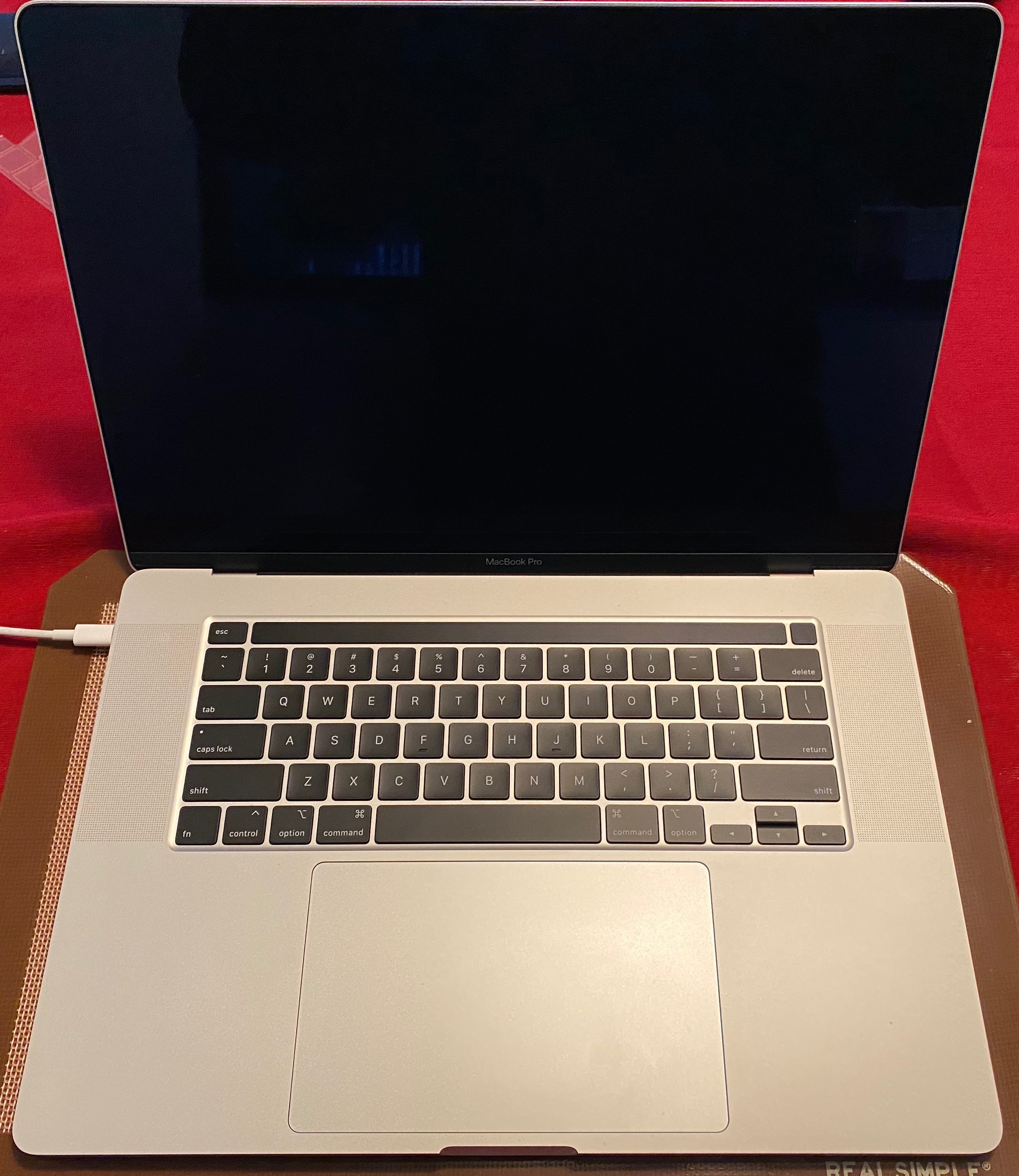
2019 MacBook Pro doesn't register external hard drive

I recently bought the 2019 MacBook Pro. I have an adaptor that converts USB to USB-C, and I've been using a USB hub. I have the Transcend 320GB StoreJet external hard drive, and the computer isn't registering it. When. I plug it in, the light comes on solid (doesn't blink), and the drive makes a beeping sound, followed by a small clicking noise.


This drive doesn't show up in Disk Utility at all, and it works on other computers. What should I do?

MacBook Air 13", macOS 10.14

Posted on Apr 23, 2020 10:08 PM

Reply
2 replies

Apr 25, 2020 8:54 AM in response to Rkundlas99

Hello Rkundlas99,


Thank you for using Apple Support Communities! I understand from the information you provided that a USB hard drive is not working with your MacBook Pro; I'd like to help.


I would suggest you use the least number of interfaces to help isolate the potential issue. I assume your external hard drive is a regular USB 2.0 drive. Try connecting your hard drive to your Mac without the use of the hub. You have a USB-C to USB adapter, try connecting your drive directly using that adapter. This will tell us is the hub is the issue.


Hope this helps.


Best Regards.


This thread has been closed by the system or the community team. You may vote for any posts you find helpful, or search the Community for additional answers.

2019 MacBook Pro doesn't register external hard drive

Welcome to Apple Support Community
A forum where Apple customers help each other with their products. Get started with your Apple Account.