
How to undo sharing a location?
I accidentally shared my current location (CL) in a group chat, if I delete the group chat will my location stop showing?
iPhone 6s Plus
I accidentally shared my current location (CL) in a group chat, if I delete the group chat will my location stop showing?
iPhone 6s Plus
You may have selected the length of time that you want to share your location for.
You have other options now Hide or Stop, Read below

Hide your location
You can hide or stop sharing your location with your friends. Just follow these steps:
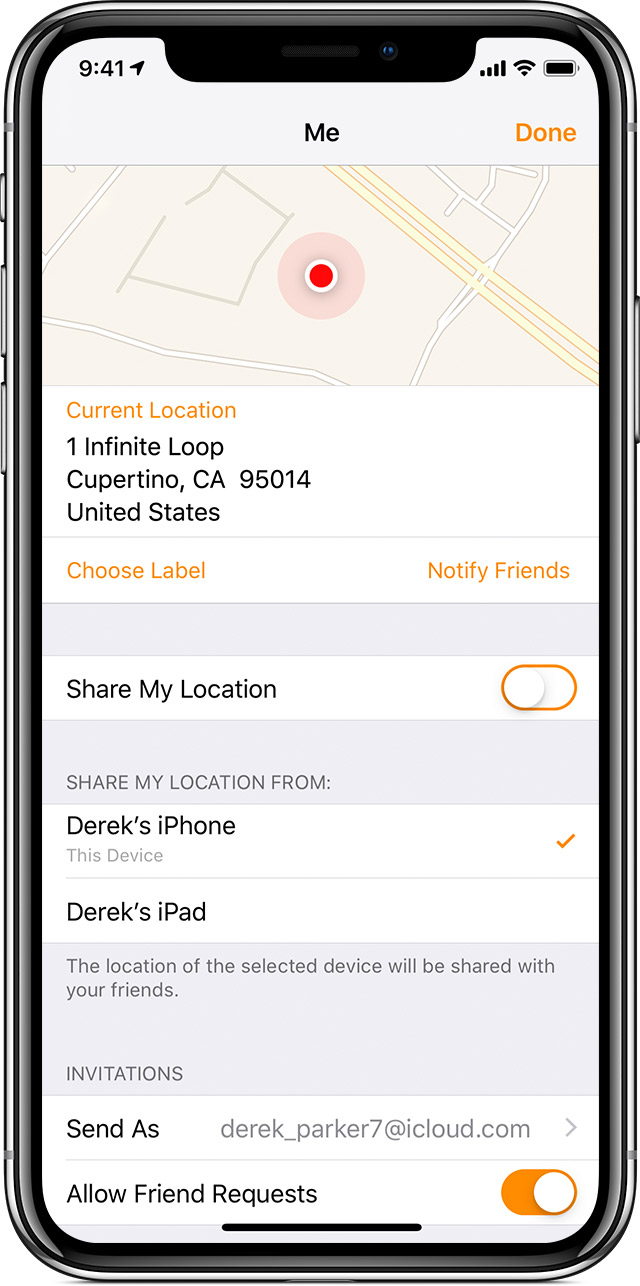
Open Find My Friends and tap Me. Then turn off Share My Location.
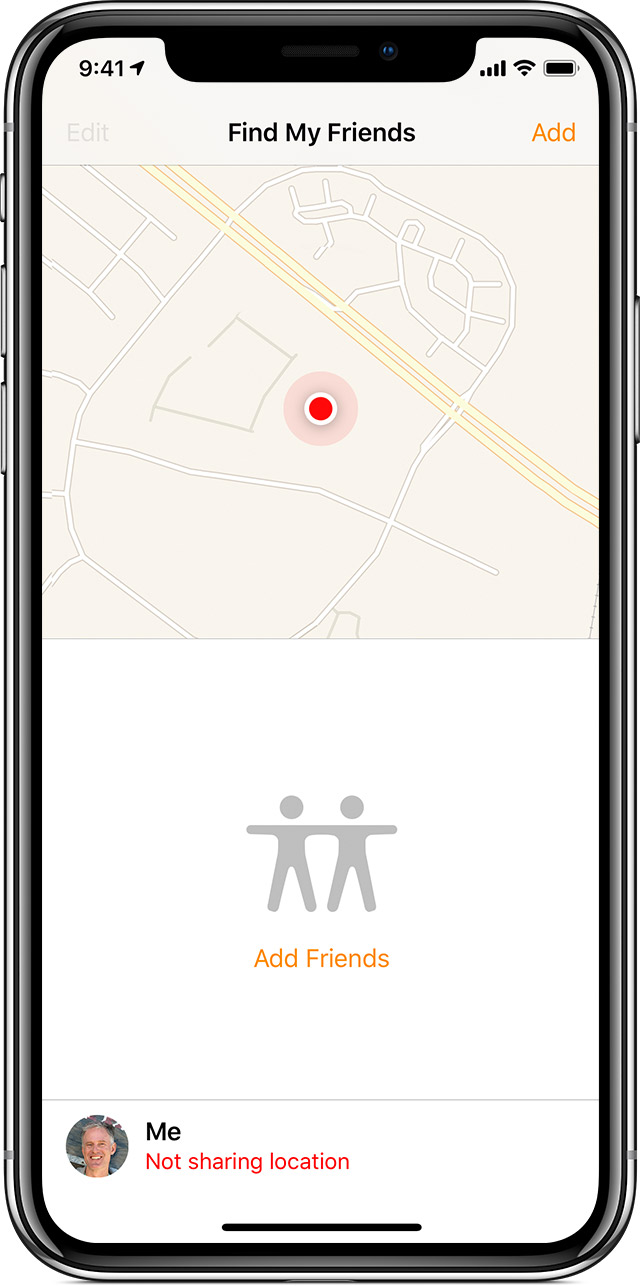
Tap Done. You'll see Not sharing location next to Me at the bottom of the screen.
Stop sharing your location
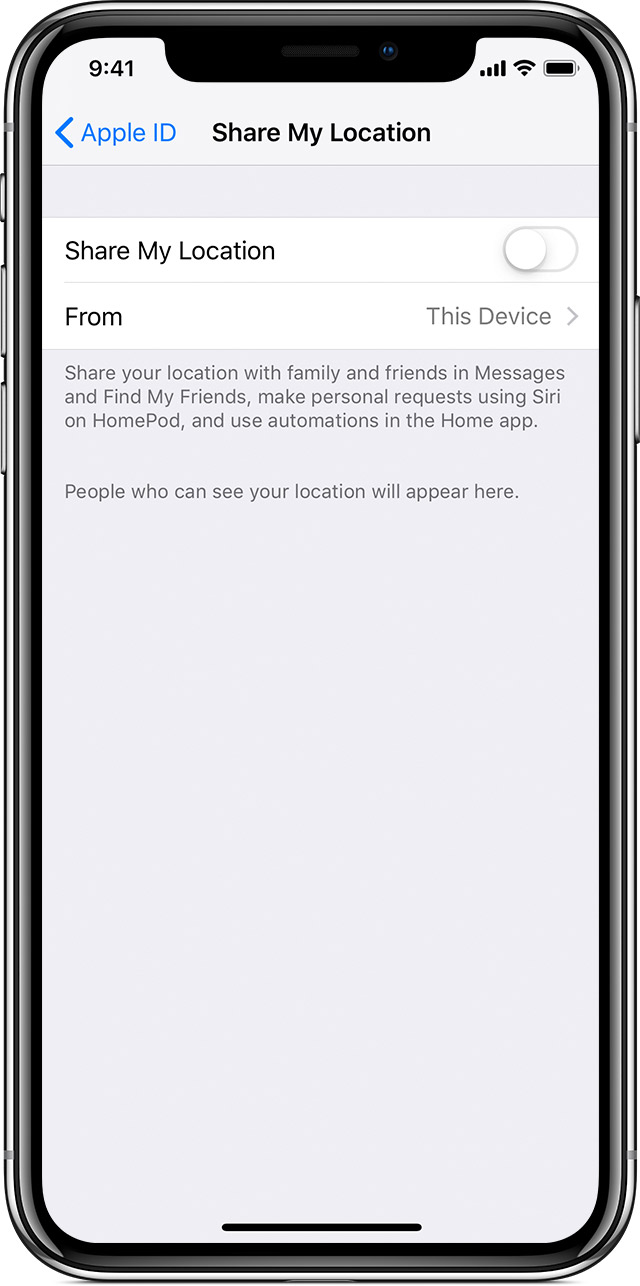
If you don't want your friends to see your location in Find My Friends, you can stop sharing from the app on your iOS device or on iCloud.com. You can still see the location of your friends, but your friends see Location Not Available when they try to locate you.
On your iPhone, iPad, or iPod touch:
On iCloud.com:
How to undo sharing a location?
