
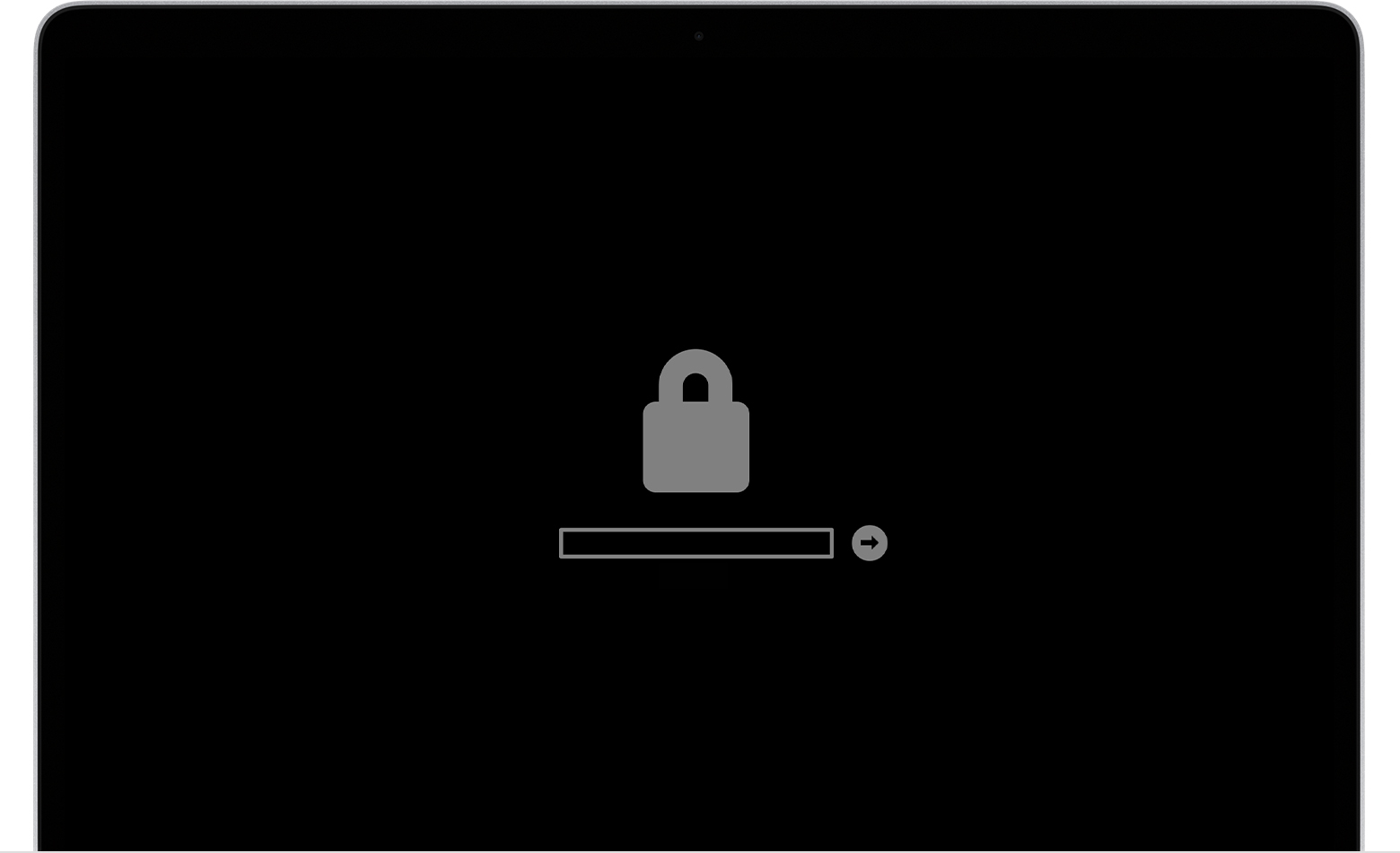
If your Mac is showing that icon then it means a firmware password has been set. This does not happen spontaneously. Someone did it purposely. Did you buy this Mac used? Botton line is, if you don't have the password then you cannot unlock the firmware. You need to get Apple involved and provide an original purchase receipt with the serial number on it. See the very bottom paragraph of the link provided by @BobTheFisherman.

Question marked as
If your Mac is showing that icon then it means a firmware password has been set. This does not happen spontaneously. Someone did it purposely. Did you buy this Mac used? Botton line is, if you don't have the password then you cannot unlock the firmware. You need to get Apple involved and provide an original purchase receipt with the serial number on it. See the very bottom paragraph of the link provided by @BobTheFisherman.
3 replies
Question marked as
kokoravier wrote:
https://discussions.apple.com/content/attachment/c9138a2a-6885-4350-8eb7-c3f1e6242557
Lock icon

If your Mac is using a firmware password, the lock icon appears when you try to start up from another disk or volume, such as an external drive or macOS Recovery. Enter the firmware password to continue.
How to unlock firmware, Macbook Pro A1706 13inch
