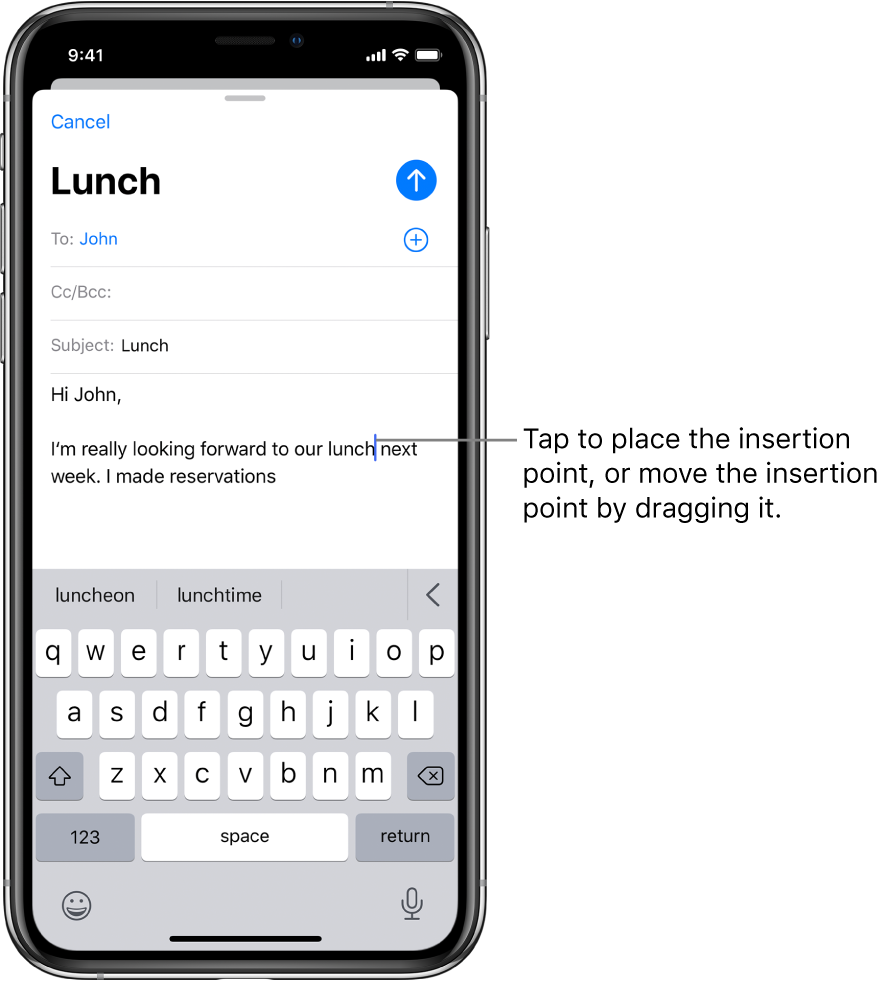
"tap twice to select a word, tap three times to select a sentence, tap four times to select a paragraph" not work properly on iphone 11 pro

but works on my iphone 7 plus. When I tap three times to try to select a sentence, it selects a paragraph instead of a sentence.

iPhone 11 Pro, iOS 13

Posted on Jun 8, 2020 2:45 AM

Reply
1 reply

Jun 8, 2020 2:49 AM in response to comeba

This needs a bit of patience & practice.


  • Select a word: Double-tap the word with one finger.
  • Select a sentence: Triple-tap the sentence with one finger.
  • Select a paragraph: Quadruple-tap with one finger.
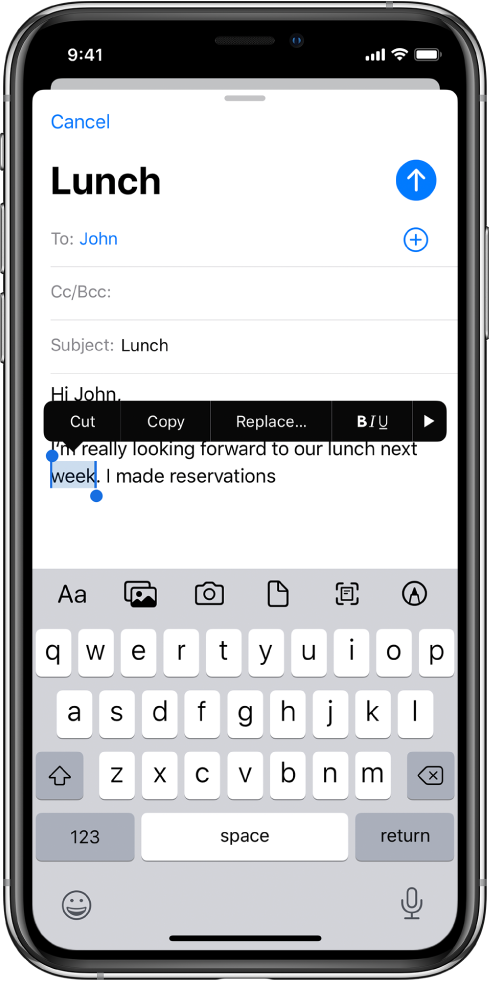
  • Select a block of text: Touch and hold the first word in the block, then drag to the last word.
  • After selecting the text you want to revise, you can type, or tap the selected text to see options.
    • Cut: Tap Cut or pinch closed with three fingers two times.
    • Copy: Tap Copy or pinch closed with three fingers.
    • Paste: Tap Paste or pinch open with three fingers.
    • Replace: View suggested replacement text, or have Siri suggest alternative text.
    • B/I/U: Format the selected text.
    • : View more options.


This thread has been closed by the system or the community team. You may vote for any posts you find helpful, or search the Community for additional answers.

"tap twice to select a word, tap three times to select a sentence, tap four times to select a paragraph" not work properly on iphone 11 pro

Welcome to Apple Support Community
A forum where Apple customers help each other with their products. Get started with your Apple Account.