
My icloud folder cannot be sync with my icloud web, what am i doing wrong?
I am trying to see my icloud files on my pc and vice versa, but it is not syncing. I installed it and download it again but the problem was no resolved.
Thanks
I am trying to see my icloud files on my pc and vice versa, but it is not syncing. I installed it and download it again but the problem was no resolved.
Thanks
Hi emcolindres,
Thank you for contacting Apple Support Communities. Based on what you stated, it seems the PC is not syncing to iCloud. Are other things like Photos or Calendars syncing between devices?
"When you turn on iCloud Drive, iCloud for Windows creates an iCloud Drive folder in File Explorer. Any documents that you've stored in iCloud will automatically download to the iCloud Drive folder in File Explorer. Files that you create on your PC and save to this folder automatically appear on your other devices. And if you want to work on files with friends or colleagues, you can share individual files or create a shared folder to share a group of files.
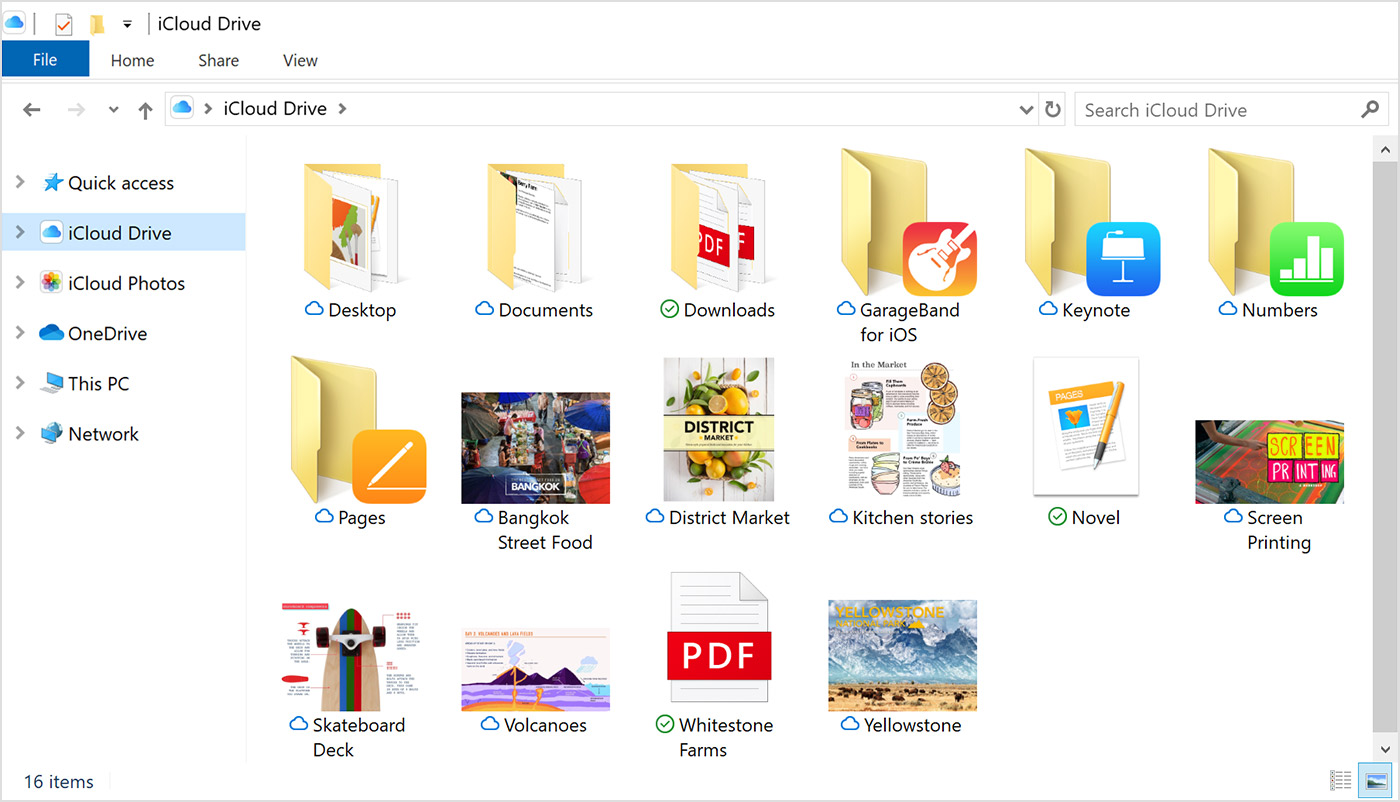
You can also access your iCloud Drive files and folders at iCloud.com. "
Set up and use iCloud for Windows
Please don't hesitate to let us know if the steps resolved your issue or if you need additional assistance.
Take care.
My icloud folder cannot be sync with my icloud web, what am i doing wrong?

