Hi and thanks for your reply, I'll do my best to include detail.
my question is what do I do to resolve being locked out of my MacBook Pro. The problem is I got locked out after doing a Migration from Mac to Mac and then messed with the key chain on new mac when trying to use the old login (on the new Mac)... how do I fix this?
I have two MacBook Pro laptop computers.
old one is MacBook Pro 15" mid 2009 version10.11.16 El Capitan, 2.8Ghz intel core 2 Duo. 4GB 1067 Mhz DDR3. it has 500GB SATA disk for storage. Ive owned this one for about 10 years and its way past its prime, it still works fine but has some things hanging off it, slightly busted screen, missing keys, have only been able to use it more recently with a bluetooth keyboard and mouse after some spillages. So, it needed to be replaced. I found a secondhand dealer I was happy with and purchased a
Apple MacBook Pro 15" With Touch Bar A1707 - Intel Core i7/256GB SSD/16GB RAM/OS CATALINA - MPTR2LL/A × 1 that was certified as refurbished.
"new" refurbished MacBook Pro was reset to default settings when I received it. Got it started up and everything was working fine with it. I used Time Machine to back up the old MacBook Pro onto external HD before using Migration
Assistant to import old mac stuff into "new" mac. I didnt import documents folder or music because old mac is 500GB and "new" mac only 256GB. After Migration was completed both MBP's still working fine. My old mac login appeared on the
"new" mac user login screen, at first I couldnt use the old login because it wasnt accepting password my password, so I reset old login password using User&Groups in System Preferences on "new" mac using "new" mac admin login.
Still on new mac, I then attempted to login to old login (migrated from old mac) on "new" mac and was prompted to reset key chain and selected reset to default not thinking about how this would have an impact. The new mac screen then went to the background picture and its stuck there. the track pad works, if i tap the space bar I can hear the nothing happening hear tone, no dock appears at bottom of screen, touch bar shows 'esc' and doesnt respond. I havent tried holding down the on/off button out of fear I'll wreck something else, so this is as far as Ive got to
The screen on the new mac has remained on the background picture and wont respond to nothing.

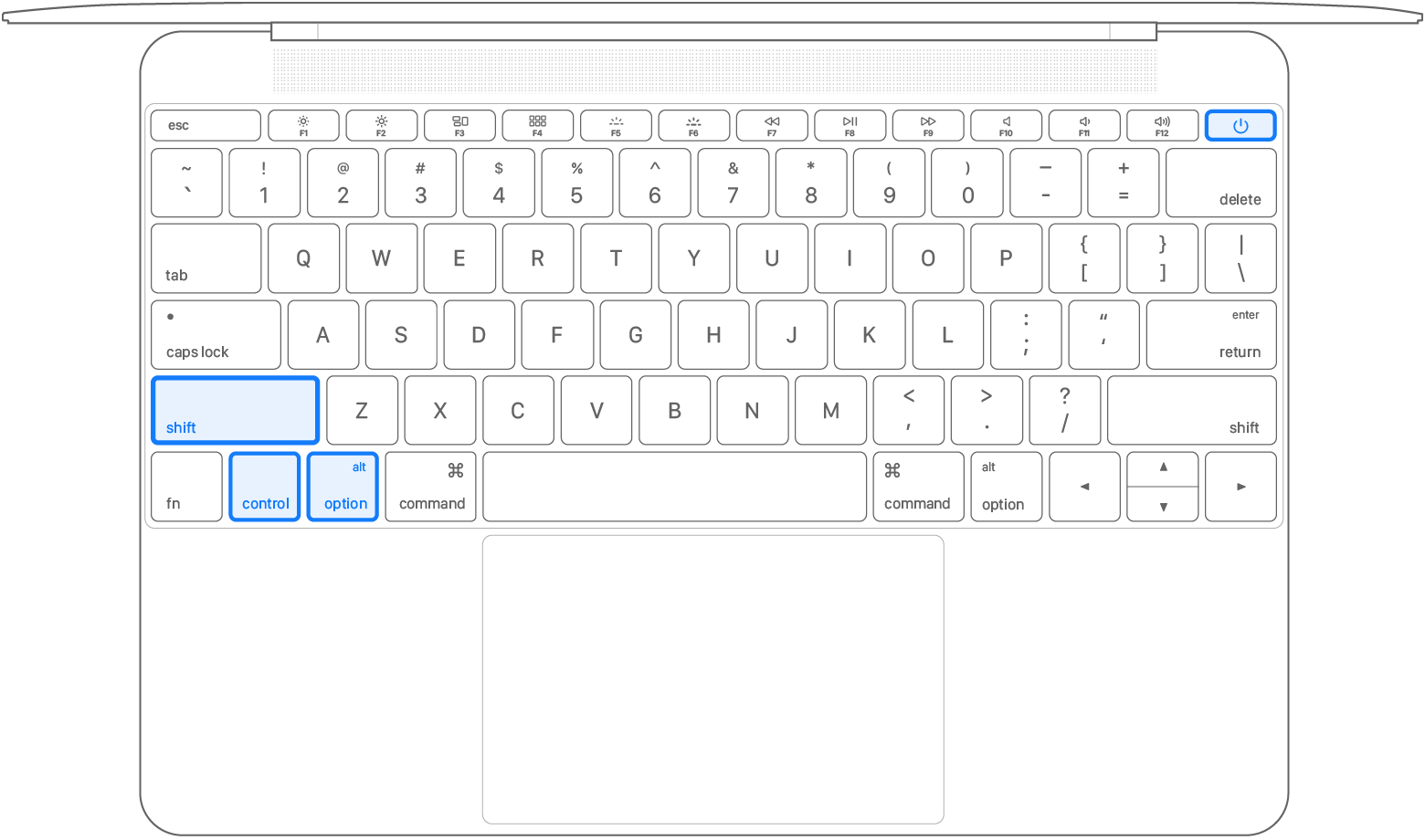
 on the left side of your keyboard
 on the left side of your keyboard
 on the left side of your keyboard