Should I use my Apple ID for FaceTime and iMessage?

Hi all,


With FaceTime and iMessage you have the option to be contactable and numerous numbers and email addresses, however is there a benefit of using a particular method?


I currently use my mobile number but the settings have the option for me to use my Apple ID. Should I switch over to using my Apple ID and if so, why?


Are there any caveats to using Apple ID over my mobile number?


Cheers for looking and thanks in advance.


Regards


Mitch

Posted on Jul 13, 2020 5:30 AM

Reply
8 replies

Jul 14, 2020 9:33 AM in response to Mitchell Peplow

If you send a text message to a non Apple device, then it sends as an SMS using your number. It will not use your Apple ID / email address even if you are signed in to iMessage.


If you don't sign in to iMessage, then you are limited to only sending SMS messages via your cellular service provider, and cannot send iMessages to other Apple devices. You will only be sending SMS messages to Apple and non-Apple devices alike.


You can use your Apple ID as well as your number if you message people that only use your email address rather than your number and have a Mac or iOS device. If you are not signed in, the point is moot. It will only ever use your number and send SMS text messages rather than iMessages.


See here: About iMessage and SMS/MMS - Apple Support


Jul 13, 2020 6:23 AM in response to Mitchell Peplow

Not a complete answer, but if you are messaging people using non-Apple devices, your phone number is probably best since you are texting them. They can then text you back by addressing your phone number.


Which you use may also depend on who you are contacting. If you are contacting someone that knows your email address, but not your phone number, that will help them recognize who is contacting them.


I'm not sure there is a right answer that applies to all messages you send.

Jul 15, 2020 6:36 AM in response to Mitchell Peplow

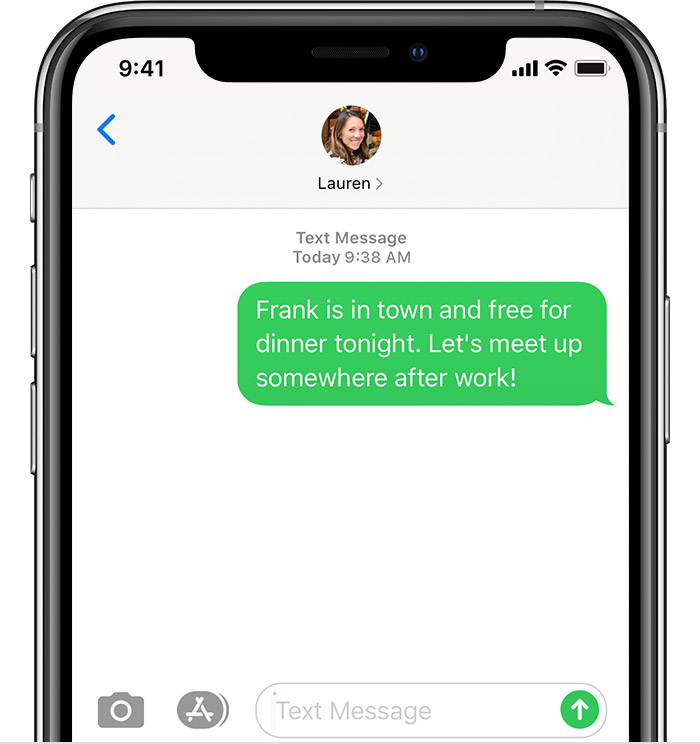
That's just the general label of the section. It does not change whether you are signed in or not. You are not currently signed n as evidenced by the Text line above it, and as such all your messages currently should be green, rather than the blue iMessage types. Even if they show in blue because you uses an email address, it won't send the message.


If you want to use iMessage, you need to sign in. No way around it.


Signing in, means you can send Apple devices blue iMessages over the internet, rather than using tour Text Message allotment from your cellular carrier. If you are signed out, you will be using SMS messages always.


Jul 15, 2020 7:10 AM in response to Phil0124

Hi Phil,


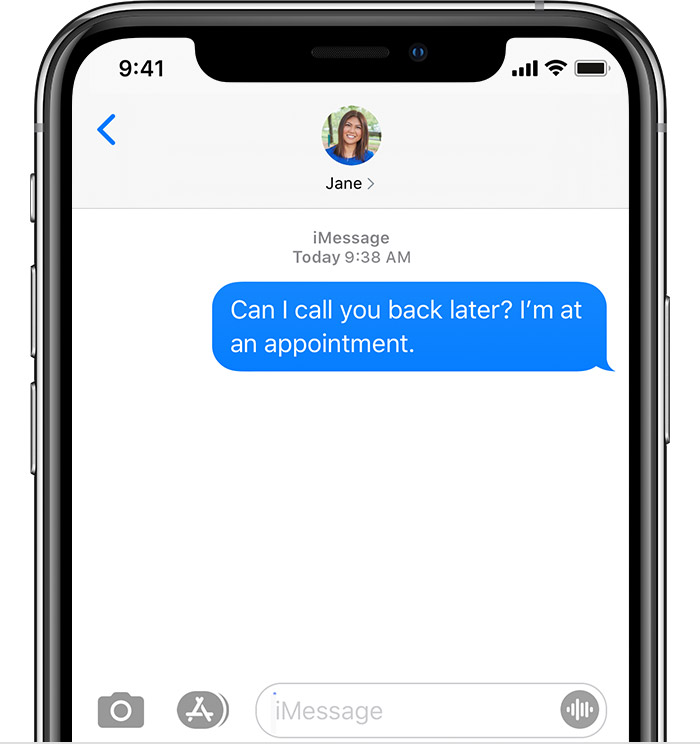
But if I'm not signed in, how can this image be true as this was from my daughter (iPhone) to me (iPhone):


I just turned off WiFi and tried sending a message to her over 4G. Stayed blue like the normal iMessage and got a Delivered notification so surely iMessage works over cellular carrier even if not signed in? How else would that be explained as it should turn green if it's not an iMessage


Also, I've had it before when an iMessage to another device has gone green, but that's when the other person has had connection issues.

Jul 14, 2020 4:22 PM in response to Phil0124

Hi Phil,


Here's a screenshot when I go to Settings->Messages->Send & Receive


To me that suggests I'm not signed in with my Apple ID, yet I can send/receive iMessages.


If I click on 'Use your Apple ID for iMessage' I can indeed then login with my Apple ID which again seems to suggest that iMessage will work with cellular if the number is registered (maybe through iCloud?)


I know when I setup my phone it had authenticate/activate the number for iMessage so it must be related.


FaceTime is exactly the same.


This thread has been closed by the system or the community team. You may vote for any posts you find helpful, or search the Community for additional answers.

Should I use my Apple ID for FaceTime and iMessage?

Welcome to Apple Support Community
A forum where Apple customers help each other with their products. Get started with your Apple Account.