There’s a risk here..I won’t say you try this..if ever you may need to download the newest garage band version in the future or for future use will you download it again? If yes that means you need to have a garage band that is associated with your Apple ID.
You have a project inside your old garage band right..if you can save this to your iclouds all of them ..then you can erase your old garage band and install the new garage band with your OWN Apple ID. You can import them back .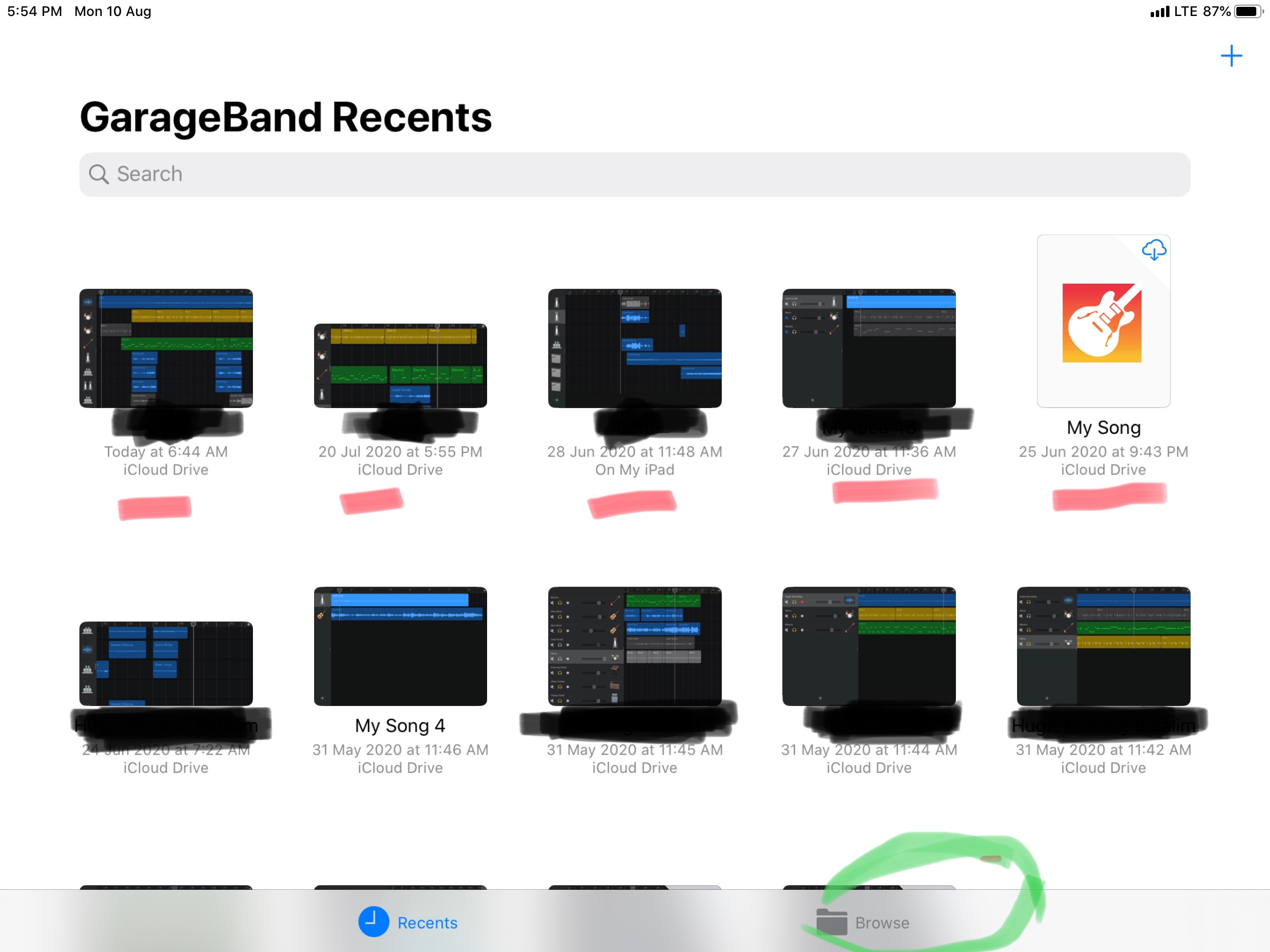
when you open the newly installed garage band. Click “browse” then it will navigate you to iclouds folder. Click the project one by one then it will migrate in garage band apps.
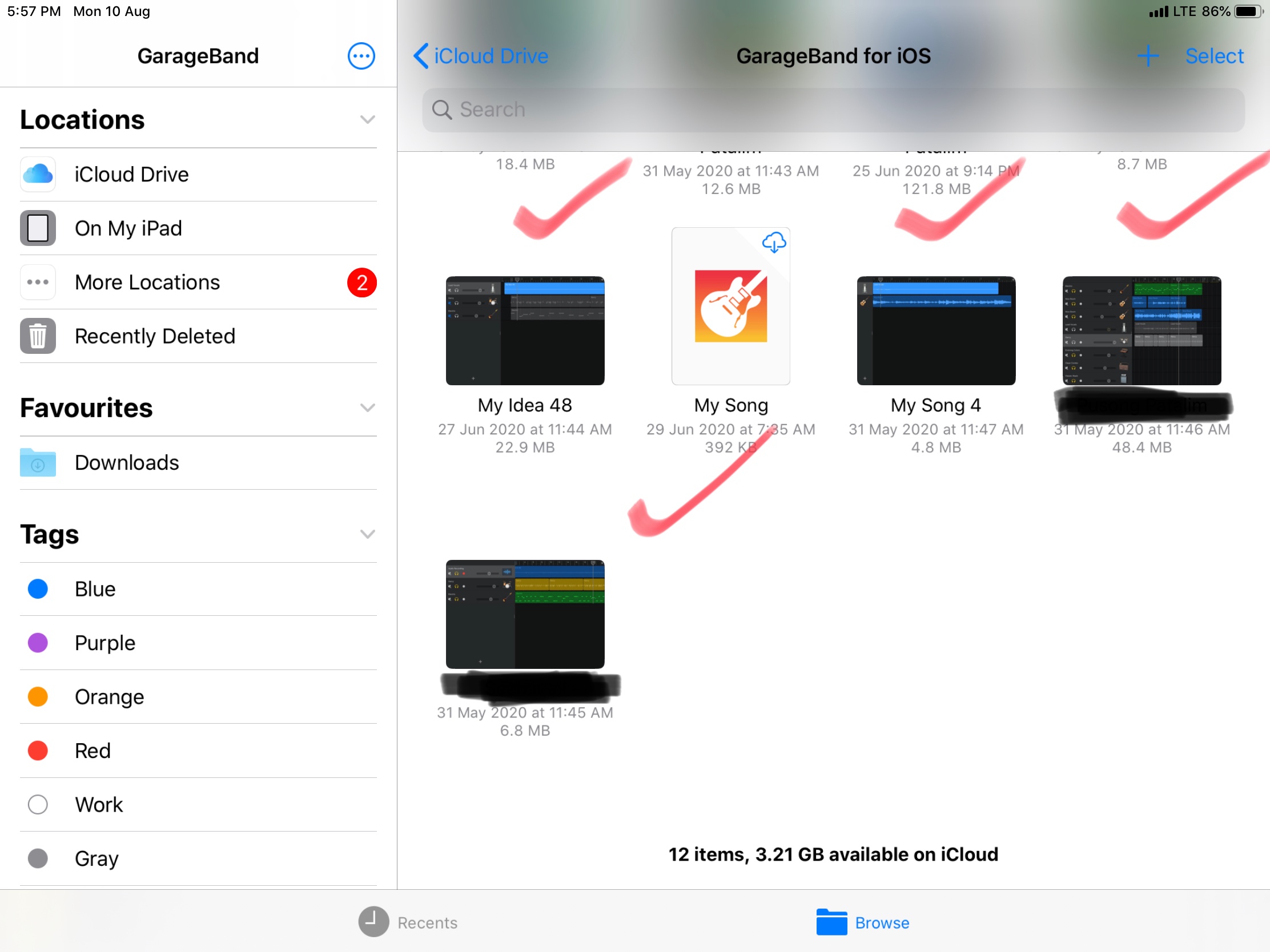
The red check project was my back up in iclouds ..I can recall it again and again by importing it back to garage band apps if the one I’m editing with is messed up. Then if I’m satisfied and I felt Like it’s enough like after 3 yrs still cannot decide the final ending haha (kidding ) then I will upload it to iclouds and place it in a folder.
Okey lets talk about the risk..the Apple iClouds memory is only 5gb so if you have lots project you cannot bring all of them if it’s more than 5gb. .(.if this happen in Mac it’s a different story)



