iphone data protection ios 14

My phone is set to erase all data after 8 failed passcode attempts. I don't recalled ever setting it up this way and I would like to disable it. The toggle is dulled out and I can not turn this feature off. How can I make the toggle accessible so that I can turn it off?

iPhone 11

Posted on Oct 22, 2020 8:58 PM

Reply
Question marked as Top-ranking reply

Posted on Oct 27, 2020 2:04 PM

Hey mikep471612,


It sounds like you're having an issue adjusting your passcode settings on your iPhone. We can understand wanting to get that resolved. We want to help.


We'd recommend reviewing the information in this article: Use a passcode with your iPhone, iPad, or iPod touch


"If an alert says to change your passcode or you can't adjust your passcode settings

Configuration profiles and email accounts based on Microsoft Exchange (common with business or education devices) sometimes have passcode policies that cause issues like this:

  • You can't turn off your passcode.
  • You can't change passcode settings because they're unavailable, gray, or dimmed.
  • You see an alert about a Passcode Requirement. For example, you might see a message that says you must change your iPhone unlock passcode within 60 minutes.
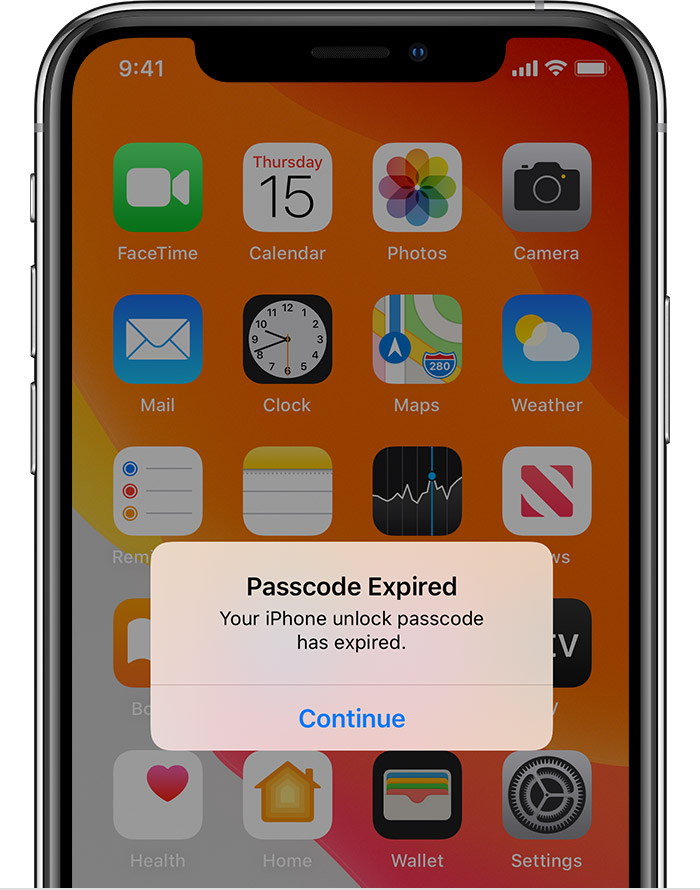
Contact your IT administrator for help. If you don’t use a configuration profile or Microsoft Exchange account, or if your device is personally owned, make sure you update your device to the latest version of iOS or iPadOS."


Thanks!


1 reply
Question marked as Top-ranking reply

Oct 27, 2020 2:04 PM in response to mikep471612

Hey mikep471612,


It sounds like you're having an issue adjusting your passcode settings on your iPhone. We can understand wanting to get that resolved. We want to help.


We'd recommend reviewing the information in this article: Use a passcode with your iPhone, iPad, or iPod touch


"If an alert says to change your passcode or you can't adjust your passcode settings

Configuration profiles and email accounts based on Microsoft Exchange (common with business or education devices) sometimes have passcode policies that cause issues like this:

  • You can't turn off your passcode.
  • You can't change passcode settings because they're unavailable, gray, or dimmed.
  • You see an alert about a Passcode Requirement. For example, you might see a message that says you must change your iPhone unlock passcode within 60 minutes.

Contact your IT administrator for help. If you don’t use a configuration profile or Microsoft Exchange account, or if your device is personally owned, make sure you update your device to the latest version of iOS or iPadOS."


Thanks!


This thread has been closed by the system or the community team. You may vote for any posts you find helpful, or search the Community for additional answers.

iphone data protection ios 14

Welcome to Apple Support Community
A forum where Apple customers help each other with their products. Get started with your Apple Account.