Error Code:0xc000000f on Bootup, firmware lock and unable to get to recovery mode.

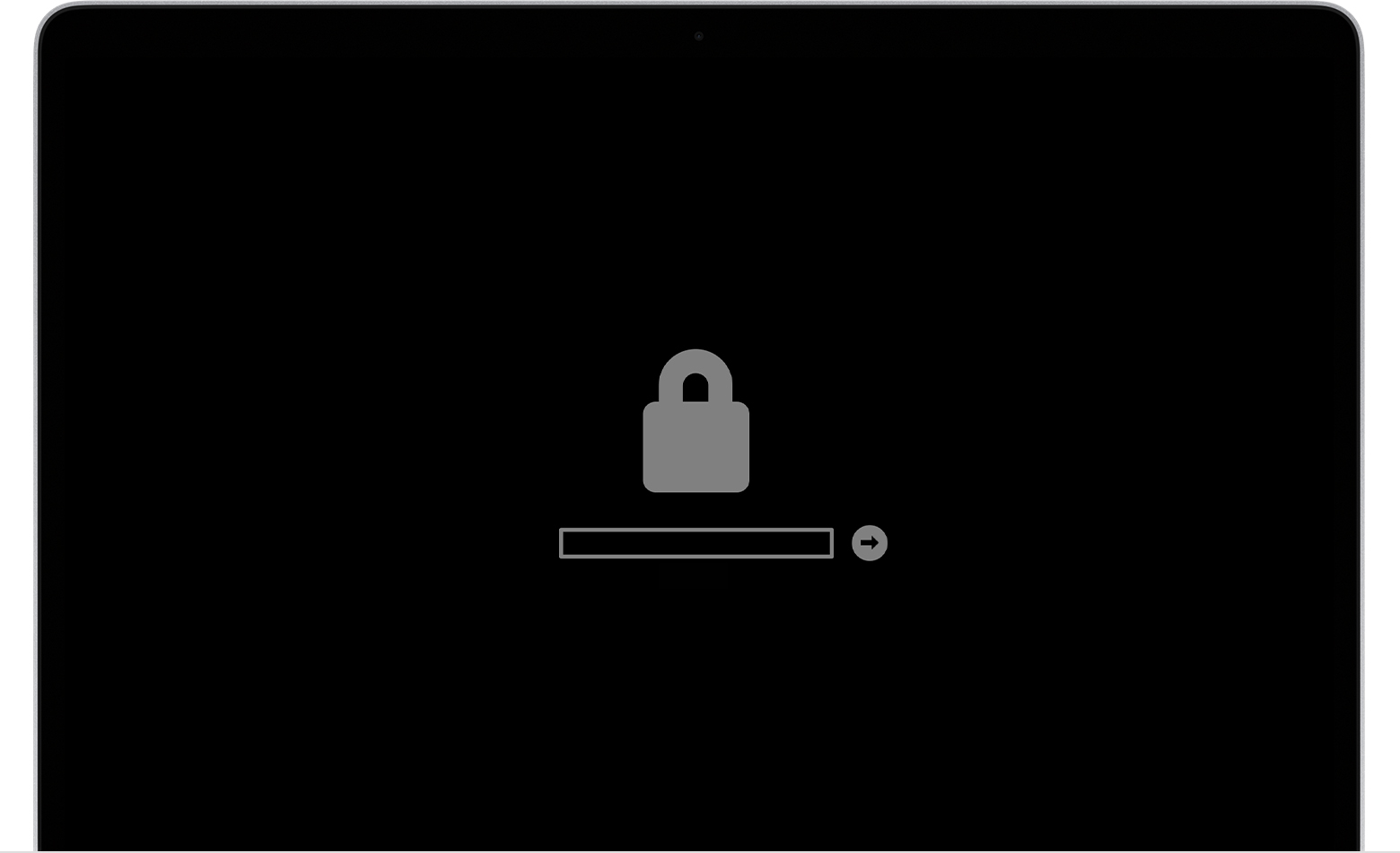
I am unable tog in and am getting the firmware lock. A previous owner of the Mac, bought a new iphone and for some reason her iCloud was still linked to the MacBook, (but my own iCloud account had been running ont he machine for 2 years), she selected to erase her settings for the device in her iCloud account and the firmware lock arrived. Unable to get into recovery mode, and get the following error (see image) Error Code:0xc000000f. The machine has bootcamp installed and the text and language looks like its Windows recovery mode?? Any help appreciated from the community - thanks

MacBook Air 13″, macOS 10.15

Posted on Oct 30, 2020 1:22 PM

Reply
3 replies

Oct 30, 2020 6:08 PM in response to UK_Nige

That's definitely a Windows error, but I understand you also tried to boot macOS and encountered the firmware lock icon.


Excerpted from If your Mac doesn't start up all the way - Apple Support:


Lock icon


"If your Mac is using a firmware password, the lock icon appears when you try to start up from another disk or volume, such as an external drive or macOS Recovery. Enter the firmware password to continue."


A firmware password cannot be circumvented. Review the above Apple Support documents to determine your options.

This thread has been closed by the system or the community team. You may vote for any posts you find helpful, or search the Community for additional answers.

Error Code:0xc000000f on Bootup, firmware lock and unable to get to recovery mode.

Welcome to Apple Support Community
A forum where Apple customers help each other with their products. Get started with your Apple Account.