
mail stuck in outbox on iphone
how can this be deleted?
iPhone 6s Plus
how can this be deleted?
iPhone 6s Plus
Hey there, len1750.
It sounds like there is an email stuck in the Outbox in the Mail app on your iPhone.
Check out the steps below from the following article, which shows how to get an email in the Outbox to send: If you can’t send email on your iPhone, iPad, or iPod touch
"Check the Outbox for unsent email
If you get a message that says your email wasn’t sent, then that email goes to your Outbox. Check your Outbox and try to send the email again with these steps:
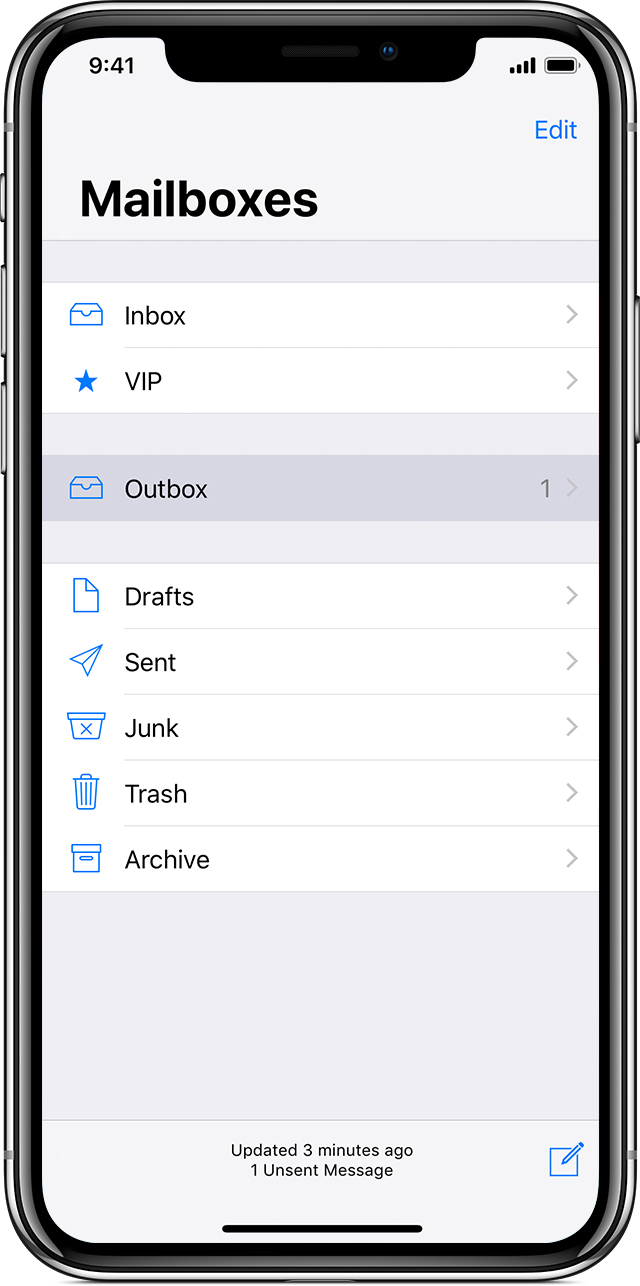
3. Tap an email in the Outbox. Make sure that the recipient’s email address is correct.
4. Tap Send."
Let us know if that helps. Take care.
mail stuck in outbox on iphone

