iOS14.2 Sleep Mode Stuck

I recently upgraded to iOS14.2 on my iPhone XS. Today my alarm went off and my watch and phone have both been stuck in sleep mode all day. I have the little moon icon on my Apple Watch and I'm not getting any notifications on my phone. I've tried disabling bedtime mode and I've restarted both devices. I can't get out of sleep mode. My bedtime period in the health app correctly shows 11PM to 7AM for bed time but it's 9 AM now and it's still active. I never had the option to dismiss it like I did prior to iOS14.

iPhone XS, iOS 14

Posted on Nov 9, 2020 7:12 AM

Reply
Question marked as Top-ranking reply

Posted on Dec 13, 2020 5:43 AM

I figured out a work around until Apple fixes the kinks... open your phone and go to the main screen. Pull down from the right (where the quick icon for airplane mode is) and turn you phone off do not disturb mode there.

Similar questions

14 replies

Jan 14, 2021 6:51 AM in response to b73izzy

@b73izzy


The reboot has not happened again, but I think I figured how to reproduce this watch lockdown. When using the sleep tracking mode (not standard alarms), if you are not wearing your watch at night and it is charging (with night table mode), the wake up alarm will be sent to your phone instead of the watch.


It becomes impossible to get rid of the sleep mode and it keeps falling back to the night table mode. This is until you have cleared the actual wake-up/alarm on the phone itself so it can say good morning. Then the watch will come back to life. Just weird. I would expect the alarm to be sent to the watch on my night table.

Nov 9, 2020 7:21 AM in response to mh_halp

Where you’ll see your notifications

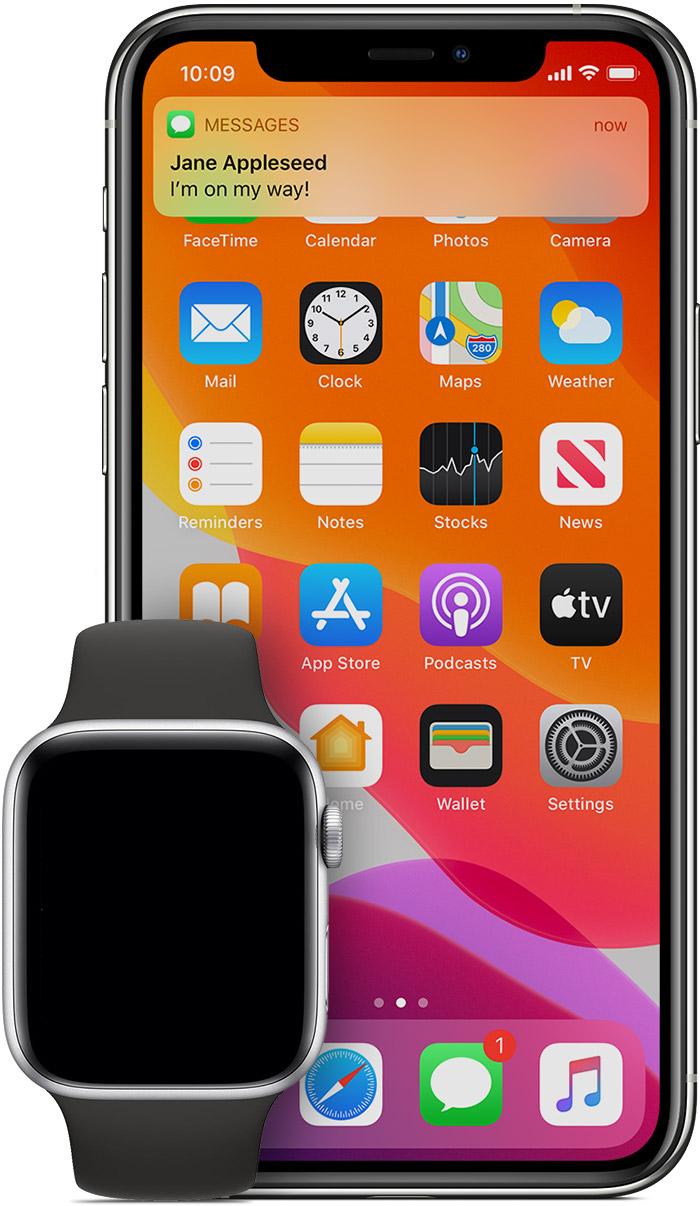
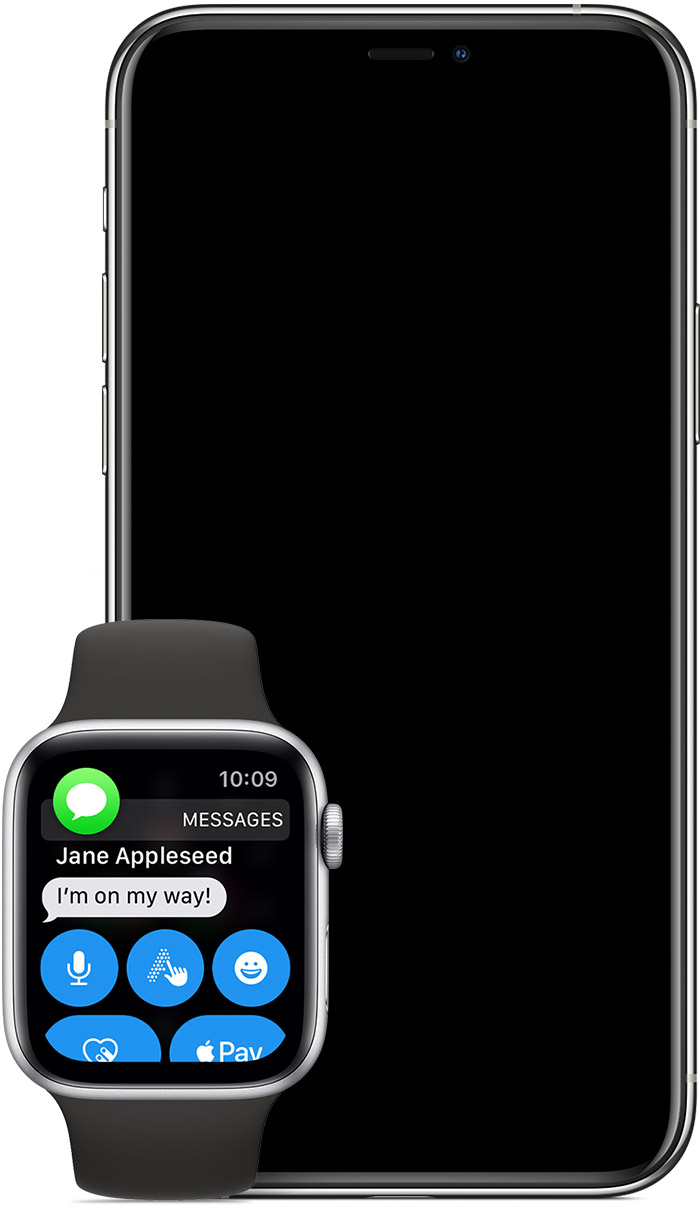
Notifications go to either your Apple Watch or iPhone, but not both. Learn when a notification might appear on your iPhone, instead of your Apple Watch, below.

If your iPhone is unlocked, you'll get notifications on your iPhone, instead of your Apple Watch.


If your iPhone is locked or asleep, you'll get notifications on your Apple Watch, unless your Apple Watch is locked with your passcode.


Some apps, such as the Noise app, are only on your Apple Watch. Notifications for these apps don't appear on your iPhone.

The red notification icon  appears on your watch face when you get a notification. When you dismiss notifications on your Apple Watch, they’re also dismissed from your iPhone. 


Jan 20, 2021 7:35 AM in response to mh_halp

This is the second time my phone and watch have become stuck in sleep mode. The first time, I turned off my watch and charged it to 100% and everything was back to normal. This time nothing will fix it. I have turned both devices off & on, charged them, done the swipe down on phone screen to turn off dnd (which made the crescent moon icon disappear but did not fix the problem). I have tweeted Apple but they asked me to DM them and won’t reply to the DM hahah HELP!!

This thread has been closed by the system or the community team. You may vote for any posts you find helpful, or search the Community for additional answers.

iOS14.2 Sleep Mode Stuck

Welcome to Apple Support Community
A forum where Apple customers help each other with their products. Get started with your Apple Account.