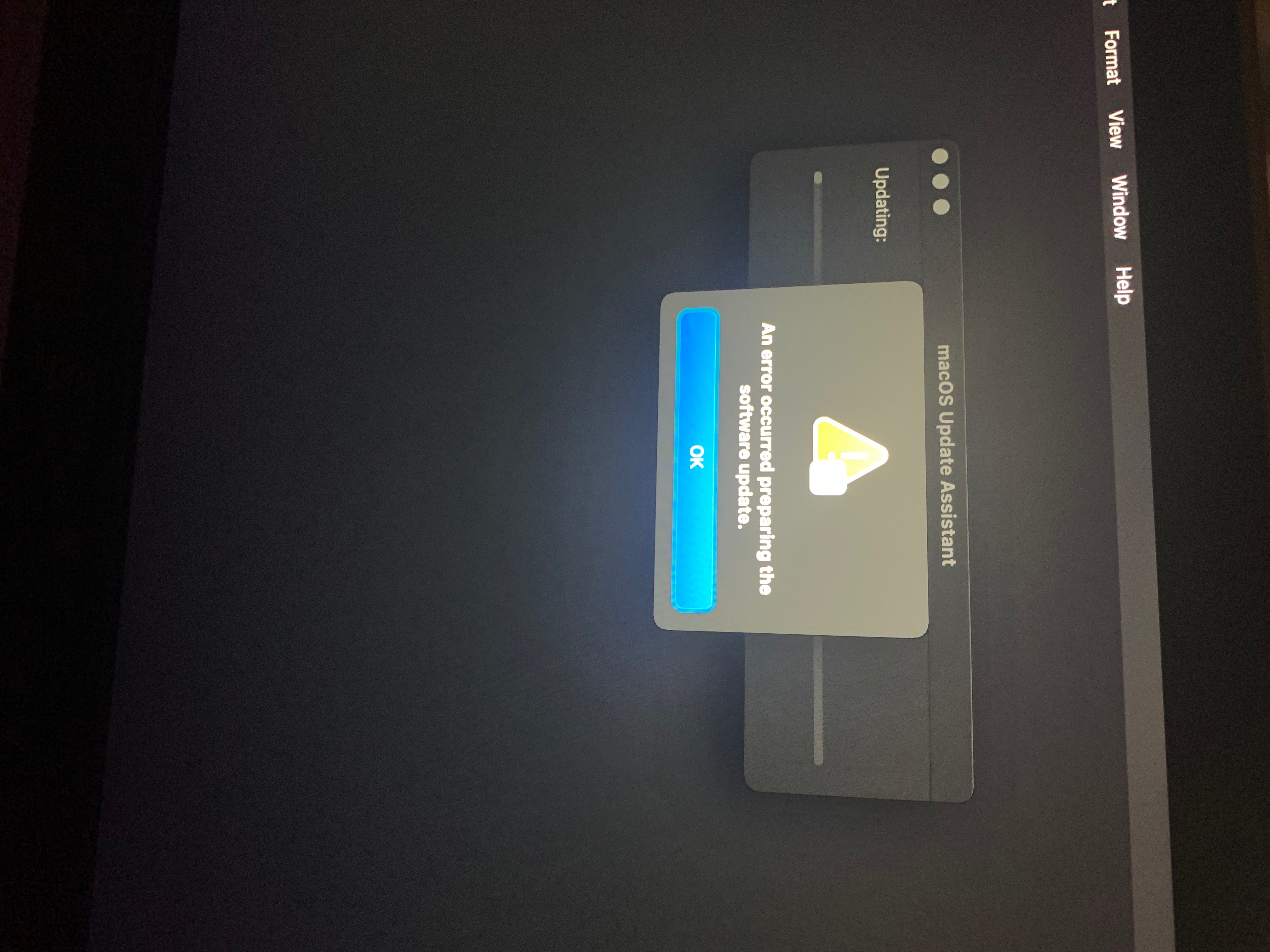
I was having this same problem and I want to share what helped me because I haven’t seen this fix proposed anywhere else. None of the options like turning on/off, using internet Recovery, or MacOS Recovery were working. I turned it on and off again several times and it kept getting stuck on less than a minute remaining. When I finally decided to let it set on that screen and leave it overnight, when I came back in the morning it had an error saying “an error occurred preparing the software update.” Using First Aid from Disk Utility on Recovery also did not fix it.
When I tried to use the option “Reinstall Big Sur” from Recovery it would tell me there was not enough room on the disc to do it. So I was effectively stuck on the install screen.
I called Apple and they were helpful. I was working with them on the phone on a different WiFi than I usually use as I was not at home when I tried calling them. Just to give an idea of what we tried, when I would use Recovery (turn off, turn on, hold command +R or hold command + R + P) and go to “reinstall Big Sur” from there it wouldn’t connect to WiFi and gave me an error that “Keychain ‘System’ cannot be found to store [my wifi username].” We hit cancel to get out of that (don’t choose “reset to defaults” if you get this error or else your keychain passwords on the computer will be deleted; if you save them in iCloud it may not matter if you do).
What ended up working was turning the machine off, then holding Option while it was off, and it came on with a screen to select my Macintosh disc and connect to WiFi. It let me connect to WiFi there. This took me to my desktop login screen and I was able to log in and get back to my regular desktop! Thank goodness.
From there we investigated and turns out I did not have enough space left on my disc to do the Big Sur install— the agent told me it takes 35 gigabytes, and I only had about 33 gig available (checked by going to Apple in top left corner > about this Mac > storage). Luckily I had an old iPhone backup I could delete to free up a lot of space.
The Apple agent told me not to turn my laptop off/restart it, or it would probably put be back onto the install screen. If I have to in the meantime, she said to follow the steps I described as working above to get back to the desktop.
She put notes on my case and I am supposed to call them back once I’m back on my regular home WiFi and we can restart and they will guide me through the reinstall through Recovery. I will update once we’ve attempted that. But for now, luckily my computer is actually working and not stuck on the install screen! I hope this helps someone else who is still having issues where the other proposed solutions aren’t working.