Hey manowits,
Thank you for using Apple Support Communities!
We see from your post that you're having trouble with your Face ID locking unlocking notes. We'd like to help out.
See if this helps:
How to lock notes on your iPhone, iPad, and iPod touch - Apple Support
- Tap the locked note.
- Tap View Note.
- Use Face ID or Touch ID, or enter your password.
Your locked notes stay open for several minutes, making it easy for you to jump to another note, copy and paste information from other apps, and more. If you close the Notes app or your device goes to sleep, the note locks again.

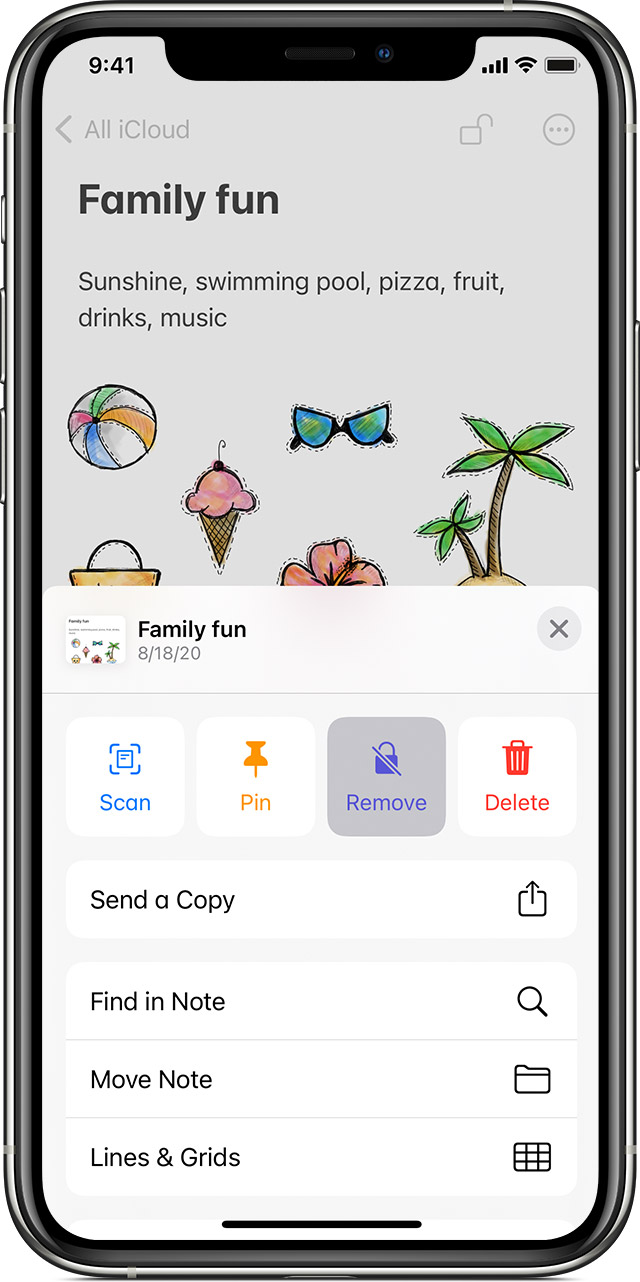
- Tap the locked note, then tap View Note.
- Enter your password, use Face ID, or use Touch ID.
- Tap the More button
 .
. - Choose Remove.
When you remove a lock from a note, it's removed on all of the devices that you're signed in to with the same Apple ID."
If you need more help, please Contact Apple Support.
Cheers!

