
How to make both iPhone and Apple Watch vibrate when I get a text message?
What setting do I need to change to make my phone alert me to a text message and not just my watch vibrate?
[Re-Titled by Moderator]
iPhone XR
What setting do I need to change to make my phone alert me to a text message and not just my watch vibrate?
[Re-Titled by Moderator]
iPhone XR
Notifications go to either your Apple Watch or iPhone, but not both. Learn when a notification might appear on your iPhone, instead of your Apple Watch, below.
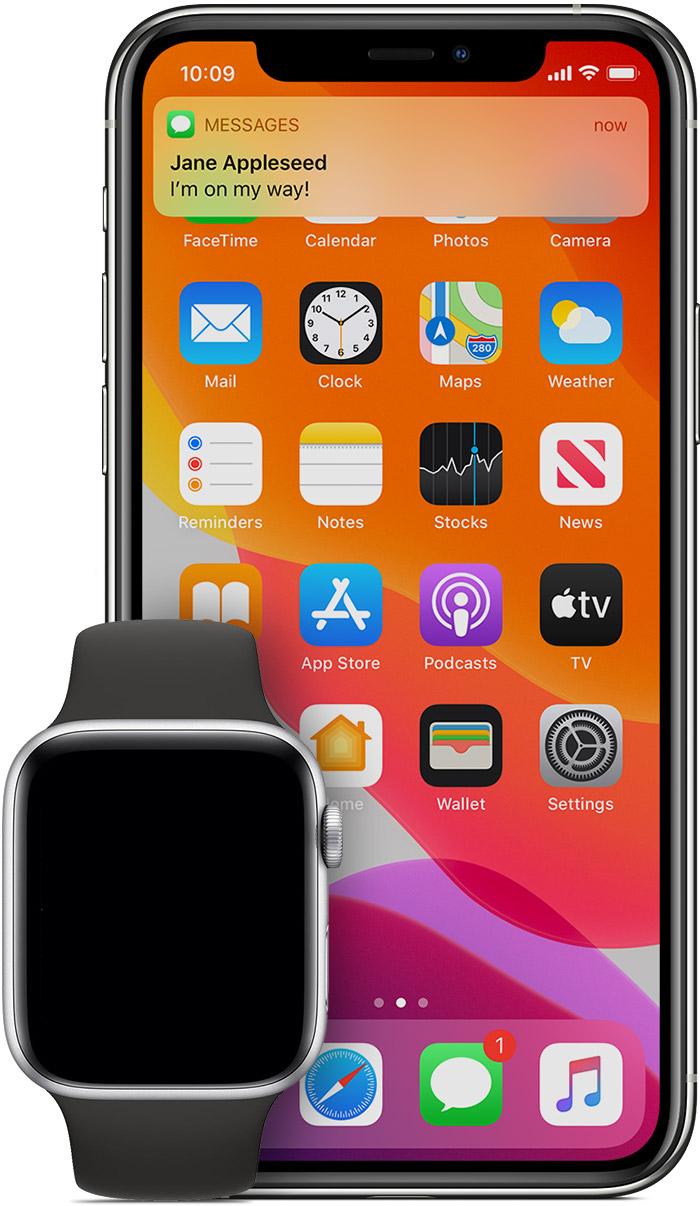
If your iPhone is unlocked, you'll get notifications on your iPhone, instead of your Apple Watch.
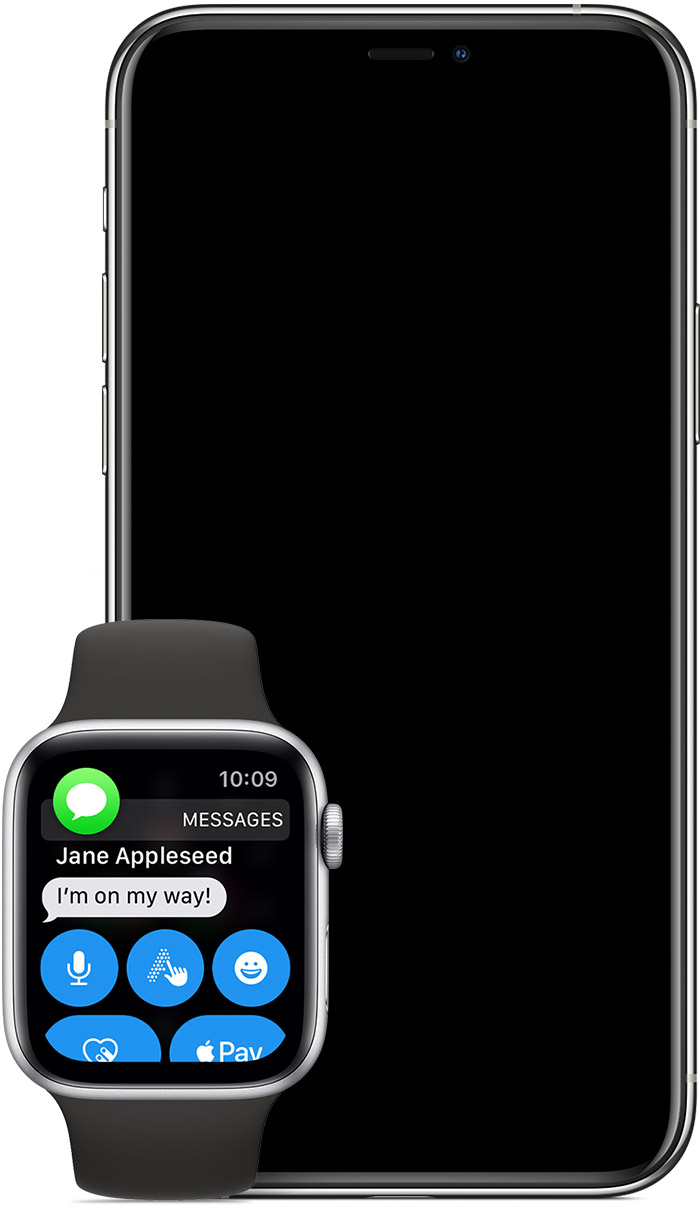
If your iPhone is locked or asleep, you'll get notifications on your Apple Watch, unless your Apple Watch is locked with your passcode.
Some apps, such as the Noise app, are only on your Apple Watch. Notifications for these apps don't appear on your iPhone.
The red notification icon  appears on your watch face when you get a notification. When you dismiss notifications on your Apple Watch, they’re also dismissed from your iPhone.
You can set up where you an either have your iPhone alert you (AUDIO) or your watch alert you (AUDIO or VIBRATE or BOTH). At present, you cannot have both devices alert you with AUDIO or VIBRATE or BOTH.
One other option, which you may not like, is to turn OFF notifications for Messages on your Apple Watch and then all notifications will default and remain on your iPhone.
Furthermore, if you want to suggest this feature to Apple then please leave feedback here ➔ Product Feedback - Apple
Axel F.
How to make both iPhone and Apple Watch vibrate when I get a text message?

